If you’ve ever felt frustrated by SEO plugins that take minutes to load your admin dashboard, add dozens of options you’ll never use, or demand a premium subscription just to access basic features — you’re not alone. Many WordPress website owners are discovering that a lightweight, beginner-friendly SEO plugin can deliver everything they actually need, without any of the unnecessary complexity.
In this post, we’ll explain what makes a lightweight SEO plugin the best choice for most WordPress users in 2026, and walk you through the key features that genuinely move the needle for search engine rankings.
The Problem with Popular Heavyweight SEO Plugins
The most popular SEO plugins have evolved from simple meta tag managers into sprawling multi-feature platforms. While this may serve the needs of enterprise users and professional SEO agencies, it creates real problems for the majority of WordPress users — bloggers, small business owners, and freelancers — who just need clean, fast, reliable SEO basics.
Heavyweight plugins often slow down your WordPress admin dashboard, add unnecessary scripts to your frontend pages, generate dozens of extra database queries per page load, and gate essential features behind expensive premium upgrades. For most sites, this extra weight delivers no additional SEO value — it just creates more complexity to manage and more code that can go wrong.
What “Lightweight” Actually Means
In the context of WordPress plugins, “lightweight” refers to a plugin that has a minimal footprint in terms of file size (typically under 1MB), number of database queries added per page request, amount of JavaScript and CSS loaded on the frontend, and complexity of its settings interface. A truly lightweight SEO plugin achieves all of this while still covering every core SEO function your site needs.
Core Features Every SEO Plugin Should Have
Regardless of size, a good SEO plugin for WordPress must include these fundamentals:
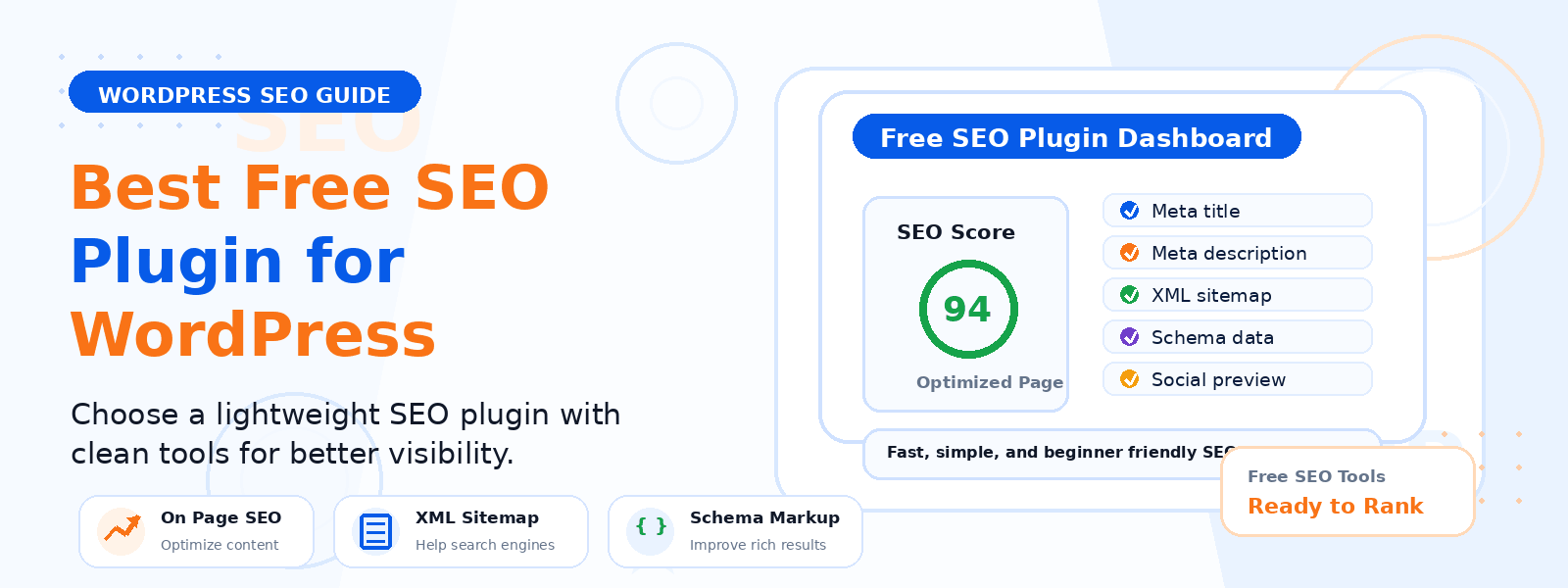
- Meta title and meta description editing — per post, page, category, tag, and custom post type
- Focus keyword analysis — on-page SEO scoring with actionable suggestions
- XML sitemap generation — automatically updated when you publish or update content
- Open Graph tags — for Facebook, LinkedIn, and other social media platforms
- Twitter Card support — for optimized Twitter link previews
- Canonical URL management — to prevent duplicate content issues
- Robots meta tag control — index, noindex, follow, nofollow per page
- Breadcrumb support — for improved navigation and rich snippets
Why Beginners Specifically Benefit from a Lightweight SEO Plugin
For WordPress beginners, the learning curve associated with complex SEO plugins can be genuinely overwhelming. When a plugin presents you with 50+ settings pages on first activation, it’s easy to either make the wrong configuration choices or abandon the setup entirely. A lightweight SEO plugin with a streamlined settings interface and sensible defaults gets you up and running quickly, with clear explanations of what each setting does and why it matters.
Beginners don’t need rank tracking dashboards, social media schedulers, or AI content writers built into their SEO plugin. What they need is a clean, reliable tool that handles the technical SEO foundations automatically, so they can focus on creating great content.
Performance Benefits for Your Website
Choosing a lightweight SEO plugin delivers measurable performance benefits. Pages load faster because fewer scripts are executed per request. Your Google PageSpeed Insights and Core Web Vitals scores improve because there’s less plugin-generated code competing for browser rendering resources. Database performance improves because fewer queries are executed per page view. These performance gains translate directly into better SEO rankings, lower bounce rates, and a better experience for every visitor to your site.
Getting Started with a Lightweight SEO Plugin
Setting up a lightweight SEO plugin is typically a straightforward process that takes just a few minutes. After installing and activating the plugin from the WordPress plugin directory, you’ll configure your homepage SEO title and description, connect your site to Google Search Console for indexing, and enable the XML sitemap. From there, the plugin’s meta box on every post and page editor makes it easy to optimize each piece of content as you create it.
Conclusion
In 2026, the best free SEO plugin for WordPress beginners is one that’s fast, focused, and easy to understand — not one that tries to do everything. A lightweight SEO plugin gives you the complete set of on-page SEO tools you need, without the performance overhead, complexity, or cost of enterprise alternatives. Start with a plugin that respects your site’s performance, and you’ll be building on a solid SEO foundation from day one.