
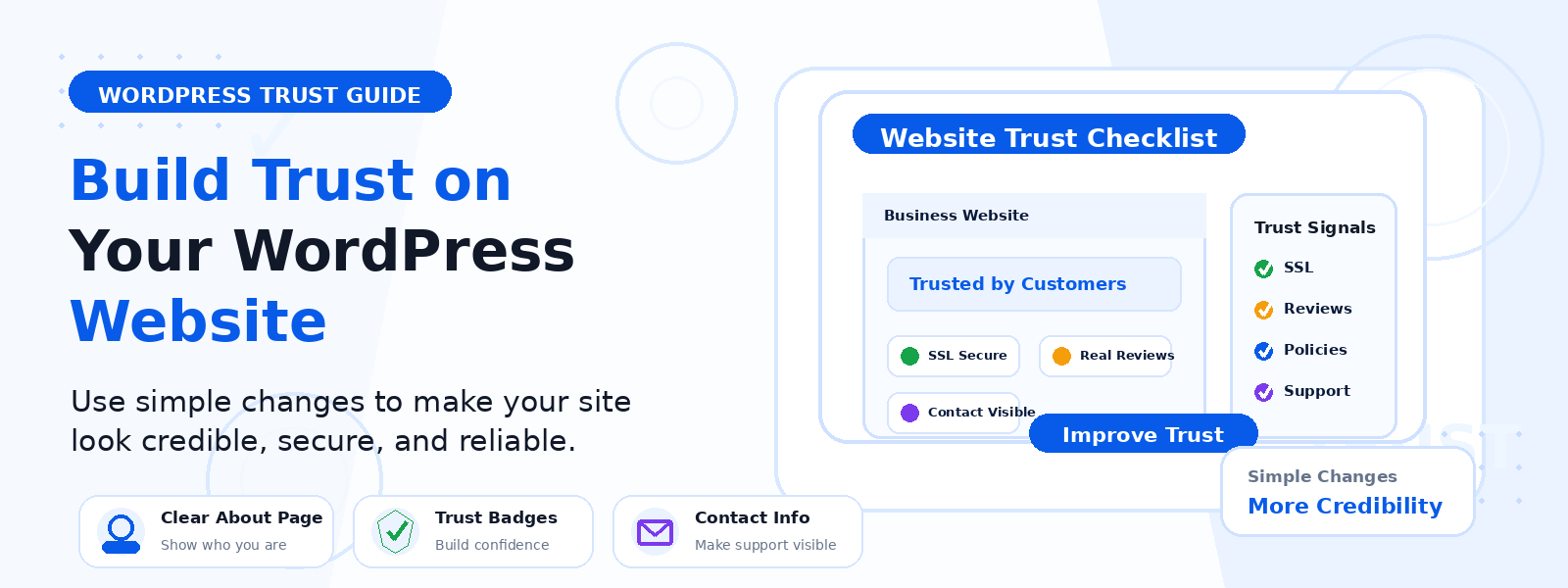
Trust is the foundation of any successful website relationship. Whether you run an eCommerce store, a service business, a blog, or a professional portfolio, visitors make split-second subconscious judgments about whether your site is credible and safe within the first few seconds of landing on any page. A WordPress site that does not actively signal trustworthiness loses visitors and potential customers before they have had a chance to engage with what you offer.
The good news is that many of the most effective trust-building improvements are straightforward to implement and do not require significant technical knowledge or budget. This guide walks through practical, actionable adjustments you can make today.
Why Trust Is a Conversion Factor
Trust directly affects every conversion metric on your website. An eCommerce store where visitors do not trust the checkout process will see high cart abandonment. A service business that does not communicate professionalism and credibility will lose potential clients to competitors whose sites feel more authoritative. Trust is not just a nice-to-have feature — it is a prerequisite for conversion at every stage of your visitor relationship.
1. Implement and Display SSL Security
An SSL certificate, displayed as the padlock icon and https in browser address bars, is the baseline trust signal for any website. Browsers actively warn visitors when they visit non-HTTPS sites, labeling them Not Secure — a warning that drives significant bounce rates. Most web hosts provide free SSL certificates. Activate SSL in your hosting control panel and ensure your WordPress site URL is set to https in Settings then General. Visitors who see https know their connection is encrypted and secure.
2. Add Real Customer Testimonials
Social proof from real customers is one of the most powerful trust signals available. Testimonials with real names, photos, job titles, and specific outcomes carry far more credibility than anonymous quotes. If you have satisfied customers, reach out and ask for specific testimonials about the value they received. Display them prominently on your homepage, About page, and product or service pages — not buried in a dedicated section that few visitors navigate to directly.
3. Show Your Team and About Page
Anonymous websites feel unaccountable and therefore untrustworthy. A genuine, well-crafted About page with real names, photos, and background information about the people behind the business significantly increases credibility. Include your team’s professional credentials, relevant experience, and genuine personality. A humanized brand is a trusted brand, particularly for service businesses and B2B companies where personal trust matters most.
4. Display Contact Information Prominently
Visitors need to know they can reach a real person if something goes wrong. Display your email address, phone number, and physical address if applicable prominently in your header, footer, and Contact page. A business that hides its contact information signals that it does not want to be accountable, which immediately undermines trust. Even for online-only businesses, a professional email address and a responsive communication policy build significant credibility.
5. Add Trust Badges and Security Seals
For eCommerce sites, trust badges from payment processors, security providers, and consumer protection organizations provide immediate reassurance at the point of purchase. Place these badges near your Add to Cart button, in your checkout, and in your footer. While not all visitors consciously notice trust badges, research shows they significantly reduce purchase anxiety among first-time buyers.
6. Maintain a Professional, Error-Free Design
Design quality is a powerful and immediate trust signal. A visually professional, well-organized website communicates that the business behind it is organized and serious. Conversely, spelling errors, broken images, and outdated design immediately undermine credibility. Conduct a regular visual audit of your key pages, checking for typographical errors, broken links, outdated images, and layout inconsistencies.
7. Show Recent Activity and Fresh Content
A blog with posts from two years ago signals neglect. A website that shows recent activity signals an active, engaged business worth trusting. If you have a blog, publish new content regularly. Keep your copyright year in the footer current. Update case studies and testimonials with recent examples. Freshness is a subtle but meaningful trust signal that many visitors subconsciously notice.
8. Provide Clear Policies and Guarantees
Transparency about how you do business reduces purchase anxiety and builds trust. Clear, easy-to-find policies around returns, refunds, shipping, privacy, and data handling tell visitors exactly what they are committing to. For eCommerce stores, a prominent money-back guarantee reduces perceived purchase risk and can significantly improve conversion rates among hesitant first-time buyers.
Conclusion
Trust is earned through consistency, transparency, and attention to the signals visitors use to evaluate your credibility. By implementing SSL, adding real social proof, showing your team, displaying contact information, maintaining professional design, and communicating clear policies, you build a WordPress website that visitors feel confident engaging with — one where the decision to buy, subscribe, or reach out feels natural rather than hesitant.