
What Is an OCR Scanner?
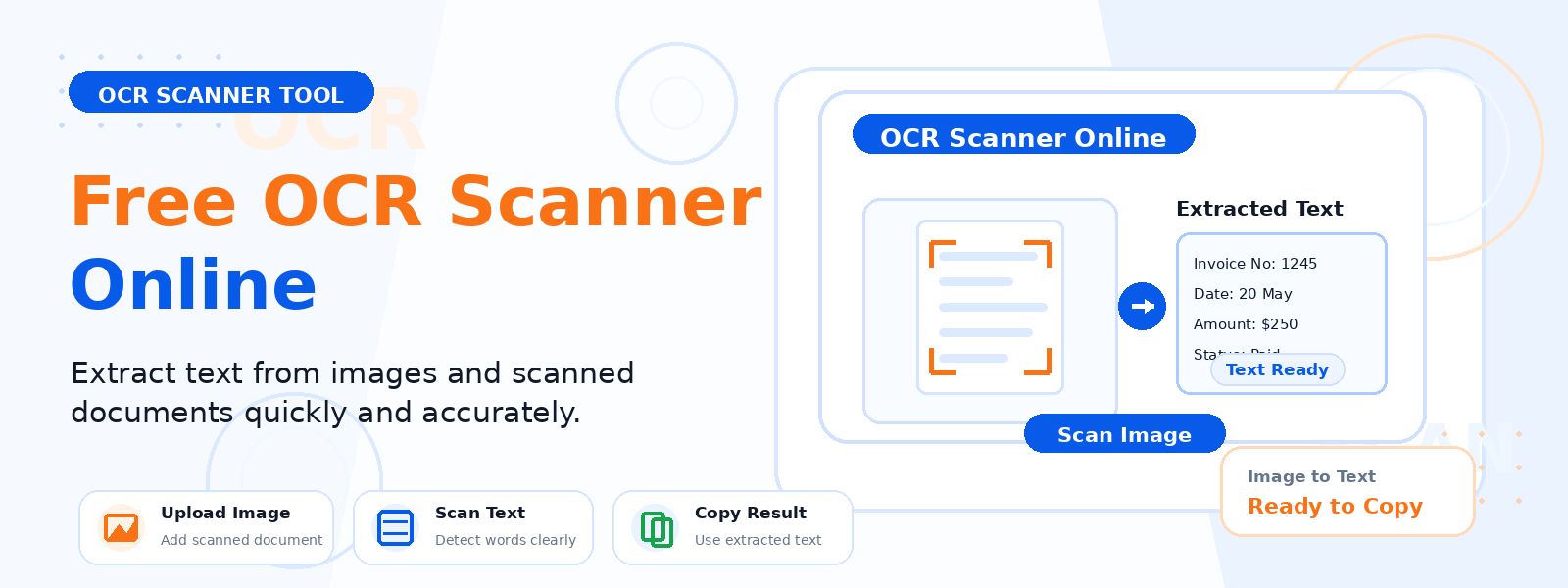
An OCR scanner (Optical Character Recognition scanner) is a free online tool that analyzes uploaded images and uses advanced character recognition to detect and extract the text found within them. Codersly’s OCR Scanner lets you digitize printed text from any image — whether it’s a scanned document, screenshot, business card, or whiteboard photo.
How Does OCR Technology Work?
OCR technology works by analyzing the visual pattern of characters in an image and matching them against known character shapes. The algorithm processes the image pixel by pixel, identifies text regions, segments individual characters, and matches them against a trained recognition model to produce digital text output.
Common Use Cases for the OCR Scanner
- Digitizing paper documents — convert scanned contracts, letters, or forms into editable digital text.
- Extracting text from screenshots — quickly capture text from app interfaces or web pages.
- Reading text from photos — extract information from photographs of menus, signs, or books.
- Processing business cards — extract contact details from photographed business cards.
How to Use the Codersly OCR Scanner
- Open the tool: Go to the Codersly OCR Scanner.
- Upload your image: Select a JPG, PNG, or WebP file containing text.
- Scan: The OCR engine recognizes all visible text in the image.
- Copy the result: The extracted plain text is displayed, ready to copy.
Tips for Best OCR Accuracy
- Use high-resolution images — 300 DPI or higher is ideal for scanned documents.
- Ensure good contrast between text and background.
- Keep text horizontal in the image when possible.
- Printed fonts are recognized more reliably than handwriting.
Frequently Asked Questions (FAQ)
Is the OCR Scanner free?
Yes. Completely free with no sign-up required.
How accurate is the OCR?
For clear images with printed text, accuracy is typically 95-99%. Handwritten text or low-resolution images may have lower accuracy.
What is the difference between OCR Scanner and Image to Word?
The OCR Scanner outputs plain text on screen. The Image to Word converter packages OCR output into a downloadable Word DOCX file.
Related Tools
Also explore: Image to Word, PDF to Text, and Image to Excel.
Scan Your Image for Text Now
Extract text from any image instantly with the free OCR Scanner on Codersly. No account needed.
