
What Is a PDF to Text Converter?
A PDF to text converter is a free online tool that extracts all readable text content from a PDF file and outputs it as plain text. Codersly’s PDF to Text tool handles both regular PDFs (with embedded text) and scanned PDFs (image-based), using OCR as a fallback to recognize text from scanned pages. The result is clean, copyable plain text that you can use directly without any document formatting.
When Should You Use PDF to Text?
The PDF to text converter is especially useful when:
- You need just the raw text content — without formatting, tables, or layout from the PDF.
- Copying from a PDF is blocked or unreliable — some PDFs restrict copy-paste functionality.
- Processing PDF content programmatically — plain text is easier to process with scripts or paste into other applications.
- Extracting text from scanned PDFs — the tool’s OCR fallback handles image-based PDFs automatically.
- Quick content extraction — when you need the text quickly without converting to Word or Excel.
How to Extract Text from a PDF with Codersly
Using the PDF to Text tool on Codersly is simple:
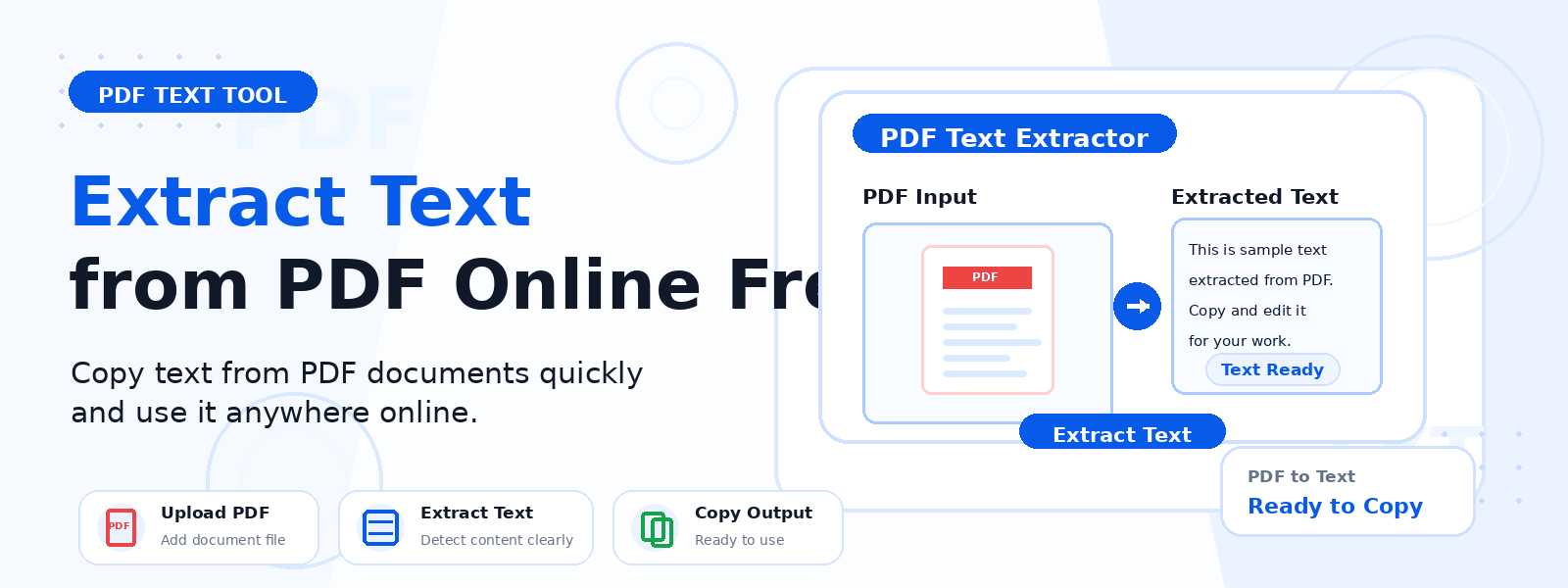
- Open the tool: Go to the Codersly PDF to Text converter.
- Upload your PDF: Select the PDF file from your device.
- Extract: The tool reads the PDF and extracts all text content automatically, using OCR for scanned files.
- Use the text: Copy the extracted text or download it for further use.
Does It Handle Scanned PDFs?
Yes. Codersly’s PDF to Text tool intelligently detects whether a PDF contains embedded text or image-based (scanned) content. For scanned PDFs, it automatically applies OCR (Optical Character Recognition) to extract the text from the page images. This makes it useful for processing old documents, faxed documents, and PDFs created from physical scans.
Frequently Asked Questions (FAQ)
Is the PDF to Text converter free?
Yes. Completely free with no sign-up required.
What is the difference between PDF to Text and PDF to Word?
PDF to Text produces raw plain text without any formatting or document structure. PDF to Word produces a formatted DOCX document with paragraphs and layout preserved, suitable for editing in a word processor.
Can I extract text from a PDF form?
Yes. The tool extracts all visible text content from PDF forms, including field labels and entered text where it is embedded in the PDF structure.
What if my PDF is password-protected?
Password-protected PDFs cannot be processed without first being unlocked.
Related PDF Tools on Codersly
Also try: PDF to Word, PDF to Images, PDF to Excel, and OCR Scanner.
Extract Text from Your PDF Now
Get clean, usable plain text from any PDF file with the free PDF to Text tool on Codersly. Upload your PDF and copy or download the extracted text in seconds.