
Start with What Your Website Actually Needs
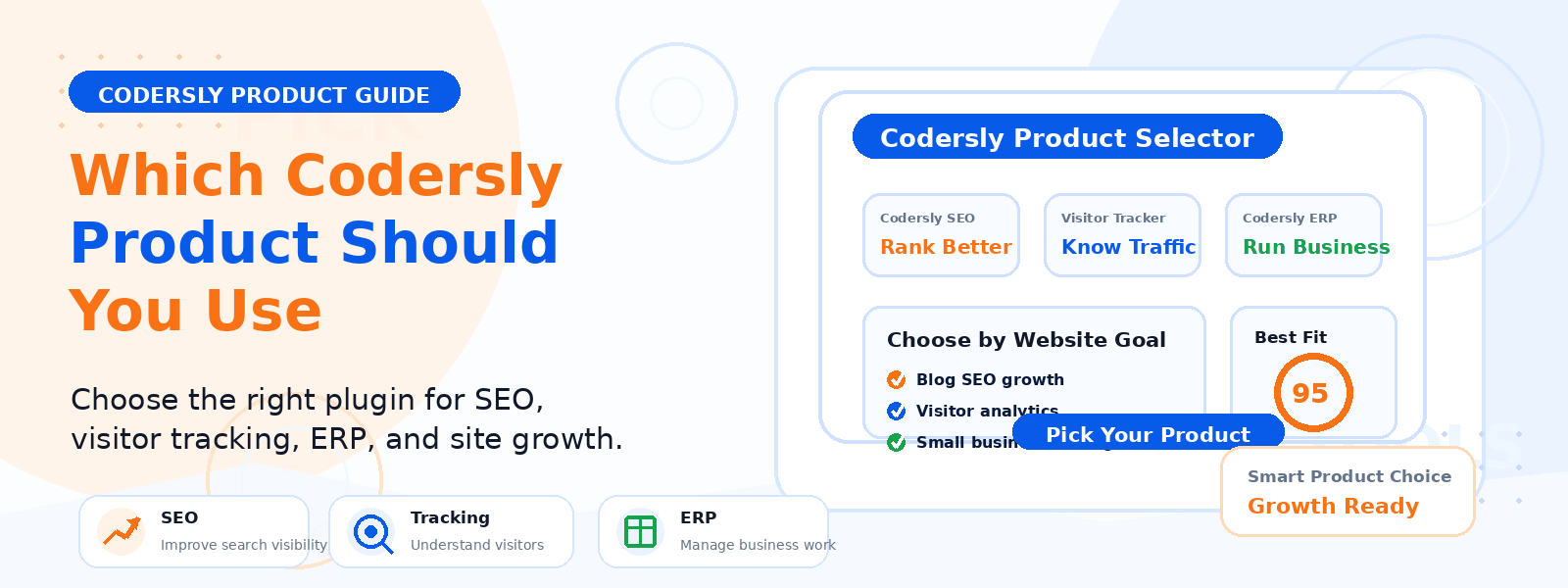
Choosing the right WordPress product becomes much easier when you know exactly what your website needs. Some websites need a complete store design, some need better SEO, some need email list building, and others need custom code control or visitor tracking. Codersly offers focused themes and plugins built for practical website tasks, so you can pick the tool that matches your goal instead of adding features you will never use.
If you are wondering which Codersly product should you use for your website, this guide will help you make a simple and confident choice.
1. Use Codersly Shop Theme for a Modern WooCommerce Store
If your main goal is to build an online store, Codersly Shop Theme is a strong starting point. It is designed for WooCommerce websites that need a clean storefront, responsive layout, and a modern shopping experience.
This is a practical option for fashion stores, electronics shops, beauty websites, book stores, and other online businesses that want a professional store design without a complicated setup.
Best for
- New WooCommerce store owners
- Businesses that need a clean product display
- Users who want a responsive shop layout
2. Use Codersly Shop Addon for More WooCommerce Flexibility
If you are already using the Codersly Shop Theme and want extra store enhancements, Codersly Shop Addon is the better choice. It is useful for users who want more design control, added store functionality, and a more polished WooCommerce workflow.
Instead of relying on many separate plugins, this option helps you extend your store in a more focused way.
Best for
- Store owners who want more WooCommerce options
- Users looking for a smoother shop workflow
- Websites that need extra store customization
3. Use Codersly SEO for Simpler Search Optimization
If your website needs better search optimization, Codersly SEO is a practical option. It works well for bloggers, business websites, and WooCommerce stores that want help managing titles, meta descriptions, and search visibility without making WordPress feel overloaded.
This is a useful choice if you want to stay organized and improve on-page SEO in a simple way.
Best for
- Bloggers who want better search visibility
- Business sites that need SEO structure
- Store owners who want a simpler SEO workflow
4. Use Codersly Newsletter to Start Building an Email List
If you want to collect subscriber emails and grow your audience, Codersly Newsletter is the right fit. It helps WordPress websites add a newsletter subscribe bar and begin building an email list in a simple way.
This can be helpful for blogs, landing pages, business websites, and marketing-focused sites that want a direct way to stay connected with visitors.
Best for
- Websites starting email list growth
- Blogs and content sites
- Business pages with lead generation goals
5. Use Codersly Newsletter PRO for Better Subscriber Management
If the free newsletter plugin already works for you but you need more control, Codersly Newsletter PRO is a better upgrade path. It is suitable for users who want advanced subscriber tools, export options, better list management, and more premium control inside WordPress.
This makes sense when your email list grows and your workflow needs a more organized system.
Best for
- Growing newsletters
- Users who need better subscriber management
- Site owners ready for more advanced features
6. Use Codersly Snippets for Safe PHP Code Management
If your website needs custom PHP functions without editing functions.php, Codersly Snippets is the right choice. It helps developers and website owners add, manage, and organize PHP code snippets directly from the WordPress dashboard.
This is especially useful if you want cleaner code handling and less risk when updating your theme.
Best for
- Developers and freelancers
- Site owners who need custom PHP changes
- Users who want safer snippet management
7. Use Codersly Snippets PRO for HTML, CSS, and JS Control
If PHP snippets alone are not enough and you want broader code control, Codersly Snippets PRO is the better option. It is ideal for users who want to manage HTML, CSS, and JavaScript snippets in addition to PHP while keeping changes organized inside WordPress.
For projects that need more front-end flexibility, this can be the more complete workflow solution.
Best for
- Advanced site customization
- Users who work with multiple code types
- Developers managing client websites
8. Use Codersly Visitors Tracker for Simple Visitor Insights
If you want to understand how people use your website without relying on overly complicated analytics, Codersly Visitors Tracker is a useful tool. It is a good fit for site owners who want practical visitor awareness and a simpler way to review website activity.
This is helpful when you want clearer insight without adding a heavy analytics setup.
Best for
- Website owners who want simple tracking
- Business sites checking traffic patterns
- Users who prefer lightweight insight tools
9. Use the PRO Versions When Your Workflow Grows
In general, the free products are strong starting points, while the PRO versions make more sense when your website needs more advanced features, better management tools, and a more professional workflow. Upgrading becomes useful when the basic setup is no longer enough for your daily work.
This is a practical approach for anyone building a site step by step. Start with the product that solves today’s problem, then move to PRO only when your workflow needs more control.
Quick Product Selection Guide
- Need a store design? Choose Codersly Shop Theme
- Need more WooCommerce features? Choose Codersly Shop Addon
- Need better SEO control? Choose Codersly SEO
- Need email list building? Choose Codersly Newsletter
- Need advanced subscriber tools? Choose Codersly Newsletter PRO
- Need PHP snippet management? Choose Codersly Snippets
- Need HTML, CSS, and JS snippets too? Choose Codersly Snippets PRO
- Need visitor tracking? Choose Codersly Visitors Tracker
Who Is This Product Ecosystem Best For?
Codersly products are useful for bloggers, WooCommerce store owners, freelancers, developers, agencies, and business websites that want focused tools instead of a cluttered setup. The ecosystem works best for users who prefer lightweight solutions, cleaner workflows, and practical features that solve real website needs.
If that sounds like your workflow, Codersly can help you keep your website stack simpler and more organized.
Choose Based on Your Goal, Not Just Features
The smartest way to choose a Codersly product is to start with your website goal. Ask yourself whether you need store design, better SEO, subscriber growth, custom code control, or visitor insights.
Once your main goal is clear, the right Codersly product becomes much easier to identify and use with confidence.
Conclusion
The right Codersly product depends on what your website needs most right now. Whether you are building a WooCommerce store, improving SEO, collecting subscribers, managing code snippets, or tracking visitors, Codersly gives you focused tools for each job.
Choose the product that matches your current goal, and upgrade only when your workflow needs more.
To explore more or get help choosing the right tool, visit the Codersly homepage or reach out through the contact page.