
Understanding your website traffic is one of the most important parts of growing a WordPress site. If you do not know where your visitors come from, what devices they use, or how they interact with your content, it becomes much harder to improve your website in a meaningful way.
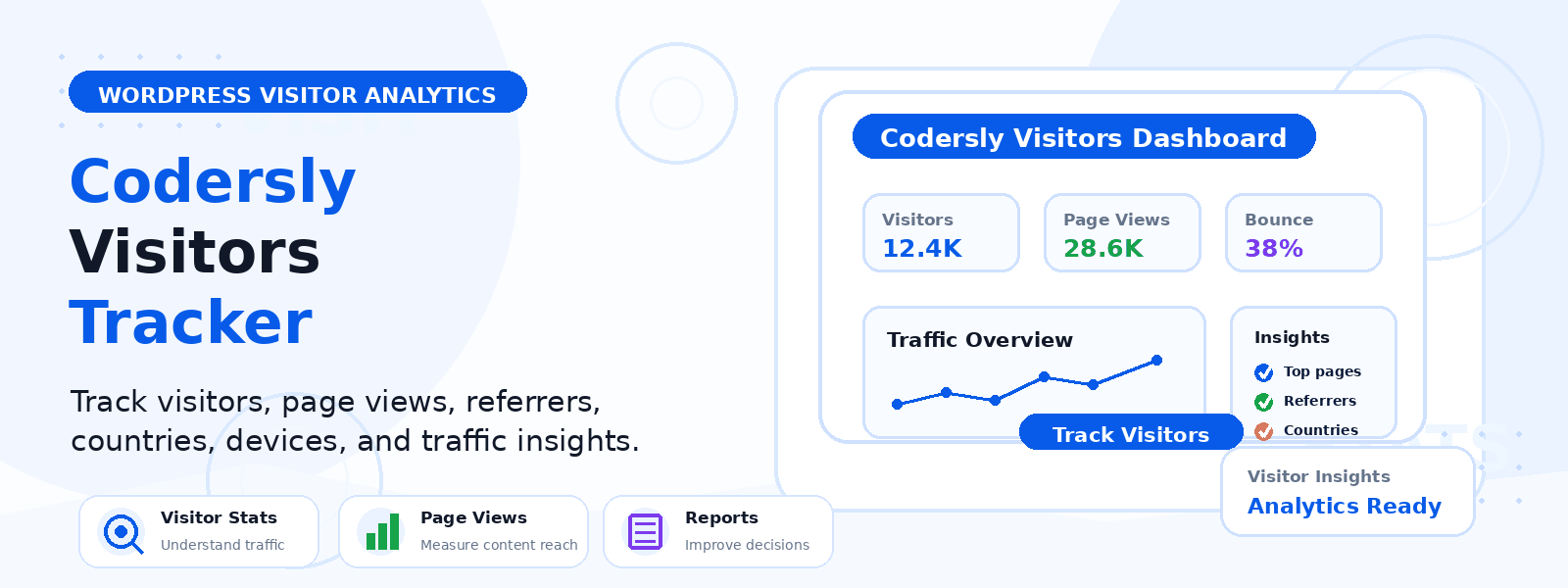
That is where Codersly Visitors Tracker can help. Designed for WordPress users who want a clearer and more practical way to review visitor activity, it gives you useful traffic insights directly inside your dashboard. Instead of relying on a complicated setup, you can focus on the data that matters most for your site.
Whether you run a blog, a business website, or a WooCommerce store, better traffic understanding can lead to better decisions.
Why Website Traffic Insights Matter
Website traffic is more than a number on a report. It tells you how people are finding your website, which pages they are viewing, and what devices they use to browse your content.
These details can help you make smarter decisions about:
- Content updates and blog strategy
- Product page design and promotion
- Mobile and desktop user experience
- Marketing campaigns and referral sources
- Overall website performance over time
For WordPress site owners, having access to simple and relevant traffic data can make day-to-day improvements easier to manage.
What Codersly Visitors Tracker Helps You See
Codersly Visitors Tracker is built to help you review visitor activity in a more focused way. It brings useful traffic information into your WordPress workflow so you can spend less time searching through complicated reports and more time improving your site.
1. Visitor Activity in One Place
Instead of guessing how people are using your site, you can review visitor information in a more organized way. This makes it easier to understand which pages are attracting attention and how visitors are moving through your website.
2. Device Usage Information
Knowing whether your audience uses mobile, tablet, or desktop devices is very helpful. If most of your visitors are on mobile, you may want to focus on faster loading pages, simpler navigation, and mobile-friendly layouts.
If desktop traffic is stronger, you may have more room to present detailed product information, comparison tables, or longer-form content.
3. Traffic Data Inside WordPress
Many site owners prefer to keep essential tools inside the WordPress dashboard. Codersly Visitors Tracker supports that workflow by making visitor insights easier to access where you already manage your content, plugins, and site settings.
4. A More Practical View of Audience Trends
Traffic tracking is most useful when it helps you take action. By reviewing visitor activity regularly, you can spot patterns that matter to your business or content strategy. For example, you may notice certain posts performing better, traffic rising after updates, or product pages getting more attention during specific periods.
How This Helps Different Types of WordPress Sites
Codersly serves users looking for free and premium WordPress themes and plugins, so it makes sense that many visitors are working on real websites that need practical tools. Visitors Tracker can be helpful in several common use cases.
For Bloggers
Bloggers can use visitor insights to see which topics attract the most attention, which posts may need refreshing, and how readers are finding the site. This can help shape future content decisions and improve the overall editorial plan.
For Business Websites
Business sites often need a simple way to understand audience interest without adding unnecessary complexity. Traffic insights can help identify which service pages or landing pages are performing well and where visitors may be dropping off.
For WooCommerce Store Owners
Online stores benefit from understanding browsing behavior. If you know which products or categories are drawing traffic, you can improve product placement, highlight bestsellers, or adjust your store layout to guide shoppers more effectively.
For Freelancers and Agencies
Freelancers managing multiple websites may want a straightforward way to review visitor activity across different projects. A focused tracking tool can make it easier to monitor sites without spending too much time on setup or reporting.
Why Simpler Traffic Tracking Can Be Better
Not every website needs a complex analytics stack. In fact, many WordPress users prefer a more direct view of traffic data that is easy to understand and quick to access.
A simpler tracker can be a strong choice if you want to:
- Review visitor information without a steep learning curve
- Keep essential data close to your WordPress dashboard
- Focus on practical insights rather than overwhelming reports
- Make faster decisions about content, products, and layout
That is especially useful for small businesses, solo creators, and site owners who need clear answers rather than advanced analytics they may never use.
How Better Traffic Understanding Supports Growth
When you understand your traffic better, you can improve your website with more confidence. Instead of making random changes, you can base your updates on real visitor patterns.
For example, traffic insights can help you:
- Improve page structure based on visitor interest
- Adjust your content strategy around top-performing topics
- Refine product pages to better match user behavior
- Make mobile design improvements where needed
- Track whether updates are helping your site grow
Over time, these small improvements can create a better experience for your audience and a stronger foundation for your website.
Who Can Benefit from Codersly Visitors Tracker?
This tool is a good fit for WordPress users who want practical visitor insights without unnecessary complexity. It may be especially useful for:
- Bloggers who want to understand their readers better
- Business owners who need simple website traffic insights
- WooCommerce store owners tracking online shopping activity
- Freelancers and agencies managing client websites
- Anyone looking for a cleaner WordPress-based tracking workflow
Get More Value from Your WordPress Traffic Data
Traffic data becomes more useful when it helps you take the next step. With a focused tool like Codersly Visitors Tracker, you can keep an eye on visitor behavior, spot trends sooner, and make more informed website decisions.
If you are building a site with premium themes, plugins, or other WordPress tools from Codersly, having a clearer view of your audience can help you get more value from every update you make.
Conclusion
Codersly Visitors Tracker helps you understand website traffic better by making visitor insights easier to review inside WordPress. From device usage to audience trends, it gives site owners a simpler and more practical way to monitor what is happening on their websites.
If you want to improve your content, store, or marketing strategy with clearer traffic insights, Codersly Visitors Tracker can be a useful part of your WordPress toolkit.
To learn more about Codersly and its WordPress products, visit the homepage or explore the contact page for support and inquiries.