
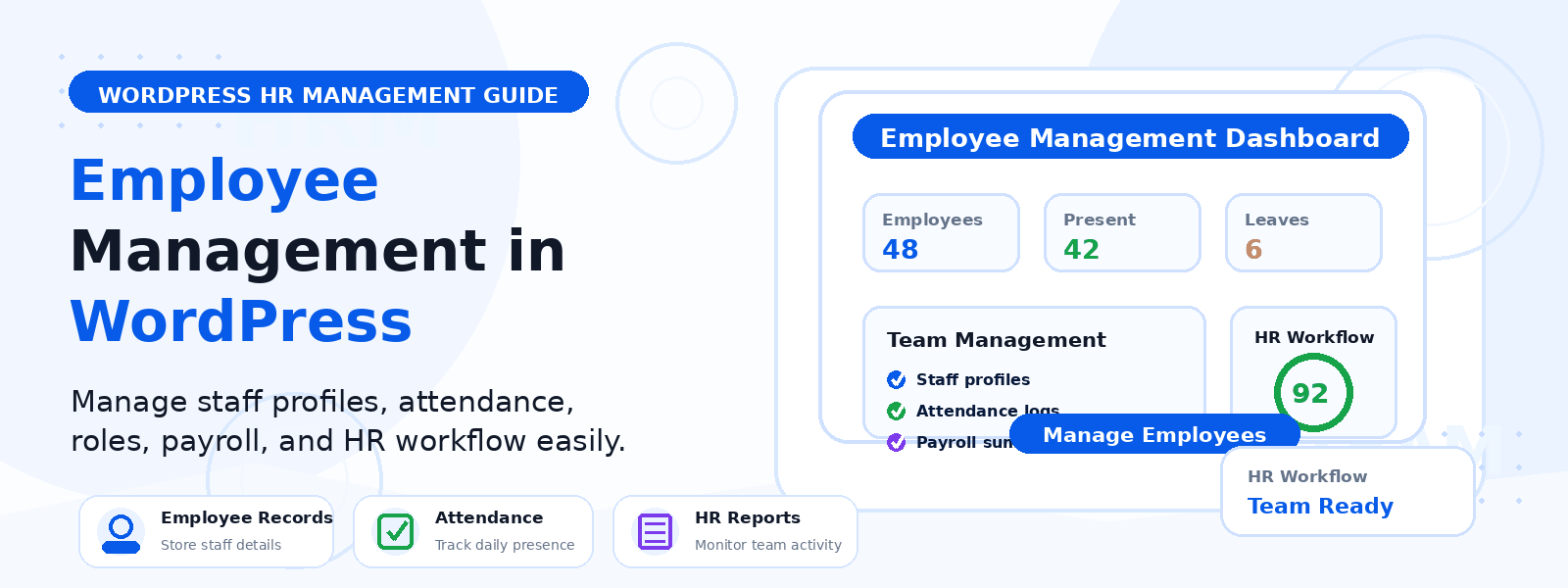
Managing employees effectively is one of the biggest operational challenges for small and growing businesses. Tracking attendance, managing leave requests, maintaining employee records, handling payroll documentation, and managing team communication can quickly become overwhelming when done manually through spreadsheets and email threads. For businesses that run their operations on WordPress, integrating employee management directly into the WordPress dashboard creates a unified, efficient workflow that eliminates the need for separate HR software subscriptions.
In this comprehensive guide, we will walk through how to manage employees in WordPress using the Codersly ERP plugin, covering setup, key features, and best practices for small business HR management.
Why Manage Employees Through WordPress?
For businesses already running their website, client portal, or eCommerce operations on WordPress, adding HR management to the same platform has compelling advantages. All business data lives in one place, accessible through a single login. You own and control your employee data rather than storing it on third-party cloud servers. Integration with WooCommerce, contact forms, and user accounts is native rather than requiring expensive API integrations. And the familiar WordPress interface reduces the learning curve for managers and HR administrators who already know how to use the platform.
Getting Started with Codersly ERP
The Codersly ERP plugin is specifically designed for small businesses that want a comprehensive employee and business management solution within WordPress. After installing and activating the plugin, the setup process walks you through configuring your company profile, defining departments and designations, setting up working hours and leave policies, and creating your first employee accounts.
Step 1: Configure Your Company Settings
Start by entering your company name, logo, address, and contact information in the ERP settings panel. Define your departments (such as Sales, Marketing, Development, Operations, and Finance) and create designation levels within each department (such as Manager, Senior, Junior, and Intern). This organizational structure forms the foundation for all subsequent employee management activities and reporting.
Step 2: Add Employee Profiles
Create a profile for each employee by navigating to the Employees section and using the Add New Employee form. Each profile includes personal information (full name, date of birth, national ID, emergency contacts), employment details (job title, department, designation, employment type, start date), contact information (email, phone, address), and compensation information (salary, payment frequency, bank account details). All information is stored securely within your WordPress database and accessible only to authorized administrators.
Step 3: Set Up Attendance Tracking
Configure your attendance tracking system by defining your organization’s working hours and work days. The attendance module allows administrators to manually record employee attendance, or employees can use a self-service check-in system if you have set up a frontend employee portal. Attendance records are automatically compiled into monthly attendance reports that can be exported for payroll processing. Absence patterns and late arrivals are flagged automatically for management review.
Step 4: Configure Leave Management
Set up your organization’s leave types — annual leave, sick leave, maternity or paternity leave, unpaid leave, and any other categories relevant to your business. Define the annual allowance for each leave type and whether leaves require prior approval. Employees can submit leave requests through the system, which triggers an automated notification to their manager for approval or rejection. The leave management dashboard shows each employee’s remaining leave balance in real time, simplifying the approval decision.
Step 5: Manage Payroll Records
The Codersly ERP Pro version includes payroll management features that allow you to record salary payments, track deductions and bonuses, generate payslips, and maintain a complete payment history for each employee. This creates a reliable audit trail for accounting and tax purposes without requiring a separate payroll software subscription.
Benefits for Small Business Operations
Centralizing employee management in WordPress through Codersly ERP eliminates the administrative overhead of maintaining multiple disconnected HR systems. Managers save time by accessing all employee information, attendance records, and leave requests in one dashboard. Employees benefit from a transparent, self-service system where they can view their own records, submit requests, and track approvals. Business owners gain better visibility into their workforce costs and availability, enabling more informed operational decisions.
Conclusion
Managing employees through WordPress with Codersly ERP transforms what is typically a fragmented, manual process into a streamlined, centralized system that grows with your business. From employee onboarding and attendance tracking to leave management and payroll records, the right WordPress HR plugin handles the administrative complexity of people management — freeing you to focus on building your business rather than managing paperwork.