
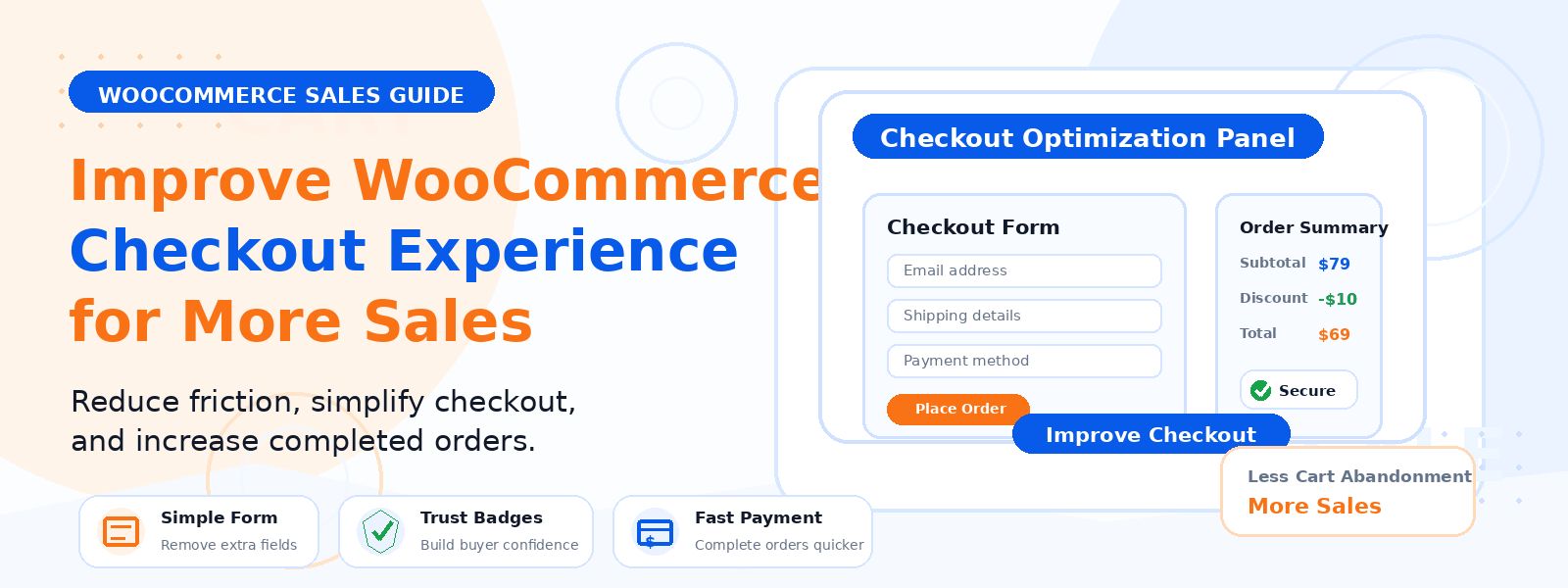
Your WooCommerce checkout is the final hurdle between a customer’s purchase intent and a completed sale. Research consistently shows that between 60–80% of online shopping carts are abandoned before purchase — and a significant portion of that abandonment is caused by a poorly designed, complicated, or friction-filled checkout process. Every element of your checkout flow either helps or hurts your conversion rate, and optimizing it is one of the highest-ROI activities for any eCommerce store owner.
In this guide, we’ll cover the most effective strategies for enhancing your WooCommerce checkout process to reduce abandonment and increase the number of visitors who successfully complete their purchase.
1. Enable Guest Checkout
Requiring account creation before purchase is one of the biggest single drivers of checkout abandonment. Many customers simply don’t want to create an account — they just want to buy something. Enable guest checkout in WooCommerce Settings → Accounts & Privacy and allow customers to complete their purchase without registering. You can offer account creation as an optional step after the purchase is complete, when customers are already committed and have had a positive experience.
2. Reduce the Number of Form Fields
Every additional form field increases friction and reduces completion rates. Critically evaluate every field in your checkout form and ask: do I actually need this information to complete the order? Remove any fields that aren’t essential for shipping, billing, or legal requirements. For digital products, you may not need a shipping address at all. Consider using WooCommerce’s built-in “ship to a different address” option as a secondary toggle rather than displaying both billing and shipping address blocks by default.
3. Offer Multiple Payment Methods
Payment preference is deeply personal and varies significantly by geography, demographic, and shopping context. Offer a range of payment options including major credit and debit cards, PayPal, and increasingly popular options like Buy Now Pay Later (BNPL) services such as Klarna or Afterpay, Apple Pay, and Google Pay. Each additional payment method you support reduces the number of customers who abandon checkout because their preferred payment option isn’t available.
4. Display Trust Signals Throughout Checkout
Customers are most cautious about security at the moment of entering their payment information. Display trust signals prominently on your checkout page: an SSL certificate badge, accepted payment method logos, a money-back guarantee statement, and clear customer support contact information. These elements reassure first-time buyers that your checkout is secure and that they can get help if something goes wrong with their order.
5. Show a Progress Indicator
If your checkout spans multiple steps (cart → information → shipping → payment), display a clear progress indicator showing customers where they are in the process and how many steps remain. This reduces anxiety by making the checkout feel finite and manageable — customers are much less likely to abandon a process when they can see they’re 80% complete than when they have no idea how much further they need to go.
6. Display Shipping Costs Early
Unexpected shipping costs revealed only at the final checkout step are the single most cited reason for cart abandonment. Display shipping costs as early as possible — ideally on the product page and in the shopping cart. If you offer free shipping above a certain threshold, display the amount the customer needs to add to qualify throughout the shopping experience. “You’re just $8 away from free shipping!” is a compelling incentive that increases average order value and reduces abandonment simultaneously.
7. Optimize for Mobile Checkout
With mobile commerce growing year over year, your checkout must work flawlessly on smartphones. Test your entire checkout flow on multiple mobile devices. Ensure input fields are large enough to tap accurately, keyboard types match the expected input (numeric keyboard for card numbers, email keyboard for email fields), and the payment button is prominently accessible at the bottom of each screen without requiring excessive scrolling. Mobile checkout completion rates are significantly lower than desktop — even small mobile UX improvements can have a large impact on mobile revenue.
8. Implement Abandoned Cart Recovery
Despite your best optimization efforts, some customers will still abandon checkout. An automated abandoned cart email sequence can recover a significant portion of these lost sales. Send the first reminder email one hour after abandonment (when the customer’s intent is still fresh), a second reminder after 24 hours, and an optional third with a small discount incentive after 48–72 hours. WooCommerce-compatible abandoned cart plugins can automate this entire recovery sequence.
9. Test Your Checkout Regularly
Make a habit of completing a full checkout yourself at least once per month, testing on both desktop and mobile. Check for any form validation errors, payment processing issues, confirmation email delivery, and any other points of friction you encounter as a customer. It’s easy for checkout issues to develop gradually due to plugin updates or theme changes without being immediately noticeable.
Conclusion
An optimized WooCommerce checkout is one of the most direct levers you have for improving your store’s revenue without increasing your marketing spend. By removing unnecessary friction, building trust at the point of payment, offering flexible payment options, and recovering abandoned carts through email, you can meaningfully increase the percentage of visitors who complete their purchase and turn your checkout into a genuine competitive advantage.