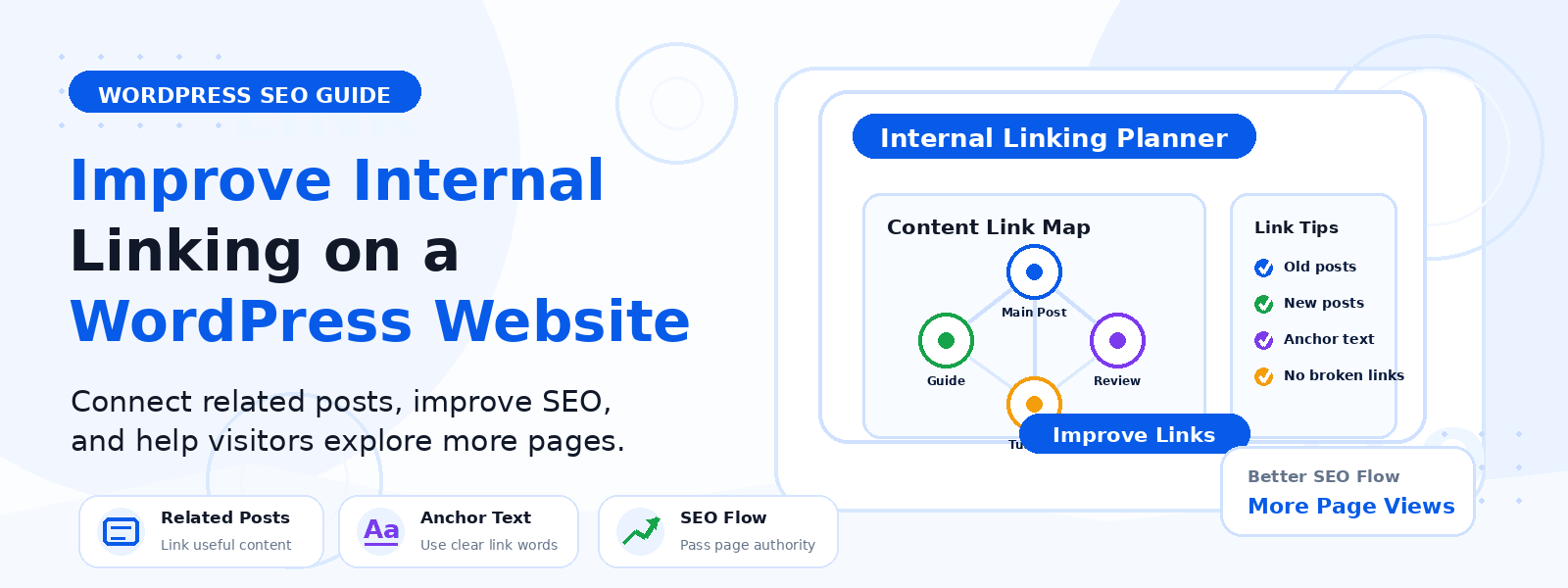
Internal linking — the practice of linking from one page on your website to another page on the same website — is one of the most underrated and underutilized SEO strategies available to WordPress website owners. Unlike backlink building, which depends on third-party websites, internal linking is entirely within your control and can be implemented or improved at any time without any external cooperation.
In this guide, we’ll explore what an effective internal linking strategy looks like, why it matters for both SEO and user experience, and how to systematically improve internal linking on your WordPress site.
Why Internal Linking Matters for SEO
Internal links serve two critical functions in SEO. First, they help search engine crawlers discover and index pages on your website. When Googlebot visits your homepage, it follows internal links to find other pages — the more interconnected your site’s pages are, the easier it is for search engines to discover, crawl, and index your entire content library. Second, internal links pass “link equity” (also called PageRank) from high-authority pages to lower-authority ones, helping distribute ranking power throughout your site.
A page with no internal links pointing to it — an “orphan page” — is difficult for both search engines and users to discover. Even if you publish excellent content, it may never rank well if no other pages on your site link to it.
How Internal Links Help Your Readers
Beyond SEO, internal links improve the user experience by guiding visitors to related content they’re likely to find valuable. A reader who finishes an article about WordPress security and sees a link to your guide on choosing the best security plugin has a natural next step — they stay on your site longer, consume more content, and develop a stronger relationship with your brand. This reduces bounce rate and increases pages per session, both of which signal positive user engagement to search engines.
Planning Your Internal Link Architecture
An effective internal linking strategy starts with understanding your site’s content hierarchy. Identify your most important “pillar pages” — comprehensive, high-value pages that cover broad topics — and your “cluster content” — shorter, more specific articles that cover subtopics related to each pillar. Create a hub-and-spoke structure where cluster content links back to its pillar page, and pillar pages link out to relevant cluster articles. This structure helps search engines understand topical relationships between your pages and can significantly improve rankings for your most important content.
Best Practices for Anchor Text
The clickable text of an internal link (called anchor text) is a signal to search engines about what the linked page is about. Use descriptive, keyword-informed anchor text rather than generic phrases like “click here” or “read more.” For example, instead of “click here to learn about WordPress security,” write “follow our WordPress security best practices guide.” Vary your anchor text naturally — using exactly the same anchor text for every link pointing to a page looks unnatural and may be seen as manipulative.
How Many Internal Links Per Page?
There’s no hard rule on the number of internal links per page, but as a general guideline, aim for 3–8 contextual internal links within the body of each article, focusing on those that are genuinely useful for the reader. Avoid artificially stuffing links into content just for SEO purposes — search engines can detect over-optimization, and excessive links create a poor reading experience. Links should appear naturally within the flow of your content and point to pages that are genuinely relevant to the surrounding text.
Finding Internal Linking Opportunities
To systematically improve your internal linking, use the search function in WordPress to find existing posts that mention keywords related to the page you want to link to. For example, if you want to improve internal links pointing to your guide on WooCommerce checkout optimization, search your site for posts that mention “checkout,” “WooCommerce,” or “conversion rate” — then add relevant internal links within those posts. Tools like Ahrefs, Screaming Frog, or even Google Search Console can help you identify orphan pages (pages with no internal links pointing to them) and link gap opportunities.
Implementing Internal Links in WordPress
Adding internal links in WordPress is straightforward. In the block editor (Gutenberg), highlight the anchor text, click the link icon in the toolbar, and start typing the title of the page you want to link to — WordPress will suggest matching pages from your content library. In the classic editor, highlight the anchor text, click the “Insert/edit link” button, and search for or paste the URL of the target page.
Conclusion
A strong internal linking strategy is one of the most cost-effective SEO improvements you can make to your WordPress site. It improves search engine crawlability, distributes ranking power more effectively across your pages, keeps visitors engaged longer, and costs nothing beyond the time it takes to implement. Start by auditing your most important pages for internal link opportunities, build out a hub-and-spoke content structure, and make internal linking a regular part of your content creation workflow.