
What Is a PDF to Images Converter?
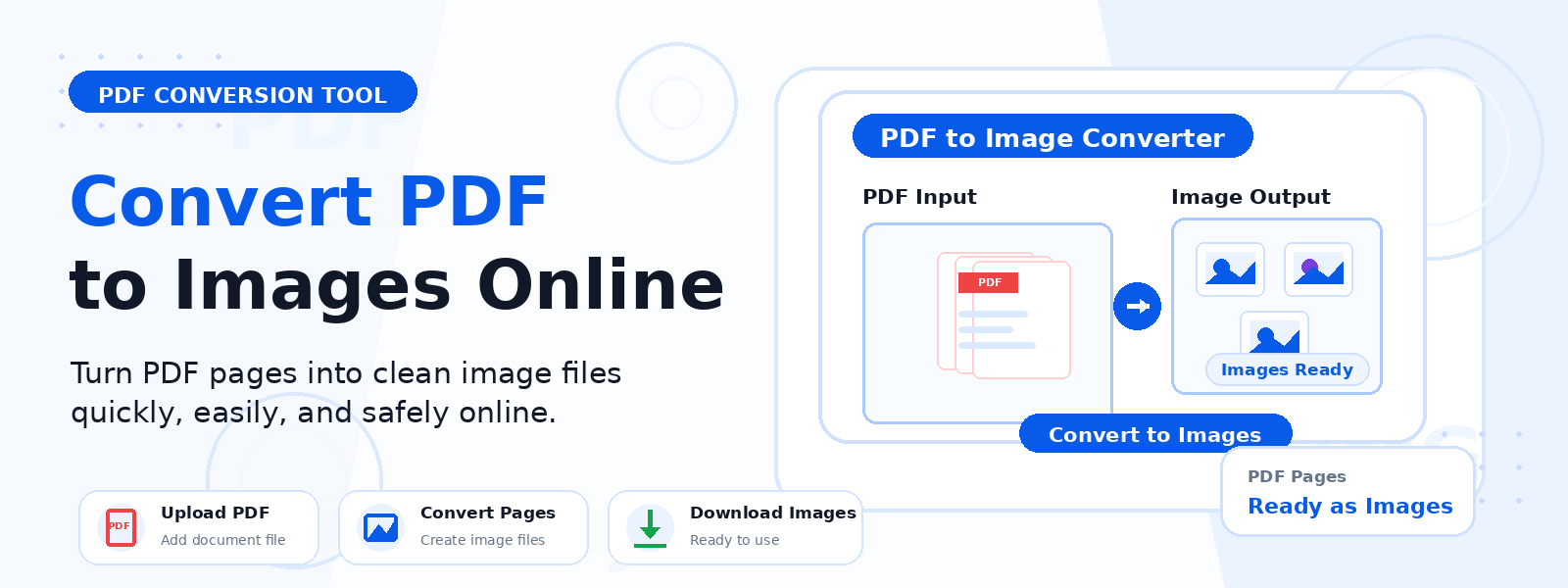
A PDF to images converter is a free online tool that extracts each page of a PDF file and saves it as an individual image file, which you can then download and use independently. Codersly’s PDF to Images tool converts every page of your uploaded PDF into downloadable image previews — making it easy to extract visuals from PDF reports, presentations, eBooks, and scanned documents.
Why Convert PDF Pages to Images?
There are many situations where converting a PDF to images is more practical than working with the PDF itself:
- Embed PDF content in websites or social media — images can be displayed anywhere; PDFs cannot.
- Extract a single page from a multi-page PDF — save any specific page as a standalone image file.
- Edit PDF content visually — open extracted images in photo editors for annotation or design work.
- Create image-based presentations — use converted PDF slides as image assets in tools like PowerPoint or Canva.
- Preview PDF content without a viewer — share image snapshots of PDF pages with others who may not have a PDF reader.
How to Convert PDF to Images with Codersly
Converting your PDF file to images with the PDF to Images tool on Codersly is quick and straightforward:
- Open the tool: Visit the Codersly PDF to Images converter.
- Upload your PDF: Select the PDF file you want to convert.
- Process: The tool converts each page of the PDF into an image preview automatically.
- Download: Save the generated image files to your device.
What Output Format Are the Images In?
The PDF to Images converter produces downloadable image previews from each PDF page. The output images are optimized for clarity and are suitable for web display, presentations, and document previewing purposes.
Does It Support Multi-Page PDFs?
Yes. The tool processes all pages of a multi-page PDF and converts each page into a separate image. This is particularly useful for PDF reports, slide decks, and scanned multi-page documents where you need access to individual pages as images.
Frequently Asked Questions (FAQ)
Is the PDF to Images converter free?
Yes. The tool is completely free. You can convert PDFs to images without any cost, watermarks, or account sign-up.
Is my PDF file kept private?
Your uploaded PDF is processed securely, and files are not stored permanently on Codersly’s servers.
Can I convert a password-protected PDF?
The tool works best with standard (non-encrypted) PDF files. Password-protected PDFs need to be unlocked before uploading.
What is the reverse process — how do I convert images back to PDF?
Use the free Image to PDF tool on Codersly to combine images back into a PDF document.
Related Document Tools on Codersly
Codersly offers a full range of document conversion tools. You might also find these useful: PDF to Word, PDF to Text, Merge PDF, and PDF to Excel.
Convert Your PDF to Images Now
Need to extract pages from a PDF as image files? Use the free, fast PDF to Images converter on Codersly. Upload your PDF and download image previews of every page — instantly, with no sign-up required.
