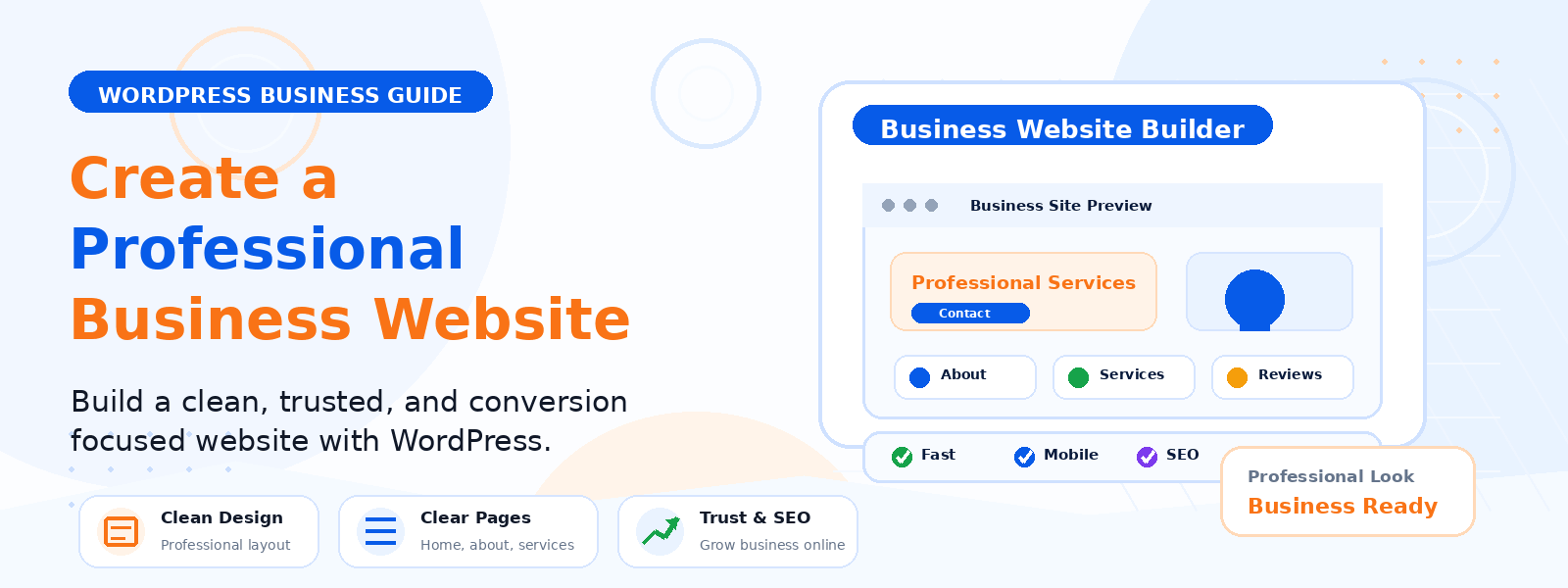
Building a professional business website on WordPress is one of the most cost-effective and flexible investments a small business owner can make. A well-built WordPress business site establishes your online presence, communicates your brand’s credibility, generates leads, and serves as the hub for all your digital marketing activities. With the right approach, you can have a professional-quality website live in days, not months.
Step 1: Plan Your Website Before You Build
The most common mistake new WordPress site builders make is jumping straight into theme selection and page creation without adequate planning. Before touching WordPress, define the primary goal of your website, the five to ten key pages your site needs, the primary audience you are designing for, and the main differentiators that should be communicated on your homepage. This planning foundation shapes every subsequent decision and produces a more coherent, purposeful website.
Step 2: Choose the Right Hosting Plan
For a professional business website, hosting from reputable providers like SiteGround, WP Engine, or Kinsta provides the right balance of performance, reliability, and support. Look for hosting with guaranteed uptime of 99.9 percent or higher, free SSL certificate, daily backups, PHP 8.0 or later support, and responsive customer support. Avoid the cheapest possible shared hosting — the performance and reliability differences between budget and quality hosting directly affect visitor experience and search rankings.
Step 3: Install WordPress and Configure Essential Settings
After installing WordPress, immediately configure your permalink structure to Post name format, delete placeholder content, set your timezone and site language, and verify that your site URL uses https. These foundational settings should be configured before you add any content or themes. Setting permalinks after content is published requires redirect management that creates unnecessary complexity.
Step 4: Choose and Customize a Professional Business Theme
Your theme determines your site’s visual design, layout options, and performance characteristics. For a business website, prioritize themes that are professionally designed, fast-loading with clean code, fully responsive for mobile devices, and actively maintained with recent updates. Premium themes from reputable developers like Astra, GeneratePress, and Kadence offer excellent performance and flexibility at reasonable prices.
Step 5: Create Your Core Business Pages
A professional business website needs these essential pages from day one: a Homepage that communicates your value proposition and guides visitors toward your primary call to action, an About Us page that humanizes your brand with your story and team, Services or Products pages with clear descriptions and calls to action, a Contact page with multiple ways to reach you, and Privacy Policy and Terms of Service pages required by law in most jurisdictions.
Step 6: Set Up Your Navigation
Configure your WordPress navigation menu through Appearance then Menus to include your core pages in a logical hierarchy. Your primary navigation should include no more than five to seven items to avoid overwhelming visitors. Create a secondary footer menu for less critical pages like Privacy Policy and Terms of Service. Ensure navigation works perfectly on mobile devices with easily tappable menu items.
Step 7: Configure a Contact Form
Every business website needs a reliable contact form. Install a contact form plugin such as WPForms or Contact Form 7 and configure it to deliver submissions to your monitored business email. Configure SMTP email sending to ensure form notifications are delivered reliably and do not end up in your spam folder. Test your form thoroughly by sending yourself multiple test messages from different browsers and devices.
Step 8: Optimize for Search Engines
Install an SEO plugin to manage your meta titles, descriptions, XML sitemap, and on-page optimization. Write unique meta titles and descriptions for every page. Ensure your content naturally incorporates the keywords your potential customers use to search for businesses like yours. Register your site with Google Search Console and submit your sitemap. Create a Google Business Profile if you serve local customers to improve local search visibility.
Step 9: Set Up Analytics
Connect Google Analytics 4 to your website before launch to start collecting visitor data from your first day live. Understanding where visitors come from, which pages they visit, how long they stay, and where they leave gives you the data needed to continuously improve your website’s performance and conversion rate. Without analytics, you are making website decisions without evidence.
Step 10: Launch and Promote
Before launching, complete a pre-launch checklist: verify all pages and links work correctly, test your contact form, check mobile responsiveness on real devices, confirm Google Analytics is tracking, ensure SSL is active, and proofread all visible content. Then announce your launch through your existing networks including email contacts, social media profiles, and any professional directories relevant to your industry.
Conclusion
Building a professional business website with WordPress is a structured process that rewards planning, careful configuration, and attention to quality at each stage. By following these steps from planning and hosting selection through content creation, SEO configuration, and launch, you create a website that genuinely represents your business professionally and works actively to generate leads, establish credibility, and support your business’s growth.