
What Is HTML Encoding?
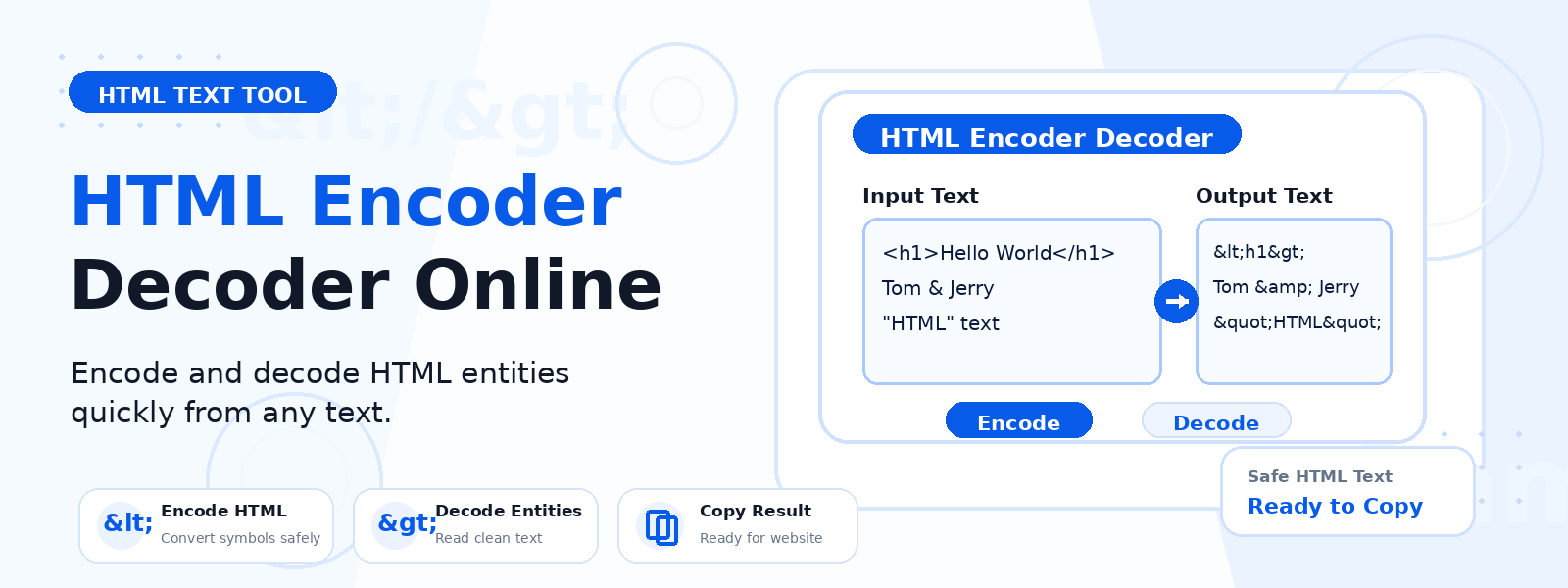
HTML encoding converts special characters that have special meaning in HTML into their corresponding HTML entities so they are displayed as literal text rather than being interpreted as HTML markup. For example, the less-than sign < becomes <, the greater-than sign > becomes >, and the ampersand & becomes &.
Codersly’s free HTML Encoder and Decoder instantly converts text containing special HTML characters into properly encoded HTML entities, or decodes HTML entity strings back into readable characters.
Why Is HTML Encoding Important?
- Preventing XSS (Cross-Site Scripting) — encoding user-supplied input before displaying it in HTML prevents malicious scripts from being injected and executed in web pages.
- Displaying code snippets — encode HTML code snippets so they are displayed as text rather than rendered by the browser.
- Data storage — encode HTML before storing it in databases to prevent markup injection.
- Email templates — encode special characters in HTML email templates for correct rendering.
Common HTML Entities
Some of the most commonly encoded characters include: < (less-than), > (greater-than), & (ampersand), " (double quote), and ' (apostrophe). These five characters are the basis of preventing HTML injection and must always be encoded when including user-supplied data in HTML output.
How to Use the Codersly HTML Encoder/Decoder
- Open the tool: Go to the Codersly HTML Encode Decode tool.
- Choose encode or decode: Select the operation you need.
- Enter your text: Paste or type the HTML or text string.
- Get the result: The encoded or decoded output is displayed instantly.
Frequently Asked Questions (FAQ)
Is the HTML encoder/decoder free?
Yes. Completely free with no sign-up required.
What is the difference between HTML encoding and URL encoding?
HTML encoding converts characters for safe display in HTML (e.g., < to <). URL encoding converts characters for safe transmission in URLs (e.g., space to %20). Use the URL Encode Decode tool for URL-related encoding.
Does it encode all HTML special characters?
The tool encodes the most common HTML entities: angle brackets, ampersands, quotes, and apostrophes.
Related Tools
Also try: Base64 Encode Decode and URL Encode Decode.
Encode or Decode HTML Entities Now
Encode special HTML characters or decode HTML entities instantly with the free HTML Encoder Decoder on Codersly. No account needed.