
What Is an Excel to JSON Converter?
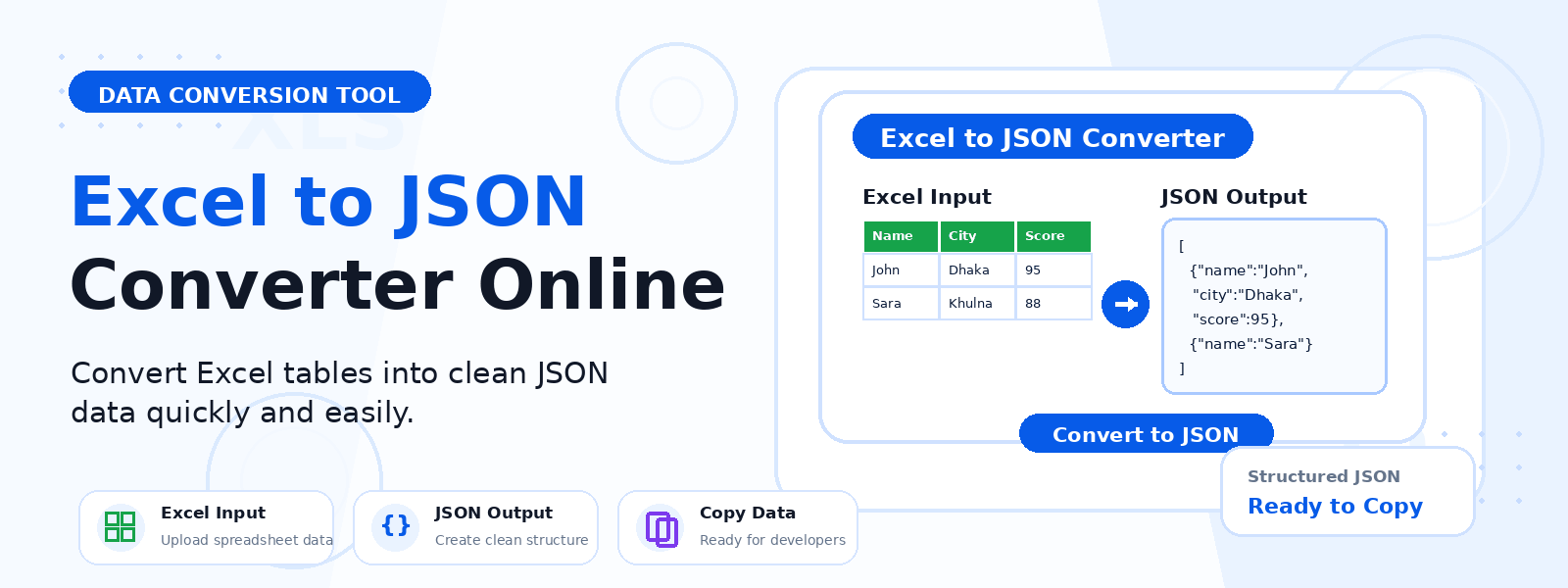
An Excel to JSON converter is a free online tool that transforms the data in a Microsoft Excel spreadsheet into JSON (JavaScript Object Notation) format. Codersly’s Excel to JSON tool processes the first worksheet of your uploaded XLSX file and generates a structured JSON output where each row becomes a JSON object and column headers become the object keys.
Why Convert Excel to JSON?
- API development and testing — convert spreadsheet data into JSON for use in REST API requests or mock data sets.
- Web application data — use spreadsheet data in JavaScript web apps, React, Vue, or Node.js projects.
- Database seeding — generate JSON data files for MongoDB, Firebase, or NoSQL database population.
- Data integration — export Excel data into JSON for integration with modern software systems and microservices.
- Configuration files — use spreadsheet-managed configuration data in JSON format for applications.
How to Convert Excel to JSON with Codersly
- Open the tool: Navigate to the Codersly Excel to JSON converter.
- Upload your Excel file: Select your XLSX file.
- Convert: The tool processes the first worksheet and generates structured JSON.
- Download or copy: Save or copy the JSON output for use in your project.
How Is the JSON Structured?
The Excel to JSON converter maps each row in the spreadsheet to a JSON object. The first row (header row) of the worksheet is used as the property keys for each object. All subsequent rows become JSON objects in an array. For example, a spreadsheet with columns “Name”, “Age”, and “City” becomes a JSON array of objects with those properties.
Frequently Asked Questions (FAQ)
Is the Excel to JSON converter free?
Yes. Completely free with no sign-up or registration.
Does it handle multiple sheets?
The tool converts the first worksheet only. For multi-sheet workbooks, convert each sheet individually.
Can I convert JSON back to Excel?
Yes. Use Codersly’s free JSON to Excel converter.
Related Tools
Also explore: JSON to Excel, Excel to CSV, JSON Formatter, and JSON Validator.
Convert Excel to JSON Now
Export your spreadsheet data as structured JSON with the free Excel to JSON Converter on Codersly. No account needed.
