
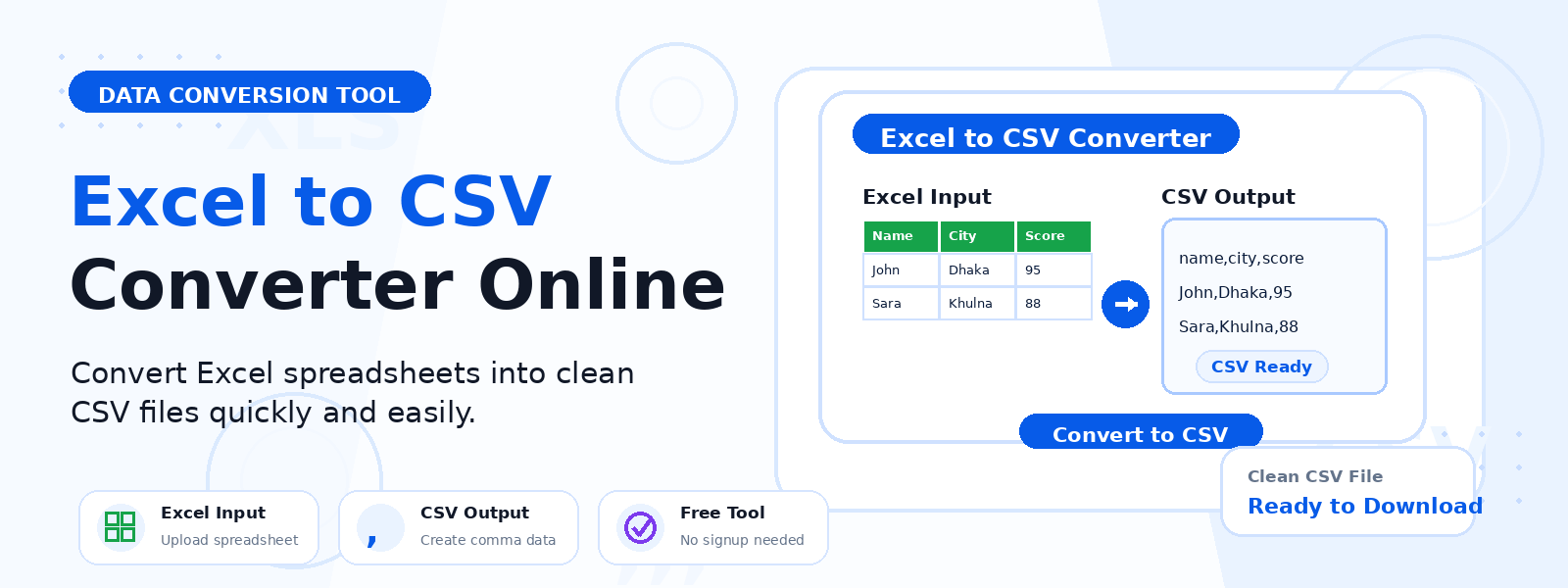
What Is an Excel to CSV Converter?
An Excel to CSV converter is a free online tool that exports the data from a Microsoft Excel worksheet into a CSV (Comma-Separated Values) file. Codersly’s Excel to CSV tool processes the first worksheet of your uploaded XLSX file and generates a downloadable CSV — making your spreadsheet data compatible with databases, APIs, data analysis tools, and virtually every data platform that accepts CSV input.
Why Convert Excel to CSV?
- Database imports — CSV is the standard format for importing data into MySQL, PostgreSQL, and other databases.
- API compatibility — many APIs and data services accept CSV uploads for bulk data operations.
- Lightweight data sharing — CSV files are plain text with no proprietary formatting, making them universally portable.
- Data migration — move spreadsheet data between different applications and platforms.
- Analytics and reporting tools — tools like Tableau, Power BI, and Google Sheets can easily import CSV files.
How to Convert Excel to CSV with Codersly
- Open the tool: Visit the Codersly Excel to CSV converter.
- Upload your Excel file: Select your XLSX file.
- Export: The tool exports the first worksheet as a CSV file.
- Download: Save the CSV file to your device.
Frequently Asked Questions (FAQ)
Is the Excel to CSV converter free?
Yes. Completely free with no registration.
Does it only convert the first sheet?
Yes. The tool converts the first worksheet of the Excel file to CSV. For multi-sheet workbooks, save individual sheets before uploading.
Can I convert CSV back to Excel?
Yes. Use Codersly’s free CSV to Excel converter.
What delimiter does the CSV use?
The output CSV uses standard comma delimiters, compatible with the vast majority of data tools and applications.
Related Tools
Also explore: CSV to Excel, Excel to JSON, Excel to PDF, and JSON to Excel.
Export Excel to CSV Now
Convert your Excel spreadsheet to CSV format instantly with the free Excel to CSV Converter on Codersly. No sign-up required.
