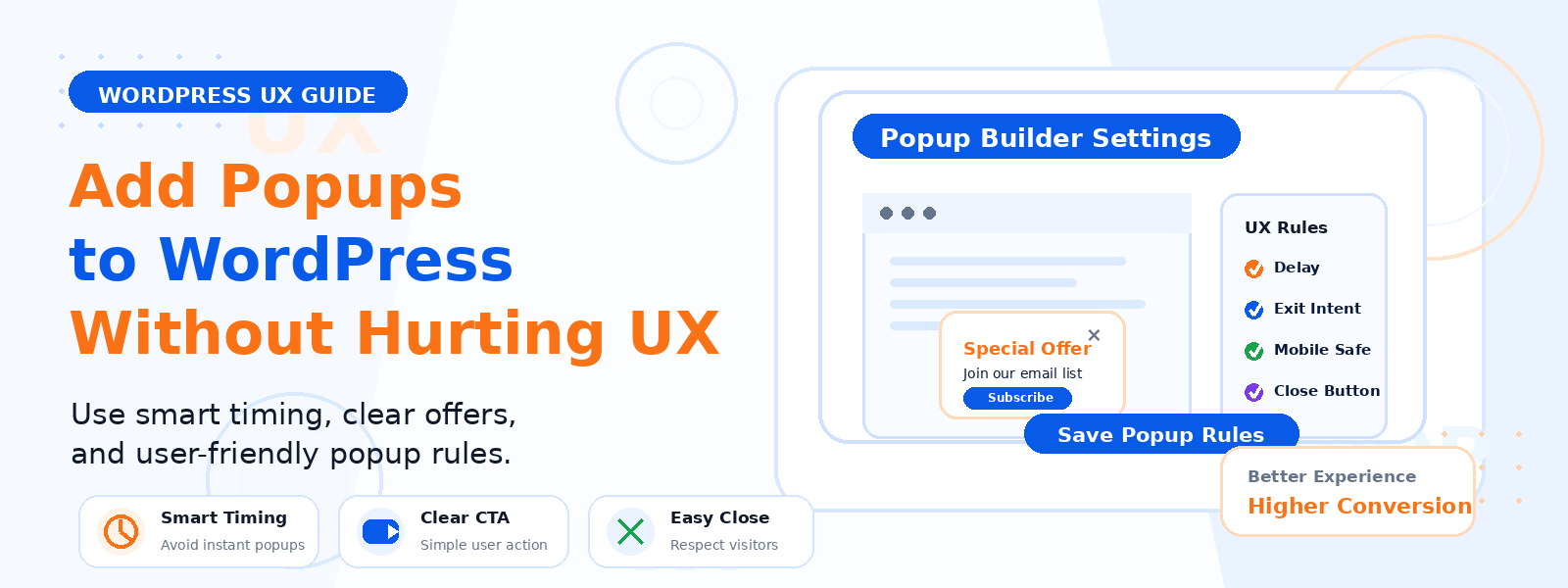
Popups are one of the most powerful — and most controversial — tools in the WordPress website owner’s toolkit. When implemented thoughtfully, they dramatically increase email subscriber opt-ins, reduce bounce rates, and capture leads from visitors who would otherwise leave without taking any action. When implemented poorly, they annoy visitors, damage user experience, and can even hurt your Google search rankings.
The difference between an effective popup and an infuriating one comes down entirely to timing, relevance, design, and the quality of the offer. This guide walks you through how to add popups to your WordPress site in a way that enhances rather than degrades the user experience.
When Popups Help vs. When They Hurt
Popups help your site when they appear at the right moment with a genuinely valuable offer. A popup that appears after a visitor has read 80 percent of a blog post and offers a related free resource has a high probability of being welcomed. A popup that fires the instant someone arrives on your homepage before they’ve read a single word creates a negative first impression. The fundamental rule is this: popups should add value to the visitor’s experience, not interrupt it for your own benefit.
Types of Popups for WordPress
- Exit-intent popups: Trigger when the visitor moves their cursor toward the browser’s back button or close tab area. Highly effective because they catch visitors at the moment of departure without interrupting their browsing experience.
- Scroll-triggered popups: Appear after the visitor has scrolled a specified percentage of the page (e.g., 60 percent). Ensures the visitor has engaged with your content before seeing the popup.
- Time-delayed popups: Appear after the visitor has spent a specified amount of time on the page. Use longer delays (45-60 seconds) to avoid annoying newly arrived visitors.
- Click-triggered popups: Open when a visitor clicks a specific button, text link, or image. The least intrusive popup type because the visitor initiates the interaction.
- Sticky bars and notification bars: Persistent header or footer bars that slide in or remain visible without blocking content. Less intrusive than modal popups and work well for promotions and newsletter signups.
Choosing a WordPress Popup Plugin
Several excellent popup plugins are available for WordPress with varying levels of features and pricing. Popup Maker is one of the most popular free options with extensive targeting and trigger options. OptinMonster is the premium leader with sophisticated A/B testing, analytics, and behavior-based targeting. Elementor Pro includes a popup builder for users already running Elementor as their page builder. For most WordPress sites that need basic-to-intermediate popup functionality, a free plugin with solid targeting options will be sufficient.
Designing Your Popup for Maximum Impact
An effective popup has four key elements: a headline that immediately communicates the specific value being offered (not just “Subscribe to our newsletter”), a brief supporting description that elaborates on the benefit, a minimal form (for email capture, only ask for an email address), and a prominent, action-oriented submit button with specific text like “Get My Free Guide” rather than generic text like “Submit.” Design should match your site’s branding and feel like a natural extension of your visual identity rather than an intrusive insert.
Targeting Your Popups Correctly
Not every popup should appear on every page to every visitor. Use your popup plugin’s targeting rules to show popups only where relevant. A popup offering a guide to WooCommerce optimization is more appropriate on product pages and checkout-related content than on unrelated blog posts. Exclude popups from pages where they would be most disruptive, such as your checkout page, login page, and landing pages where you want visitors focused on a single conversion action. Set frequency caps so returning visitors don’t see the same popup repeatedly after they’ve already dismissed it.
Complying with Google’s Intrusive Interstitials Penalty
Google penalizes mobile pages that use intrusive interstitials (popups that cover the main content immediately on page load). To stay compliant, avoid popups that cover the main content immediately on mobile page load, use exit-intent triggers which are exempt from the penalty since they fire when users are leaving, and ensure any popup that does appear on mobile has a clearly visible and easily tappable close button. This is particularly important for any pages you want to rank in mobile search results.
Measuring Popup Performance
Track your popup performance using your popup plugin’s built-in analytics alongside Google Analytics goals. Key metrics to monitor include: conversion rate (percentage of visitors who complete the popup’s intended action), close rate (percentage of visitors who dismiss the popup), and impact on overall site metrics like bounce rate and session duration. A popup that increases email opt-ins but also increases bounce rate may be doing more harm than good overall — monitor holistically rather than in isolation.
Conclusion
Popups, used thoughtfully, are one of the most effective tools for growing your email list, capturing leads, and reducing bounce rates on your WordPress site. The key is to prioritize your visitor’s experience at every step — using targeted triggers, valuable offers, clean design, and frequency caps that ensure popups serve visitors rather than frustrate them. Start with an exit-intent popup offering a high-value lead magnet, measure the results, and refine your approach based on what the data tells you.