
What Is a JSON Formatter?
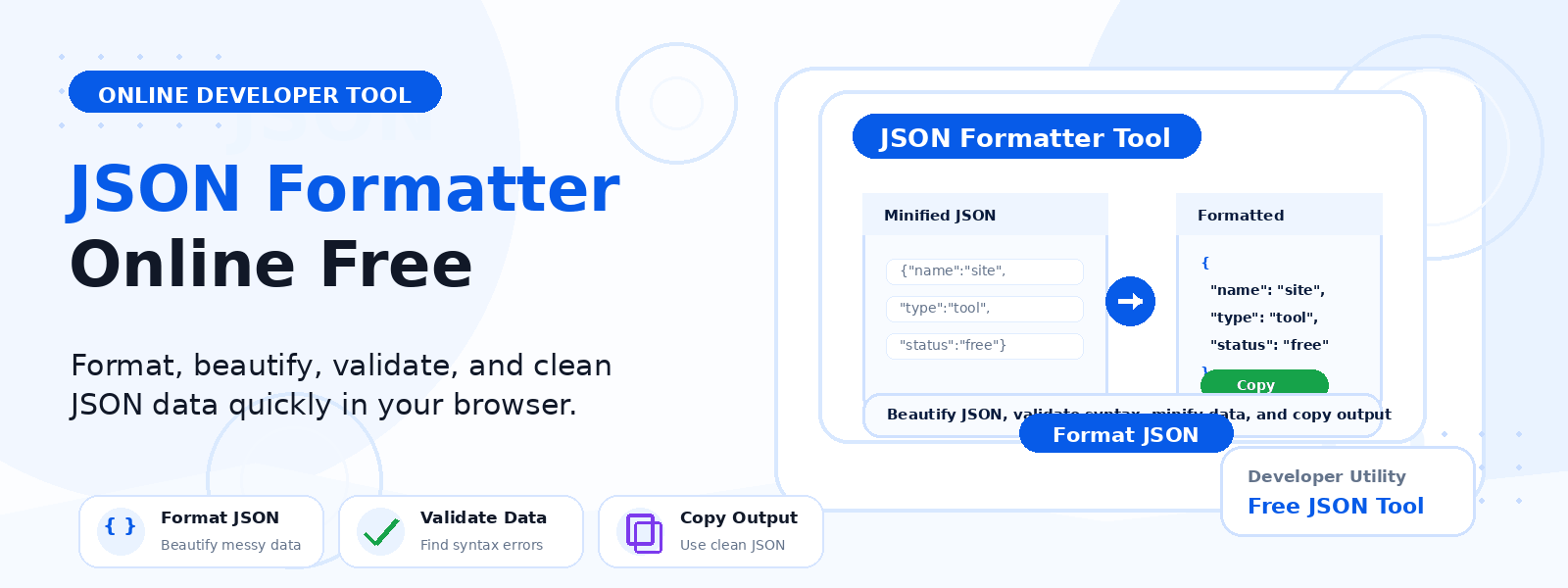
A JSON formatter (also called a JSON beautifier or JSON pretty printer) is a free online developer tool that takes raw, minified, or unformatted JSON data and reformats it with proper indentation, line breaks, and spacing to make it human-readable. Codersly’s JSON Formatter instantly transforms compact or jumbled JSON into a clean, well-structured format that is easy to read, understand, and debug.
Why Format JSON?
Raw JSON from APIs, databases, or log files is often minified — compressed into a single line with no whitespace to reduce file size. While minified JSON is efficient for machines, it is nearly impossible for humans to read and debug. Formatting JSON makes it immediately readable by adding indentation and line breaks that reflect the hierarchical structure of the data.
- API response debugging — format raw API responses to quickly understand the data structure.
- Configuration file editing — format JSON config files for readability before making edits.
- Code reviews — review formatted JSON data in pull requests or documentation.
- Learning JSON structure — understand nested objects, arrays, and data types at a glance.
How to Use the JSON Formatter
- Open the tool: Go to the Codersly JSON Formatter.
- Paste your JSON: Enter raw or minified JSON into the input field.
- Format: Click the format button and the JSON is beautified with proper indentation.
- Copy the output: Use the formatted JSON in your editor, documentation, or application.
What Is the Difference Between JSON Formatting and JSON Validation?
JSON formatting is about making valid JSON more readable. JSON validation checks whether the JSON is syntactically correct (i.e., properly formed). The JSON Formatter requires valid JSON as input — if the JSON has errors, it will not format correctly. Use the JSON Validator to check and identify errors in your JSON first.
Frequently Asked Questions (FAQ)
Is the JSON formatter free?
Yes. Completely free with no sign-up required.
What indentation style does it use?
The formatter uses standard 2-space or 4-space indentation for clarity and compatibility with most code editors and style guides.
Can it format large JSON files?
Yes. Paste large JSON data and the formatter will handle it efficiently in the browser.
Related Developer Tools
Also try: JSON Validator, Excel to JSON, JSON to Excel, and Base64 Encode Decode.
Format Your JSON Now
Beautify and make your JSON readable instantly with the free JSON Formatter on Codersly. No account needed.