
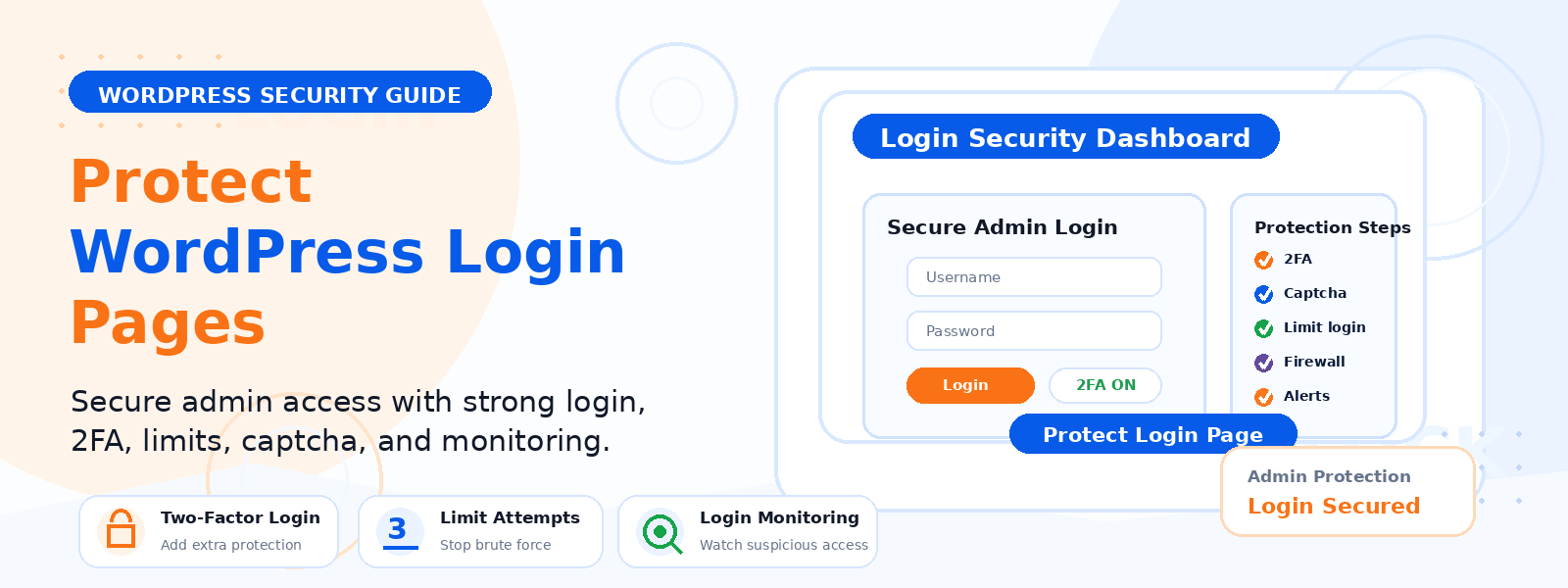
Your WordPress login page is one of the most targeted entry points for hackers, brute force attacks, and credential stuffing attempts. Because the default WordPress login URL (yoursite.com/wp-login.php) is publicly known, automated bots continuously attempt to guess usernames and passwords on exposed login pages across the internet. Without proper security measures in place, your site is vulnerable to unauthorized access, data breaches, and complete site takeover.
In this guide, we’ll walk through the most effective and practical strategies for securing your WordPress login page against these attacks — steps that any site owner can implement regardless of technical background.
1. Change the Default Login URL
The default WordPress login URL (wp-login.php) is a known target for automated bots. By changing this URL to something custom and non-obvious, you eliminate the vast majority of automated login attacks because the bots can’t find the form to attack. Plugins like WPS Hide Login allow you to change the login URL to anything you choose (e.g., yoursite.com/member-access or yoursite.com/staff-portal) without modifying any core WordPress files. This single change can reduce login attack attempts by over 99%.
2. Enable Two-Factor Authentication (2FA)
Two-factor authentication adds a second layer of security that makes it virtually impossible for attackers to gain access even if they somehow obtain your password. With 2FA enabled, users must provide both their password and a time-sensitive code generated by an authenticator app (like Google Authenticator or Authy) on their phone. Even if a password is compromised in a data breach, the account remains secure without the second factor. Several free WordPress plugins support 2FA for all user roles.
3. Limit Login Attempts
By default, WordPress allows unlimited login attempts, meaning a bot can try thousands of username/password combinations without being blocked. Limiting login attempts to three to five failed attempts before a temporary lockout effectively neutralizes brute force attacks. Plugins like Limit Login Attempts Reloaded or WP Cerber Security implement this protection with configurable lockout duration and optional IP-based blocking after repeated failed attempts.
4. Use Strong, Unique Passwords
This seems obvious but remains one of the most commonly neglected security practices. Use a strong, randomly generated password for your WordPress admin account — at least 16 characters with a mix of uppercase, lowercase, numbers, and symbols. Use a password manager like Bitwarden, 1Password, or LastPass to generate and store complex passwords securely. Never reuse passwords across multiple accounts, and never use your website domain name, business name, or birth year as part of your password.
5. Change the Default “Admin” Username
When WordPress is installed, many systems suggest “admin” as the default username. This is a serious security risk because automated attack tools automatically try “admin” as the username first. If you’re currently using “admin” as your username, create a new administrator account with a unique username, then delete the original “admin” account (reassigning its content to the new user). Any username other than “admin” significantly raises the bar for brute force attacks.
6. Add a CAPTCHA to the Login Page
Adding a CAPTCHA to your login form is an effective way to block automated bot login attempts. Google’s reCAPTCHA v3 (invisible) is the most user-friendly option — it analyzes user behavior in the background and only triggers a visible challenge for suspicious activity. This can be added to the WordPress login form, registration form, and comment section using dedicated security or form plugins.
7. Restrict Login Access by IP Address
If you or your team always log in from a consistent set of IP addresses (e.g., a home office, business premises, or VPN), you can restrict access to the WordPress login page to those specific IPs by adding rules to your .htaccess file or through a security plugin. This makes your login page completely inaccessible to anyone outside your approved IP list — the most airtight login security measure available.
8. Keep WordPress and All Plugins Updated
Many successful WordPress attacks exploit known vulnerabilities in outdated WordPress core files, themes, or plugins. Enabling automatic updates for minor WordPress releases and regularly reviewing and updating your plugins and themes is an essential layer of security that works alongside direct login page protection. A vulnerability in an outdated plugin can sometimes be used to bypass login security entirely.
9. Use a Web Application Firewall (WAF)
A Web Application Firewall (WAF) sits between your website and incoming traffic, blocking malicious requests before they even reach your WordPress installation. Services like Cloudflare (free tier available) and premium security plugins like Wordfence and Sucuri include WAF functionality that blocks known attack patterns, bad bot traffic, and suspicious IP addresses — providing an additional layer of protection at the network level.
Conclusion
Securing your WordPress login page doesn’t require advanced technical expertise — it requires implementing the right combination of simple, proven strategies. By changing your login URL, enabling two-factor authentication, limiting login attempts, and using strong unique passwords, you dramatically reduce your risk of unauthorized access. Implement these protections today and make your WordPress site a much harder target for attackers.