
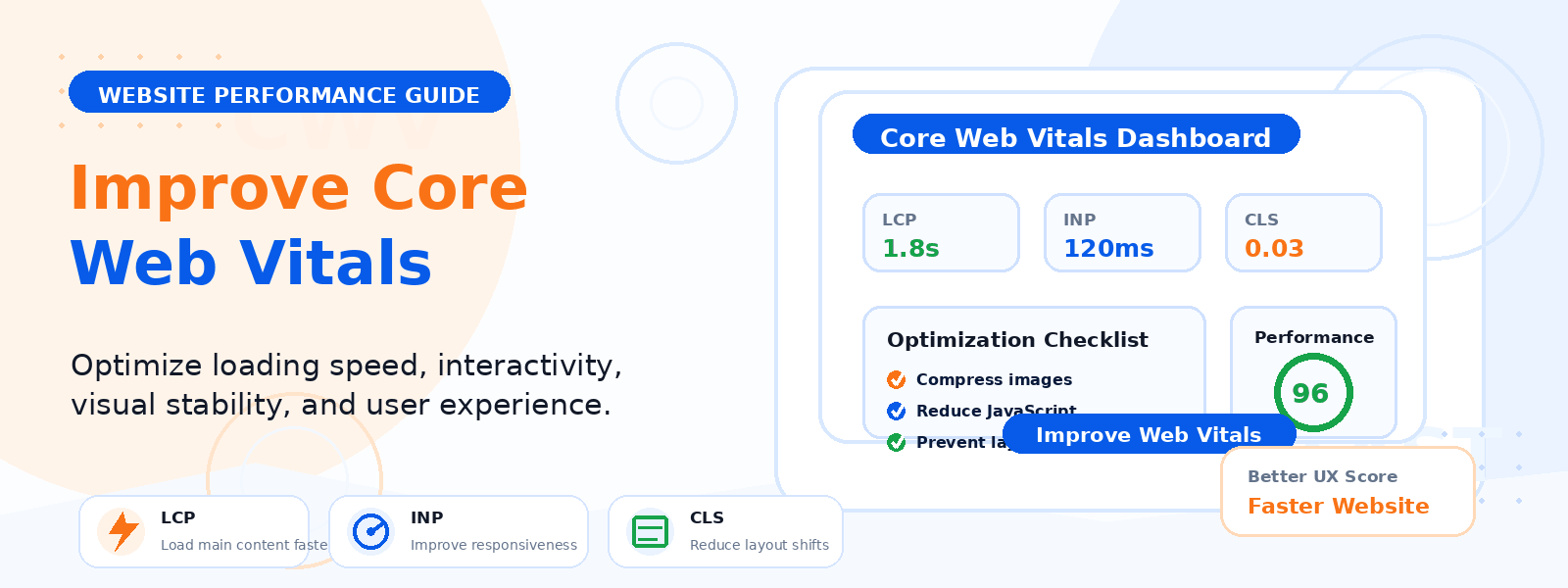
Core Web Vitals are a set of specific metrics introduced by Google that measure real-world user experience on web pages — and since May 2021, they’ve been an official Google ranking factor. For WordPress website owners, improving Core Web Vitals isn’t just a technical exercise — it directly affects where your pages appear in search results and how visitors experience your site.
In this guide, we’ll explain what each Core Web Vital measures, why it matters, and the most practical steps you can take to improve your WordPress site’s scores.
What Are Core Web Vitals?
Core Web Vitals consist of three specific metrics that Google uses to evaluate page experience:
- Largest Contentful Paint (LCP): Measures loading performance — specifically, how long it takes for the largest visible content element (often a hero image or headline) to load. Target: under 2.5 seconds. Poor: over 4 seconds.
- Cumulative Layout Shift (CLS): Measures visual stability — how much the page layout unexpectedly shifts as it loads. A button that moves just before you click it, or text that jumps as an image loads, both contribute to CLS. Target: under 0.1. Poor: over 0.25.
- Interaction to Next Paint (INP): Replaced First Input Delay in 2024 — measures overall page responsiveness to all user interactions throughout the page lifecycle. Target: under 200 milliseconds. Poor: over 500 milliseconds.
How to Check Your Core Web Vitals
Google provides free tools to measure and monitor your Core Web Vitals scores. Google PageSpeed Insights (pagespeed.web.dev) shows both lab data (measured in a controlled environment) and field data (real-user data collected from Chrome users). Google Search Console includes a dedicated Core Web Vitals report that shows which pages on your site have poor, needs improvement, or good scores based on actual user data. Start by checking your most important pages — homepage, key landing pages, and high-traffic blog posts.
Improving Largest Contentful Paint (LCP)
LCP is most commonly triggered by a large hero image, a video thumbnail, or a large block of text. The most effective improvements for LCP include:
- Optimize your hero image: Compress it to WebP format, resize to the actual displayed dimensions, and use the loading=”eager” attribute to prioritize it over lazy-loading.
- Use a Content Delivery Network (CDN): Serving your images from a CDN server close to the visitor’s location dramatically reduces load time for visitors worldwide.
- Upgrade to faster hosting: Server response time directly impacts LCP. If your Time to First Byte (TTFB) is over 600ms, consider upgrading your hosting plan or switching providers.
- Enable caching: A WordPress caching plugin serves pre-built HTML pages rather than generating them dynamically for every request, dramatically reducing server response time.
Improving Cumulative Layout Shift (CLS)
CLS is often caused by images without defined dimensions, ads that load after the page structure, or web fonts that cause text to reflow as they load. To improve CLS:
- Always specify image dimensions: Add width and height attributes to all your images so the browser reserves the correct space before the image loads.
- Use font-display: swap or optional: Prevent invisible text during font loading by setting an appropriate font-display property in your CSS.
- Avoid inserting content above existing content: If you add banners, cookie notices, or ad units that appear at the top of the page after initial load, they push existing content down and create significant CLS.
Improving Interaction to Next Paint (INP)
INP issues are typically caused by heavy JavaScript execution that blocks the browser’s main thread from responding to user interactions. To improve INP on WordPress:
- Audit and reduce JavaScript: Use the browser’s performance profiler to identify scripts that take a long time to execute. Remove plugins that add heavy JavaScript for features you don’t use.
- Defer non-critical JavaScript: Use a performance plugin to defer or asynchronously load JavaScript that isn’t needed for the initial page render.
- Minimize plugin count: Every active plugin potentially adds JavaScript to your pages. A leaner plugin stack directly improves INP scores.
WordPress-Specific Tools for Improving Core Web Vitals
Several WordPress plugins specifically target Core Web Vitals improvement. Caching plugins like WP Rocket and W3 Total Cache handle CSS/JS minification, lazy loading, and server-side caching. Image optimization plugins like Smush or ShortPixel handle compression and WebP conversion. CDN plugins or services like Cloudflare or BunnyCDN improve global load times. Together, these tools can transform a poor-performing WordPress site into one that consistently achieves good Core Web Vitals scores.
Conclusion
Improving your WordPress site’s Core Web Vitals is an investment that pays dividends in both search rankings and user experience. Start by checking your current scores in Google Search Console and PageSpeed Insights, identify your most significant issues, and address them systematically using the strategies outlined above. A site that delivers a fast, stable, responsive experience will be rewarded by both Google’s ranking algorithm and by the visitors who choose to stay, engage, and return.