
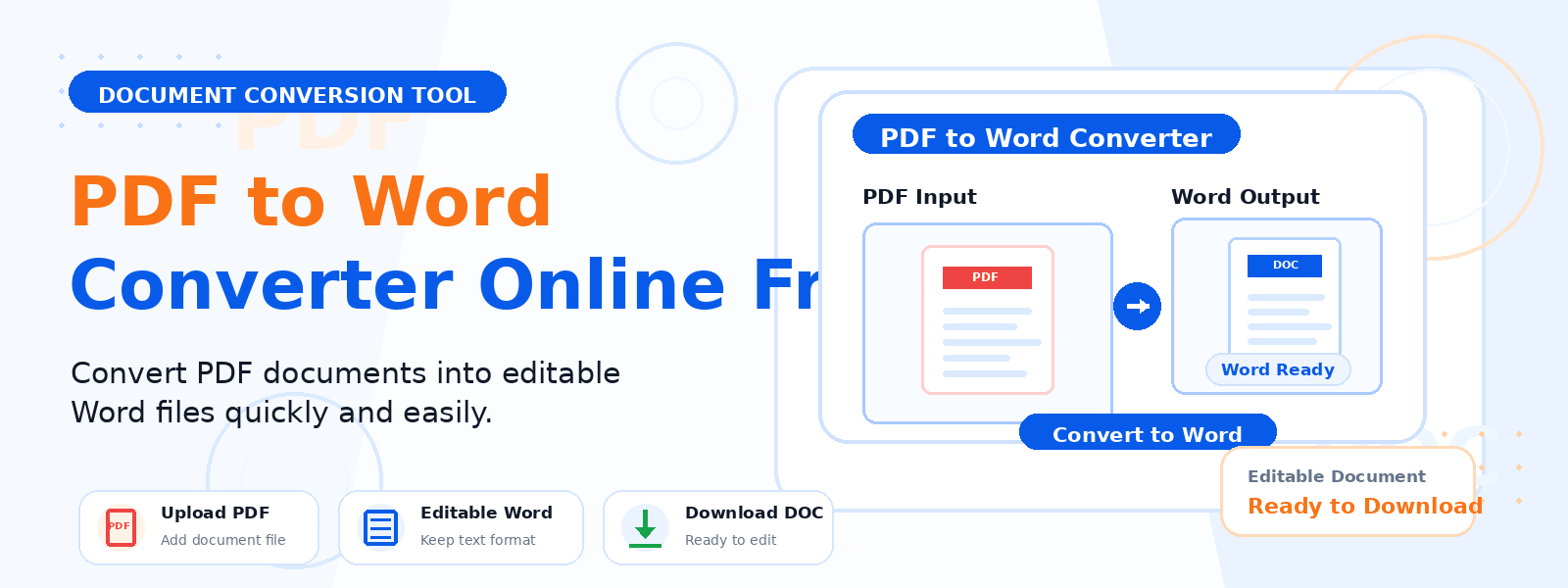
What Is a PDF to Word Converter?
A PDF to Word converter is a free online tool that extracts the text content from a PDF file and exports it as a Microsoft Word DOCX document that you can open, edit, and reformat in any word processor. Codersly’s PDF to Word tool is designed for quick, reliable extraction of text from standard PDF files and scanned documents, formatted into a clean A4 DOCX file.
Why Convert PDF to Word?
PDFs are great for final, read-only documents — but they’re not designed for editing. Converting a PDF to Word gives you back full control over the content:
- Edit document content — update text, fix errors, or reformat content in a Word document.
- Reuse content from PDFs — extract and repurpose text from reports, articles, or forms.
- Update outdated documents — modify old PDFs that you no longer have the source file for.
- Collaborate on documents — Word files are easier to share and co-edit with teams.
How to Convert PDF to Word with Codersly
Using the PDF to Word converter on Codersly is straightforward:
- Open the tool: Navigate to the Codersly PDF to Word tool.
- Upload your PDF: Select the PDF file you want to convert.
- Extract and convert: The tool processes the PDF and extracts all text into a DOCX format.
- Download: Save the resulting Word document to your device.
Does It Work for Scanned PDFs?
Yes. For scanned PDFs where the content is image-based rather than text-based, the tool uses OCR (Optical Character Recognition) to recognize and extract the text, similar to the OCR Scanner tool. This makes it effective for digitizing old documents that were scanned to PDF format.
Frequently Asked Questions (FAQ)
Is the PDF to Word converter free?
Yes. The tool is completely free with no registration, no watermarks, and no conversion limits.
Will my formatting be preserved?
Text content and paragraph structure are preserved. Complex layouts with tables, columns, or advanced formatting may be simplified in the output DOCX.
Can I convert a password-protected PDF?
The tool works with standard (non-encrypted) PDFs. Password-protected PDFs need to be unlocked first.
What if I only need the plain text from a PDF?
Use the free PDF to Text tool to extract plain text without any document formatting.
Related PDF Tools on Codersly
Also explore: PDF to Images, PDF to Excel, Word to PDF, and Merge PDF.
Convert PDF to Word for Free Now
Need to edit a PDF document? Use the free, accurate PDF to Word Converter on Codersly. Upload your PDF and get an editable Word document in seconds — no sign-up required.
