
What Is a QR Code Generator?
A QR code generator is a free online tool that converts any text, URL, email address, phone number, or plain data into a scannable QR (Quick Response) code image. QR codes are two-dimensional barcodes that can be read instantly by any smartphone camera or QR scanning app, making them one of the most efficient ways to share information in the digital age.
Whether you want to share a website link, a business card, a Wi-Fi password, or a product page, a free QR code generator lets you do it in seconds — no registration, no software download required.
Why Use an Online QR Code Generator?
QR codes have become a standard bridge between the physical and digital worlds. Businesses use them on packaging, posters, business cards, restaurant menus, and event tickets. Marketers embed them in print ads to track campaign performance. Teachers use them in classrooms to share resources instantly. The use cases are virtually limitless.
Using an online QR code generator means you can:
- Create a QR code for any URL or text instantly — no app installation needed.
- Download a high-resolution QR code image ready for print or digital use.
- Generate QR codes for free without creating an account.
- Access the tool from any device — desktop, tablet, or mobile.
How to Use the Free QR Code Generator on Codersly
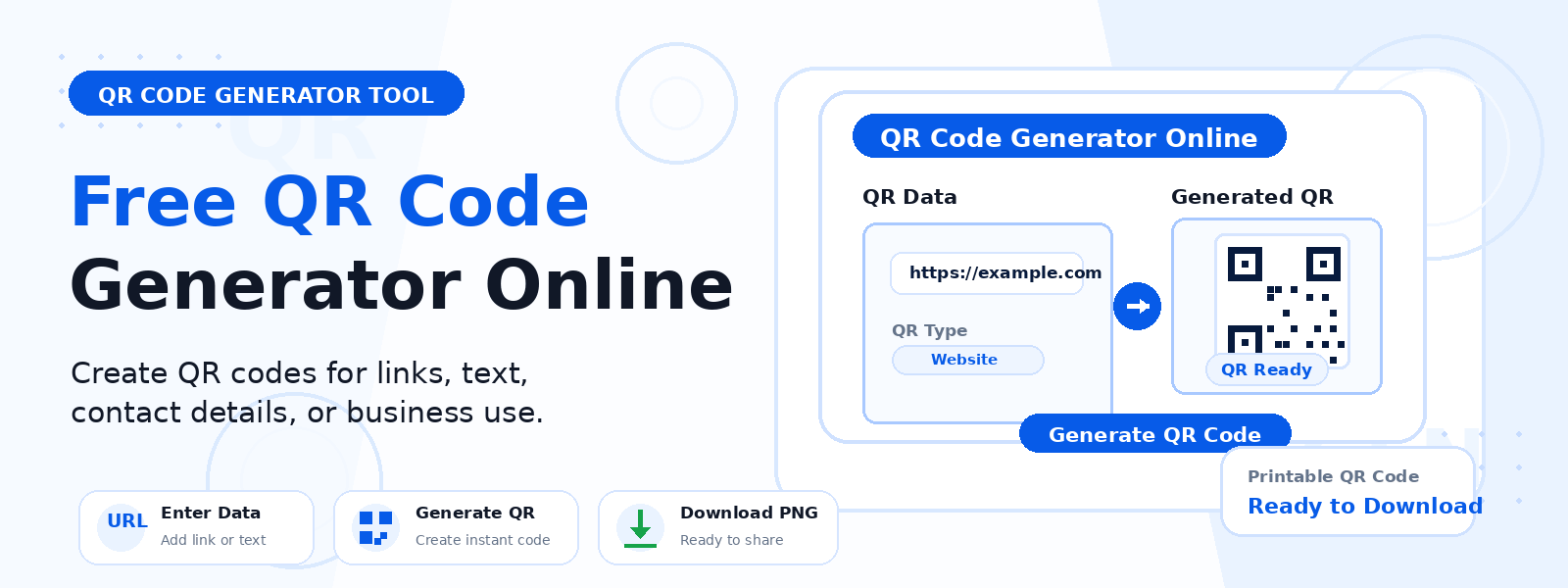
Using the QR Code Generator on Codersly is straightforward and takes less than 30 seconds:
- Open the tool: Visit the Codersly QR Code Generator.
- Enter your content: Type or paste a URL, text, email, or any data into the input field.
- Generate: Click the generate button and your QR code appears instantly on screen.
- Download: Save the QR code image in PNG format and use it anywhere — online or in print.
What Can You Encode in a QR Code?
The Codersly QR code generator supports a wide range of input types. You can encode:
- Website URLs — direct visitors to any web page instantly.
- Plain text — encode messages, notes, or information.
- Email addresses — open a pre-addressed email on scan.
- Phone numbers — allow users to dial a number directly.
- SMS messages — trigger a pre-written text message.
- Wi-Fi credentials — let guests connect to a network without typing passwords.
QR Code Generator vs. Barcode Generator: What’s the Difference?
Both QR codes and barcodes are machine-readable optical labels, but they differ in capacity and use case. A traditional barcode (like Code 128) stores data in one dimension — usually a numeric product ID. A QR code stores data in two dimensions, allowing it to hold much more information including URLs, text, and binary data.
If you need to generate a barcode instead, Codersly also offers a free Barcode Generator tool.
Frequently Asked Questions (FAQ)
Is the Codersly QR Code Generator really free?
Yes. The QR code generator on Codersly is completely free to use. You can generate and download as many QR codes as you need without any cost or account registration.
What image format is the QR code downloaded in?
The generated QR code is available as a PNG image file, which is suitable for both digital use and high-quality print materials.
Do QR codes expire?
Static QR codes (like the ones generated by this tool) do not expire. As long as the destination URL or data remains valid, the QR code will continue to work indefinitely.
Can I use the QR code for commercial purposes?
Yes. QR codes generated with Codersly’s free tool can be used for personal and commercial purposes without any restrictions.
Is there a limit to how much data a QR code can hold?
QR codes can hold up to 4,296 alphanumeric characters, 7,089 numeric characters, or 2,953 bytes of binary data. For best scan performance, keep URLs short and use a URL shortener if needed.
What devices can scan a QR code?
Any modern smartphone with a camera can scan QR codes — both Android and iOS devices support QR scanning natively through their built-in camera apps without needing a third-party app.
Where to Use Your QR Code
Once you generate your QR code, here are some popular places to use it:
- Business cards — link to your portfolio, LinkedIn profile, or website.
- Product packaging — direct customers to product instructions or promotional pages.
- Restaurant menus — provide a contactless digital menu experience.
- Marketing flyers and posters — track offline campaign engagement.
- Event tickets and badges — simplify check-in processes.
- Email signatures — let recipients quickly access your online presence.
Start Generating QR Codes Now
Ready to create your first QR code? Use the free, fast, and easy-to-use QR Code Generator on Codersly — no sign-up required. Generate, download, and deploy your QR code in seconds.
