
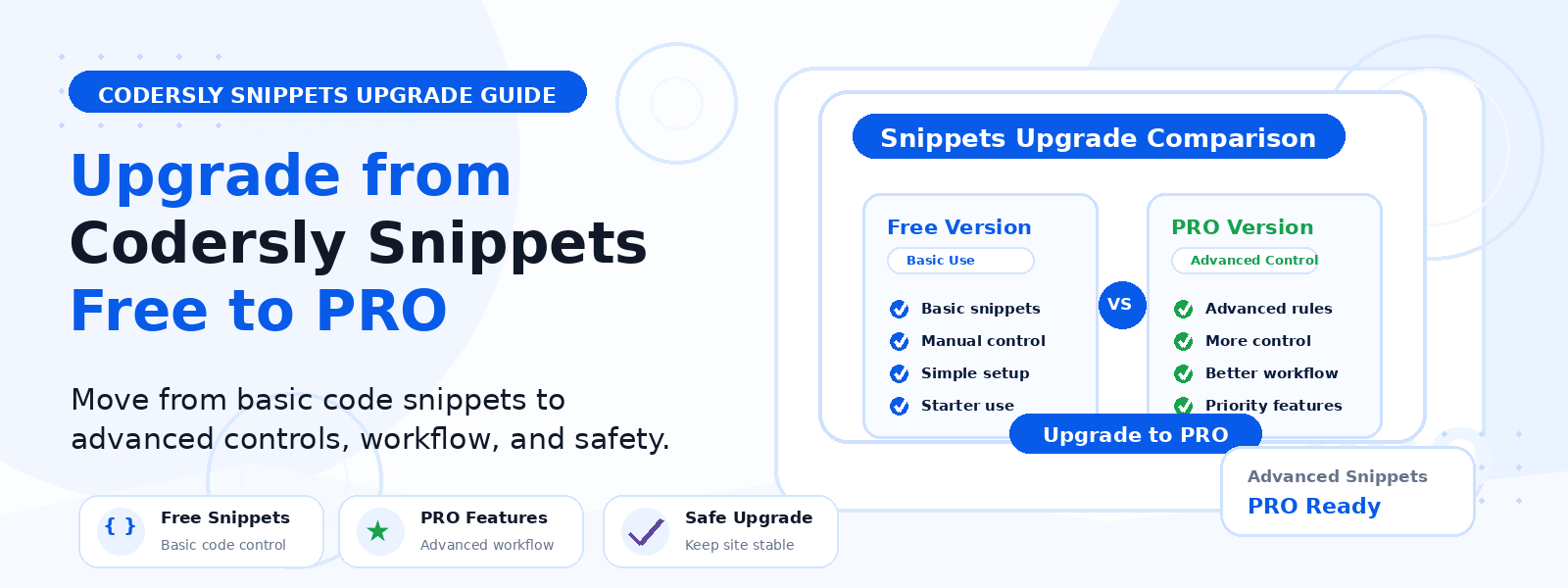
Codersly Snippets Free is a helpful starting point for adding custom PHP code from your WordPress dashboard without editing functions.php. For many WordPress users, that is enough to handle simple tweaks, lightweight functionality changes, and small fixes.
But as your website grows, your customization needs often grow too. You may want more snippet types, better code organization, or a smoother workflow for managing front-end changes. That is usually the point where upgrading to Codersly Snippets PRO starts to make sense.
Why the Free Version Is a Strong Starting Point
The free version is designed for users who want a cleaner way to manage PHP snippets inside WordPress. It helps you avoid direct theme-file editing and keeps small custom functions in one place.
If your current goal is simply to add a few PHP snippets safely and efficiently, the free version can be a solid fit. It is especially useful for beginners, small websites, and anyone who only needs basic function-based changes.
Upgrade When You Need More Than PHP Snippets
The clearest reason to upgrade is simple: your needs go beyond PHP.
Codersly Snippets PRO unlocks support for HTML, CSS, and JavaScript snippets, giving you more flexibility for both backend and front-end customization. That means you can manage styling adjustments, custom output, and behavior changes from the WordPress dashboard instead of editing multiple theme files by hand.
If you are starting to add scripts, custom styles, or layout tweaks, PRO gives you a more complete solution.
Upgrade When You Want Cleaner Front-End Customization
Many WordPress site owners eventually need small front-end changes. Maybe you want to adjust spacing, refine a design element, or add a script for better user interaction.
Those kinds of tasks are much easier to handle when you can manage CSS and JavaScript snippets in the same place as your other custom code. If you are doing more than simple PHP work, upgrading can save time and reduce file editing.
Upgrade When You Need Better Code Organization
As a website grows, scattered custom code can become difficult to manage. What starts as one or two snippets can quickly turn into a long list of tweaks, fixes, and custom features.
Codersly Snippets PRO is a better choice when organization matters. It gives you a more advanced workflow for managing code in WordPress, which is useful for:
- website owners maintaining ongoing customizations
- freelancers handling multiple client sites
- agencies that need a more structured process
- developers who want a cleaner admin-based workflow
Upgrade When You Need More Control Over Snippet Behavior
Some projects require more control over how code is applied. You may want a more structured way to manage snippets and keep them aligned with specific site needs.
If you regularly work with custom functions, scripts, or styling changes, PRO offers a more practical setup for handling those tasks without relying on manual file edits every time you need a change.
Upgrade When You Want Built-In License Management
Another reason to move to PRO is the built-in license panel inside your WordPress dashboard. This makes it easier to activate and validate your product, and it gives you access to premium updates during your active license period.
For users who want a straightforward plugin management experience, that added convenience can be a strong reason to upgrade.
Upgrade When You Need a More Professional Workflow
If you work on WordPress sites regularly, you may eventually want a workflow that feels more reliable and efficient than managing code in theme files or scattered tools.
Codersly Snippets PRO is designed for that kind of use case. It helps you keep custom code inside the dashboard, reduces the need for manual file editing, and gives you a better setup for ongoing site maintenance.
That makes it a smart option for professionals who want a cleaner process for managing WordPress customizations.
Free vs PRO: What Changes?
Codersly Snippets Free
- Manage PHP snippets from the WordPress admin
- Good for basic function-based changes
- Ideal for starting out with simple customizations
Codersly Snippets PRO
- Unlock HTML, CSS, and JavaScript snippets
- Better for front-end customization and advanced code management
- Designed for growing websites and professional workflows
- Includes built-in license management inside the dashboard
Who Should Upgrade to Codersly Snippets PRO?
Codersly Snippets PRO is a good upgrade for:
- WordPress users who need more than PHP snippets
- developers who want a more complete code management workflow
- freelancers and agencies working on multiple websites
- site owners who want a better way to manage custom CSS and JavaScript
If your website is becoming more custom and your snippet needs are expanding, PRO is likely the better long-term choice.
When the Free Version Is Still Enough
You do not need to upgrade immediately if your website only needs a few PHP snippets and nothing more. The free version can still be the right tool when your use case is simple and you do not need HTML, CSS, or JavaScript management.
In that situation, staying on the free version is perfectly reasonable until your workflow becomes more advanced.
Final Thoughts
The right time to upgrade from Codersly Snippets Free to Codersly Snippets PRO is when your WordPress customization needs move beyond basic PHP functions. If you want support for HTML, CSS, and JavaScript, better organization, built-in license management, and a more professional way to handle snippets, PRO offers the extra tools you need.
For users who are ready to manage custom code more efficiently inside WordPress, upgrading is a practical next step.