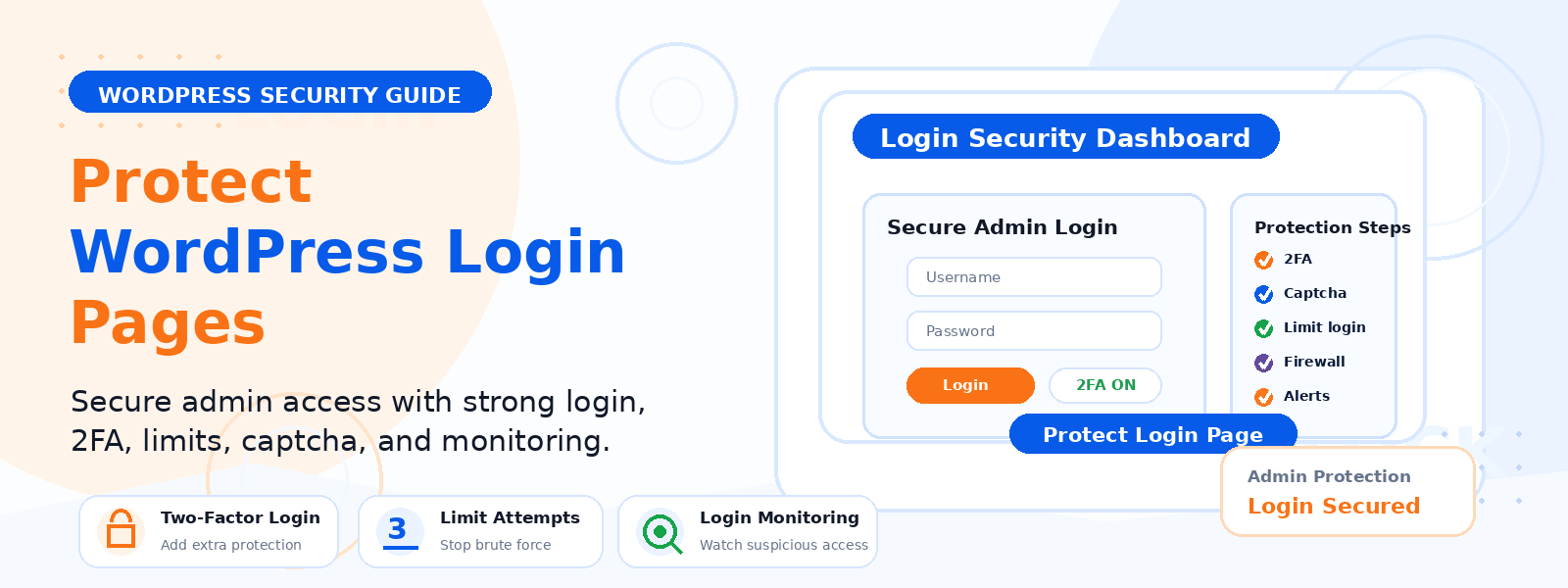
Your WordPress login page is under constant attack from automated bots, credential stuffing scripts, and brute force tools that probe websites 24 hours a day, 7 days a week. Because the default WordPress login URL is publicly known and the login form is one of the most common attack vectors for website compromises, securing it properly is one of the most important proactive security measures you can take.
This guide covers the top strategies for protecting your WordPress login pages against automated attacks, unauthorized access attempts, and credential-based exploits — combining multiple layers of defense for maximum protection.
Why Login Page Security Is Critical
A successful login attack gives an attacker complete control over your website. With admin access, they can install malware, redirect your traffic, steal customer data, send spam emails using your server, or hold your site for ransom. Even if a brute force attack doesn’t succeed in guessing your credentials, the volume of attack requests can overwhelm your server and cause legitimate visitors to experience slow page loads or downtime. Prevention is dramatically easier and cheaper than recovery.
Strategy 1: Change the Default Login URL
The standard WordPress login URL (yourdomain.com/wp-login.php) is targeted by millions of automated bot attacks every day because it’s predictable and universal. By moving your login page to a custom URL that only you know, you eliminate the vast majority of these automated attacks instantly — the bots can’t target what they can’t find. Use a plugin like WPS Hide Login to change your login URL to something non-obvious. This is the single most effective change you can make with minimal setup effort.
Strategy 2: Implement Two-Factor Authentication
Two-factor authentication (2FA) adds a second verification step after entering your username and password. Even if an attacker somehow obtains your login credentials through a data breach or phishing attack, they cannot access your account without the second factor — typically a time-sensitive code generated by an authenticator app on your smartphone. Enable 2FA for all administrator accounts and any other accounts with elevated permissions. Free WordPress plugins like WP 2FA or Google Authenticator make this straightforward to implement.
Strategy 3: Rate Limit and Block Failed Login Attempts
Brute force attacks work by submitting hundreds or thousands of username/password combinations in rapid succession. Implementing login attempt limiting blocks an IP address after a specified number of failed attempts (typically 3–5), forcing attackers to either use a different IP or give up entirely. Plugins like Limit Login Attempts Reloaded, LoginLockdown, or WP Cerber Security handle this automatically with configurable thresholds, lockout durations, and notification emails when lockouts occur.
Strategy 4: Use Strong Credentials and Change Them Regularly
The most sophisticated security measures can be rendered ineffective by a weak password. Every WordPress account with administrator or editor access should use a password that is at least 16 characters long and consists of a random combination of uppercase and lowercase letters, numbers, and symbols. Use a password manager to generate and securely store complex passwords. Change admin passwords when staff members who had access leave your organization, and conduct an annual review of all user accounts to remove accounts that are no longer needed.
Strategy 5: Add CAPTCHA to Your Login Form
A CAPTCHA challenge verifies that the person attempting to log in is human rather than an automated bot. Google’s reCAPTCHA v3 is the most frictionless option — it analyzes user behavior patterns invisibly in the background and only presents a visible challenge when it detects suspicious activity. This can be added to the WordPress login form using any of several security plugins that include reCAPTCHA integration as part of their feature set.
Strategy 6: Restrict Login Access by IP Address
If you and your team always access your WordPress admin from a consistent location or through a VPN with a fixed IP address, you can restrict login page access to only those specific IPs. Any access attempts from other IP addresses will receive a 403 Forbidden response before even reaching the login form. This can be implemented through your .htaccess file, your web server configuration, or through a WordPress security plugin’s IP restriction feature. It’s the most airtight login protection available — a locked door that most attackers never even find.
Strategy 7: Monitor Login Activity
Even with all the above measures in place, monitoring your login activity provides valuable intelligence about attack patterns and potential security incidents. Install a WordPress activity log plugin that records all login attempts (successful and failed), tracks which accounts logged in from which IP addresses, and alerts you to suspicious patterns such as multiple failed attempts, logins from unusual geographic locations, or new administrator accounts being created.
Strategy 8: Keep Everything Updated
Many successful WordPress login bypasses exploit vulnerabilities in outdated plugins, themes, or WordPress core files. A vulnerability in a contact form plugin, a membership plugin, or even a caching plugin can sometimes be leveraged to bypass authentication entirely. Keeping all installed software updated ensures that known vulnerabilities are patched before attackers can exploit them on your site.
Conclusion
Securing your WordPress login pages is a multi-layered challenge that requires combining several complementary security strategies. By changing your login URL, enabling two-factor authentication, limiting login attempts, using strong credentials, and monitoring activity, you create a formidable barrier against the overwhelming majority of login-based attacks. Implement these strategies today — before an attack makes them urgent rather than proactive.