What Is a Regex Tester?
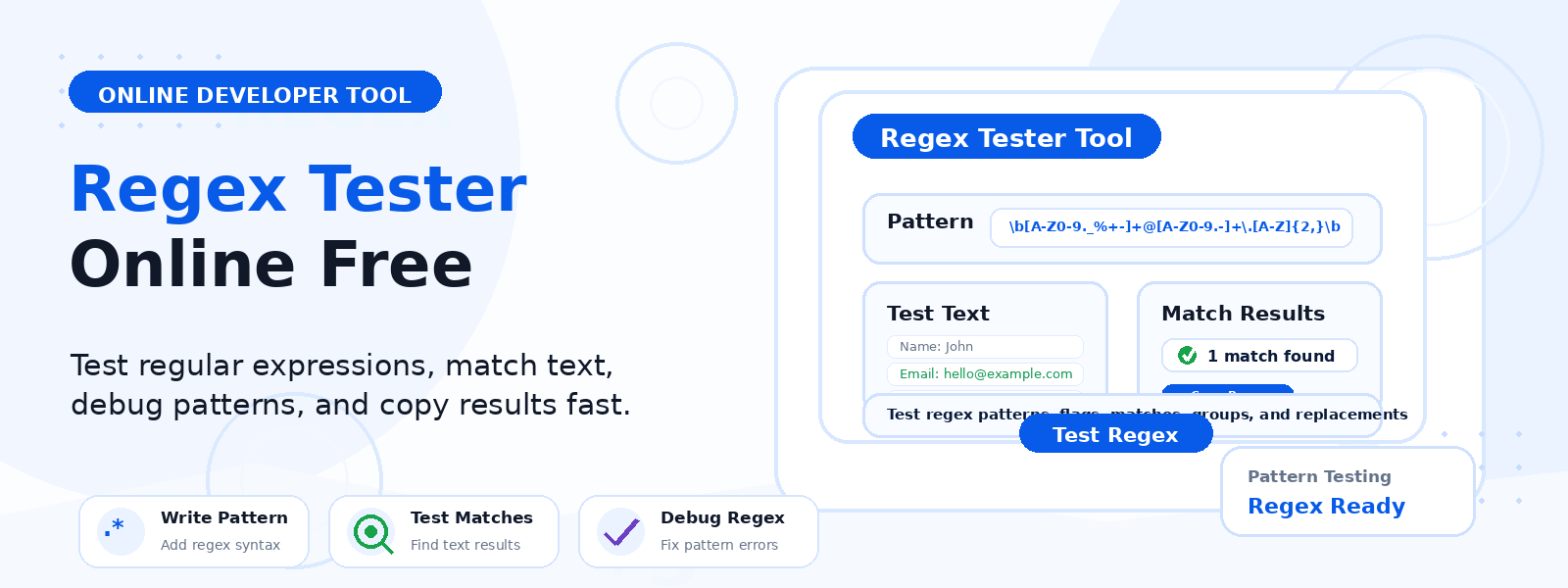
A regex tester is a free online developer tool that allows you to write, test, and debug regular expressions (regex) against sample text in real time. Codersly’s Regex Tester shows you exactly which parts of the sample text match your regular expression pattern — making it the perfect tool for building, refining, and verifying regex patterns without needing to run code.
What Is a Regular Expression?
A regular expression (regex or regexp) is a sequence of characters that defines a search pattern. Regular expressions are used in programming languages, text editors, and data processing tools to search, match, validate, extract, and replace text patterns. They are supported natively in JavaScript, Python, Java, PHP, Ruby, and virtually every other modern programming language.
Why Use an Online Regex Tester?
- Test regex without running code — verify pattern behavior instantly without setting up a development environment.
- Debug complex patterns — identify exactly which parts of your text match and which don’t.
- Learn regex syntax — experiment with patterns and immediately see their effects.
- Validate input patterns — test email, phone number, URL, and other validation patterns before implementing them.
- Data extraction — build and test patterns for extracting specific data from text strings.
How to Use the Codersly Regex Tester
- Open the tool: Visit the Codersly Regex Tester.
- Enter your regex pattern: Type your regular expression in the pattern field.
- Enter sample text: Paste or type the text you want to test the pattern against.
- View matches: Matching portions of the text are highlighted or displayed in real time.
Common Regex Use Cases
- Email validation:
^[a-zA-Z0-9._%+-]+@[a-zA-Z0-9.-]+.[a-zA-Z]{2,}$ - Phone number matching:
^+?[1-9]d{7,14}$ - URL matching:
https?://(www.)?[-a-zA-Z0-9@:%._+~#=]{2,256}.[a-z]{2,6} - Extract numbers from text:
d+
Frequently Asked Questions (FAQ)
Is the regex tester free?
Yes. Completely free with no sign-up required.
Which regex flavor does the tester use?
The tool uses JavaScript regex syntax (ECMAScript), which is compatible with most modern web and application development.
Does it support flags like case-insensitive matching?
Yes. You can apply standard regex flags such as case-insensitive (i), global (g), and multiline (m) matching.
Related Developer Tools
Also try: JSON Formatter, UUID Generator, and Password Generator.
Test Your Regex Now
Write, test, and debug regular expressions instantly with the free Regex Tester on Codersly. No account needed.