Growing an email list is one thing — managing it effectively and leveraging it for meaningful business results is another. While a basic newsletter plugin gets you started with email collection and simple broadcasts, a Pro newsletter plugin unlocks the advanced capabilities that turn your email list into a genuine competitive advantage: sophisticated automation, deep segmentation, A/B testing, and analytics that help you understand and serve your subscribers at a much higher level.
In this guide, we’ll explore the advanced features that distinguish a Pro newsletter plugin from a basic one, and how these capabilities translate into better engagement, higher conversions, and more valuable subscriber relationships.
When to Upgrade to a Pro Newsletter Plugin
A Pro newsletter plugin is worth the investment when your email list has grown to the point where basic broadcast emails are no longer sufficient, when you’re ready to implement automated nurture sequences that engage new subscribers systematically, when your audience is diverse enough that sending the same message to everyone delivers suboptimal results, or when you need detailed analytics to understand subscriber behavior and optimize your campaigns accordingly. For most serious WordPress site owners, this point arrives somewhere between 500 and 2,000 subscribers.
Advanced Feature 1: Email Marketing Automation
Automation is the feature that transforms newsletter software from a simple broadcast tool into a powerful marketing asset. With advanced automation, you can build sophisticated sequences that trigger based on subscriber behavior: a welcome series that delivers value over the first two weeks after subscription, a re-engagement sequence that reaches out to dormant subscribers, post-purchase follow-up sequences for WooCommerce customers, and behavior-based sequences that trigger when a subscriber clicks a specific link or visits a specific page on your website.
These automated sequences engage subscribers at the right moment, with the right message, without requiring manual intervention — delivering consistent, personalized experiences to every subscriber regardless of list size.
Advanced Feature 2: Subscriber Segmentation
List segmentation allows you to divide your subscribers into groups based on specific attributes and behaviors — and send different, more relevant content to each segment. Segments might be based on: geographic location, acquisition source (which opt-in form or lead magnet they used), engagement level (highly engaged vs. inactive), purchase history (customers vs. non-customers vs. repeat purchasers), specific interests indicated by link clicks or preference selections, or custom tags you apply manually or through automation.
Segmented campaigns consistently achieve higher open rates, higher click rates, and lower unsubscribe rates than broadcast emails sent to your entire list — because relevance is the most powerful driver of email engagement.
Advanced Feature 3: A/B Testing
A/B testing (or split testing) allows you to test different versions of your emails against each other to identify which performs better. You can test subject lines (the single most impactful element — even small improvements in open rate have a large cumulative effect), email body content and formatting, call-to-action button text and placement, send time and day of week, and sender name and email address. A Pro newsletter plugin automates the testing process — sending version A to a portion of your list, version B to another portion, measuring the results, and either automatically selecting the winner or presenting you with the data to make the decision manually.
Advanced Feature 4: Detailed Analytics and Reporting
Pro newsletter plugins provide deep analytics that go far beyond basic open and click rate tracking. Advanced reporting might include individual subscriber engagement scoring, revenue attribution (linking email clicks to WooCommerce purchases), geographic performance data showing which regions respond best to your campaigns, device and email client breakdown, conversion tracking integrated with your website analytics, and unsubscribe analysis showing which campaigns cause the most list attrition.
This data allows you to make genuinely informed decisions about content, frequency, timing, and strategy — rather than sending emails based on intuition and hoping for the best.
Advanced Feature 5: Advanced Form and Landing Page Builder
Pro newsletter plugins typically include more sophisticated subscription form builders with advanced design options, multi-step forms, conditional logic (showing different fields based on subscriber answers), and dedicated landing page creation tools. More sophisticated opt-in mechanisms — like preference centers where subscribers can choose the topics they’re interested in — improve subscriber quality and reduce list churn by ensuring people receive content aligned with their specific interests from day one.
Codersly Newsletter Pro for WordPress
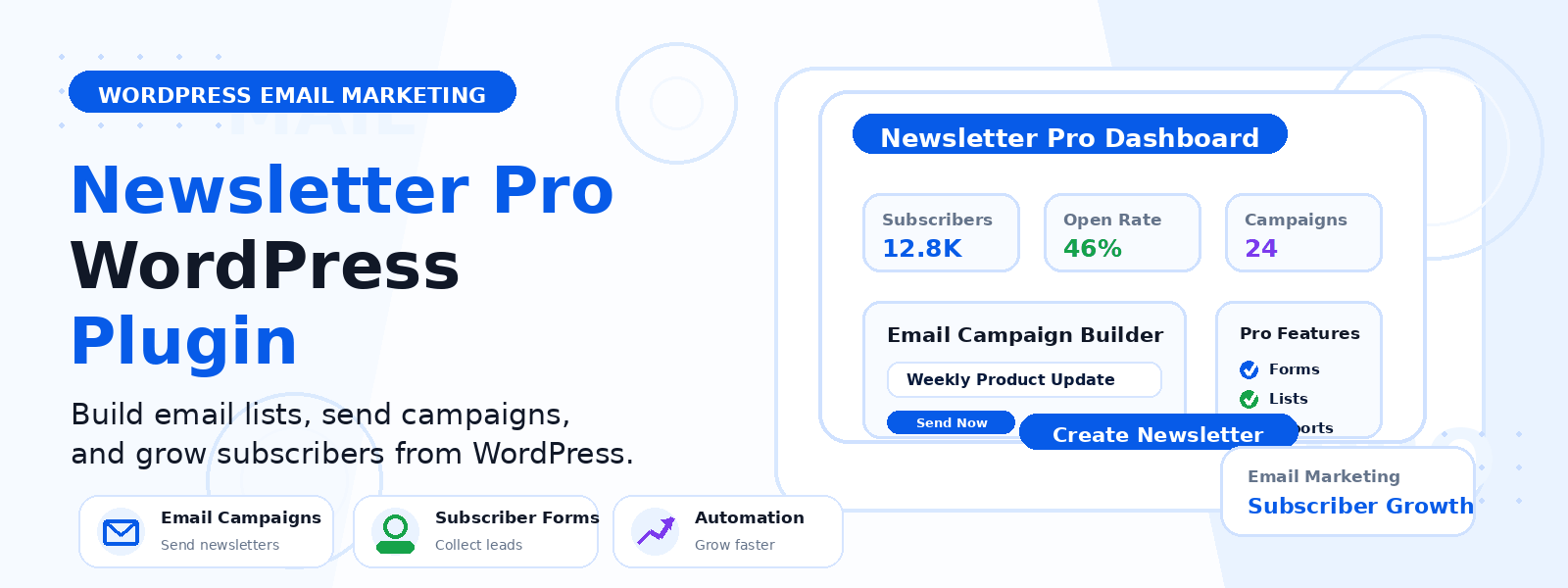
For WordPress site owners looking for a comprehensive Pro newsletter solution that integrates natively with their existing WordPress setup, Codersly Newsletter Pro provides the advanced automation, segmentation, and analytics capabilities needed to take email marketing to the next level — without the complexity or cost of enterprise platforms.
Conclusion
Upgrading to a Pro newsletter plugin is a strategic investment that pays for itself through improved subscriber engagement, better conversion rates, and more efficient marketing operations. The advanced automation, segmentation, and testing capabilities these tools provide enable you to build deeper, more personalized relationships with your audience at scale — transforming your email list from a simple broadcast channel into a sophisticated marketing system that works continuously on behalf of your business.