
What Is an Online QR Code Scanner?
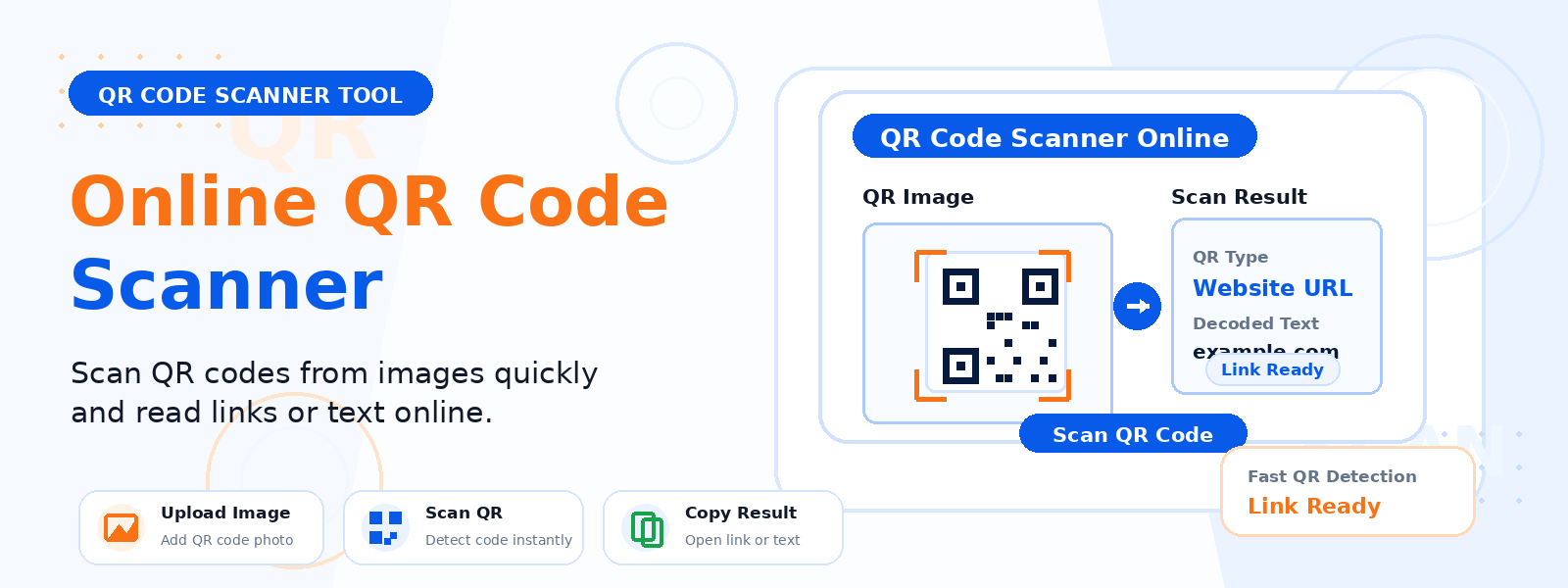
An online QR code scanner is a browser-based tool that reads and decodes QR codes directly from uploaded images — no dedicated app or hardware scanner required. Simply upload any image containing a QR code, and the tool instantly extracts and displays the encoded data, whether it’s a URL, a plain text message, contact information, or any other content.
Codersly’s free QR code scanner works entirely in your browser, making it accessible from any device — Windows, Mac, Android, or iPhone — without installing any software.
Why Use a Browser-Based QR Code Scanner?
While most smartphones can scan QR codes natively using their cameras, there are many situations where a browser-based scanner is more practical:
- Scanning QR codes from screenshots or documents — when you receive an image file containing a QR code and need to extract its content.
- Working on a desktop or laptop — computers typically don’t have a QR-scanning app installed.
- Batch processing — quickly decode QR codes embedded in downloaded files or email attachments.
- Privacy — decode a QR code before visiting an unknown link to check if it’s safe.
How to Use the Codersly QR Code Scanner
Using the QR Code Scanner on Codersly is simple and takes just a few seconds:
- Open the tool: Navigate to the Codersly QR Code Scanner.
- Upload your image: Click the upload button and select any image file (PNG, JPG, GIF, WebP) that contains a QR code.
- Scan automatically: The tool processes the image and detects the QR code instantly.
- View the result: The decoded content — URL, text, or data — is displayed on screen and ready to copy or open.
What Image Formats Are Supported?
The Codersly QR code scanner supports all common image formats, including PNG, JPEG/JPG, GIF, WebP, and BMP. You can upload screenshots, photos taken with a camera, or images exported from documents. As long as the QR code is clearly visible in the image, the scanner will detect and decode it accurately.
Is It Safe to Scan QR Codes Online?
Yes. Scanning QR codes online with Codersly is safe. The tool processes your image locally in the browser without uploading it to any external server. Your image data never leaves your device, ensuring complete privacy and security. This makes it especially useful for sensitive documents or internal business materials that contain QR codes.
Frequently Asked Questions (FAQ)
Can I scan a QR code from a screenshot?
Yes. Simply upload the screenshot containing the QR code and the tool will scan and decode it automatically, just like it would any other image file.
Does the QR code scanner work on mobile?
Yes. The Codersly QR code scanner is fully responsive and works on smartphones and tablets. You can upload an image from your phone’s gallery to decode QR codes without needing a separate app.
What if the QR code in my image is blurry or partially damaged?
QR codes have built-in error correction that allows them to be read even when up to 30% of the code is damaged or obscured. However, if the image is very blurry or the QR code is severely damaged, the scan may fail. For best results, use a clear, well-lit image.
Can I scan multiple QR codes at once?
The current version of the tool scans one QR code at a time. If your image contains multiple QR codes, the tool will decode the most prominent one detected.
Is there a QR code generator if I need to create one?
Yes! Codersly also offers a free QR Code Generator that lets you create QR codes from any text or URL instantly.
When Is a QR Code Scanner Most Useful?
A QR code scanner comes in handy in a variety of everyday and professional scenarios:
- Verifying QR codes in printed materials before distributing them.
- Extracting URLs from QR codes in product images or PDFs.
- Decoding QR codes in marketing assets or presentations.
- Checking the content of an unknown QR code for security purposes before scanning it with a phone.
- Recovering data from QR codes in archived documents or screenshots.
Try the Free QR Code Scanner Now
Need to decode a QR code from an image? Use the fast, free, and privacy-safe QR Code Scanner on Codersly. Upload your image and get the result in seconds — no account, no installation, no hassle.