
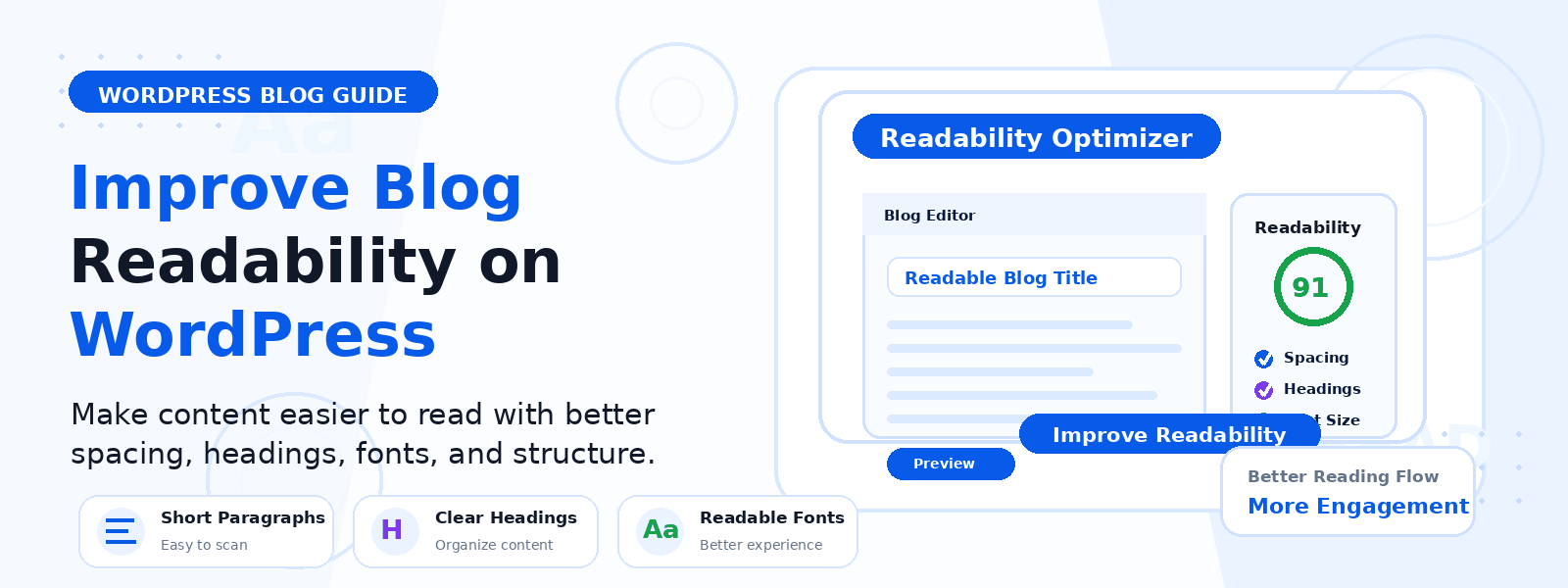
The readability of your WordPress blog posts directly affects how long visitors stay on your site, how much of your content they actually consume, and whether they return for more. A technically excellent article written in dense, impenetrable prose will have a high bounce rate and low time-on-page. The same content, reformatted and rewritten for maximum readability, can dramatically improve engagement metrics and reader satisfaction.
In this guide, we’ll explore the most practical and effective ways to enhance the readability of your WordPress blog — from writing style and formatting choices to typography settings and structural improvements.
Why Readability Matters More Than You Think
Most website visitors don’t read content word-for-word — they scan. Research by the Nielsen Norman Group shows that users typically read only 20–28% of the words on a web page during an average visit. This means your content must be structured so that readers can extract maximum value even when scanning. Clear headings, short paragraphs, bullet points, and strategically bolded key phrases all work together to make your content accessible to both scanners and linear readers.
1. Use Short, Focused Paragraphs
Long blocks of text are visually intimidating on a screen and encourage skipping. Aim for paragraphs of three to five sentences maximum, each covering a single idea. When a paragraph runs longer, ask whether the content can be split into two separate paragraphs or reformatted as a list. Short paragraphs create natural rhythm, give the reader’s eye regular resting points, and make content feel more digestible and approachable.
2. Use Headings and Subheadings Strategically
Headings serve two purposes: they help scanners identify sections relevant to their specific question, and they provide visual structure that breaks a long article into manageable chunks. Use H2 headings for major sections and H3 headings for subsections within those sections. Each heading should clearly describe what the following section covers — a reader should be able to get the article’s main points by reading only the headings. Never skip heading levels (don’t jump from H2 to H4) as this disrupts both readability and SEO structure.
3. Optimize Your Typography
Your choice of font, font size, line height, and line length has a significant impact on reading comfort. Use a body text size of at least 16px — preferably 17–18px for long-form articles. Set line height to 1.6–1.8x your font size to give text breathing room between lines. Limit your content column width to 600–750 pixels — excessively wide text columns require the reader’s eye to travel too far across the screen, increasing reading fatigue. Choose a clean, highly legible serif or sans-serif font designed for screen reading.
4. Use Bullet Points and Numbered Lists Appropriately
Lists are one of the most effective formatting tools for improving scannability. When you have three or more related items to present, consider formatting them as a bulleted list rather than a comma-separated sentence or multiple separate paragraphs. Use numbered lists for sequential steps where order matters, and bulleted lists for non-sequential collections of related items. Avoid creating lists of only two items (these usually work better as a sentence) or lists of more than eight to ten items (which may be better split or restructured as subsections).
5. Bold Key Phrases, Not Entire Sentences
Strategic bolding of key phrases helps scanners quickly identify the most important information in each paragraph. Bold the 2–3 most important words or short phrases per section — the terms and ideas that carry the most meaning. Avoid bolding entire sentences or large blocks of text, as this defeats the purpose of highlighting and makes the text visually noisy. Italics work well for book titles, technical terms being defined, and light emphasis, while bold is best reserved for truly critical information.
6. Include Images and Visual Breaks
Long-form content benefits significantly from visual breaks that reset the reader’s attention and provide context for the text. Include relevant images, screenshots, infographics, or charts at natural breakpoints in your content — typically every 300–500 words in longer articles. Images should add genuine value by illustrating a point, providing visual context, or breaking up a particularly text-dense section. Avoid using decorative stock photos that add no informational value — they increase page load time without improving the reading experience.
7. Write Conversationally
Academic or overly formal writing styles create distance between the author and the reader — exactly the opposite of what you want on a blog. Write as if you’re explaining something to a knowledgeable friend, using natural conversational language. Use contractions (you’re, it’s, we’ll). Ask occasional questions to engage the reader directly. Vary your sentence length — a mix of short, punchy sentences and longer explanatory ones creates natural rhythm and prevents monotony.
8. Add a Table of Contents for Long Posts
For articles over 1,500 words, adding a table of contents near the top of the post dramatically improves usability. A clickable table of contents allows readers to jump directly to the specific section they’re most interested in, rather than scrolling through the entire article to find it. This is particularly valuable for how-to guides, roundups, and reference articles where readers may return multiple times to reference specific sections.
Conclusion
Improving the readability of your WordPress blog is an investment that benefits every piece of content you publish and every visitor who encounters it. By implementing shorter paragraphs, strategic headings, optimized typography, appropriate use of lists, and a conversational writing style, you create a blog that’s genuinely pleasurable to read — one that earns longer visits, more page views per session, and a loyal readership that returns because they value the experience as much as the information.