
What Is a Word to PDF Converter?
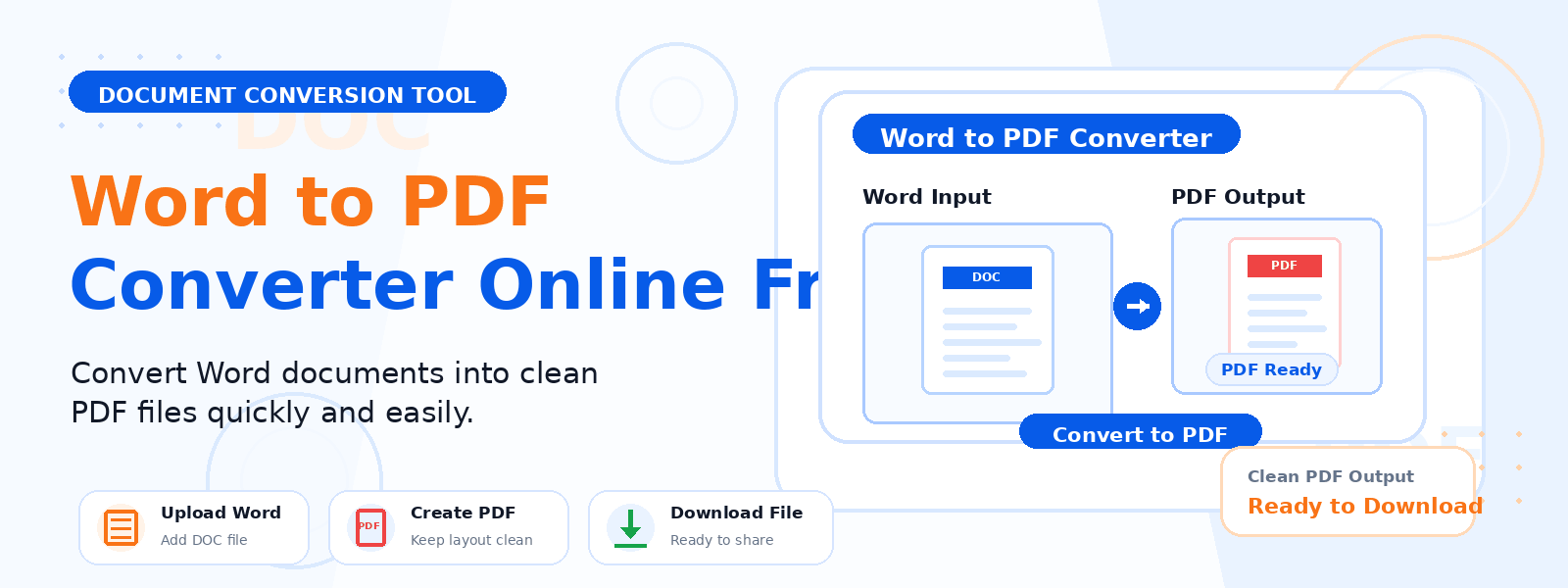
A Word to PDF converter is a free online tool that transforms Microsoft Word documents (DOCX or TXT files) into a universally compatible PDF file. Codersly’s Word to PDF converter processes your uploaded Word-compatible file and generates a downloadable PDF that preserves the layout, fonts, and formatting of your original document.
Why Convert Word Documents to PDF?
PDF is the industry standard for sharing final documents because it is platform-independent, non-editable without special software, and looks identical on any device. Converting your Word document to PDF is essential when:
- Sending professional documents — resumes, proposals, contracts, and reports are best shared as PDFs to ensure consistent formatting.
- Submitting forms or applications — many institutions and platforms require PDF uploads.
- Protecting document content — PDFs are harder to accidentally edit than Word documents.
- Ensuring cross-platform compatibility — PDFs look the same on Windows, Mac, Android, and iOS.
How to Convert Word to PDF with Codersly
Using the Word to PDF converter on Codersly is fast and straightforward:
- Open the tool: Go to the Codersly Word to PDF converter.
- Upload your file: Select your DOCX or TXT file.
- Convert: The tool processes your file and generates the PDF automatically.
- Download: Save the converted PDF file to your device.
What File Types Are Supported?
The Codersly Word to PDF converter supports DOCX (Microsoft Word format) and TXT (plain text) files. This makes it flexible for both richly formatted documents and simple plain-text files that need to be converted to PDF format.
Is Formatting Preserved During Conversion?
Yes. The converter preserves the structure, layout, and content of your Word document in the output PDF. Text, paragraphs, and basic formatting are maintained in the resulting PDF, making it suitable for professional use.
Frequently Asked Questions (FAQ)
Is the Word to PDF converter free?
Yes. The tool is completely free with no watermarks, no registration, and no usage limits.
Can I convert a TXT file to PDF?
Yes. The tool supports both DOCX and TXT file formats. Your plain text file will be converted into a clean, formatted PDF document.
What if I need to convert PDF back to Word?
Codersly also offers a free PDF to Word converter that extracts the content of a PDF file into a Word-compatible DOCX document.
Can I convert multiple files at once?
The current version processes one file at a time. For batch conversion needs, you can convert files one by one.
Related Document Conversion Tools
Explore other free document tools on Codersly: Word to Image, Image to PDF, Merge PDF, and Excel to PDF.
Convert Your Word Document to PDF Now
Need a professional PDF from your Word document? Use the free, fast Word to PDF Converter on Codersly. Upload your DOCX or TXT file and download a polished PDF in seconds.
