
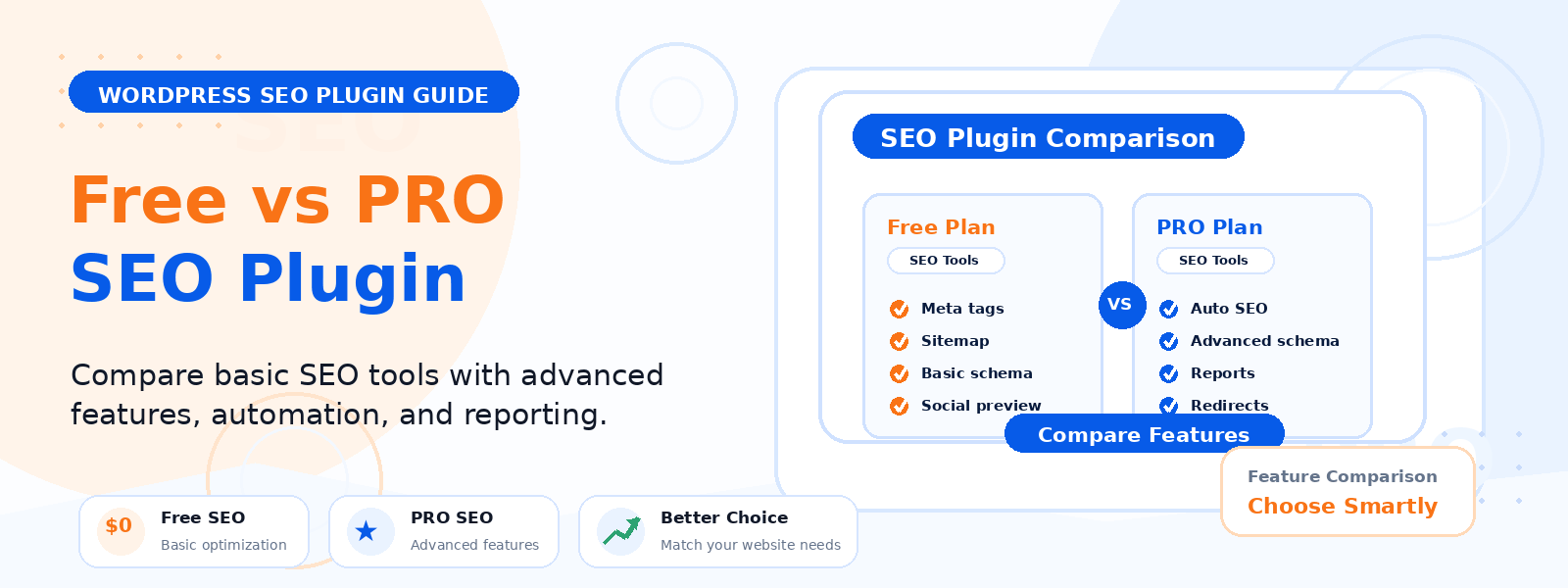
Choosing between a free SEO plugin and a PRO version is a common question for WordPress site owners. If you are running a blog, an ecommerce store, a business website, or a growing content site, the right SEO plugin can help you improve visibility in search results and make your pages easier to find.
At Codersly, the focus is on premium WordPress themes and plugins, so this guide is designed to help you understand the real difference between free and PRO SEO plugins before you decide to upgrade.
What a Free SEO Plugin Usually Covers
A free SEO plugin is often a strong starting point. For many websites, it includes the basic tools needed to set up SEO properly without any cost.
- Editable SEO titles and meta descriptions
- Basic XML sitemap support
- Simple schema or structured data options
- Content analysis or on-page SEO suggestions
- Control over noindex settings for specific pages
- Integration with WordPress editors and popular page builders
If you are just starting a website, publishing a few articles, or managing a small brochure-style site, a free SEO plugin may already give you enough control to build a solid foundation.
What You Typically Get with a PRO SEO Plugin
A PRO SEO plugin usually builds on the basics and adds features that save time, improve optimization at scale, or give you more advanced control.
- Advanced schema markup options
- Redirect management
- WooCommerce SEO features
- Keyword tracking or rank-related insights
- Content AI or automation tools
- Local SEO features for businesses with a physical location
- Automatic image SEO and additional metadata controls
- Better support and regular feature updates
For websites that publish content often or rely on search traffic to generate leads or sales, these added features can make a noticeable difference.
Free vs PRO SEO Plugin: The Main Differences
The choice is not always about “better” versus “worse.” It is usually about whether the extra features are worth the price for your specific website.
1. Ease of setup
Free versions are usually easier for beginners because they focus on essential SEO settings. PRO versions may include more options, which is helpful if you need more control but can feel overwhelming at first.
2. Advanced optimization
If you need custom schema, redirects, or deeper WooCommerce optimization, a PRO plugin often offers tools that a free version does not.
3. Time savings
As your site grows, manual SEO tasks become harder to manage. PRO features often automate repetitive work, which can save time for busy site owners, marketers, and content teams.
4. Support and updates
Free plugins may provide community-based help or limited support, while PRO versions typically come with priority support and more frequent feature improvements.
5. Business impact
If your website depends on search visibility for revenue, the extra investment in PRO can be easier to justify. If SEO is important but your site is still small, a free plugin may be enough for now.
When a Free SEO Plugin Is Enough
You may not need to upgrade right away if your website fits one or more of these situations:
- You are building a new site and want to keep costs low
- You only need basic title and meta description editing
- Your site has a small number of pages or posts
- You are not using advanced ecommerce or local SEO features
- You are learning SEO and want to understand the basics first
For many beginners, a free SEO plugin is the smartest first step. It lets you learn how SEO works without paying for features you may not use yet.
When It Makes Sense to Upgrade to PRO
Upgrading becomes more practical when your website has outgrown the basics. Here are some clear signs that a PRO SEO plugin may be worth it.
Your website is growing quickly
If you are publishing content regularly, managing many pages, or handling multiple categories, advanced tools can help keep everything organized.
You run an online store
For ecommerce websites, especially those using WordPress and WooCommerce, extra SEO features can improve product pages, category pages, and structured data.
You need redirects
If you change URLs, remove content, or merge pages, redirect management becomes important. A PRO plugin can help prevent broken links and protect SEO value.
You want more schema control
Schema helps search engines understand your content better. If your website relies on reviews, products, services, FAQs, or local business details, advanced schema features can be valuable.
You want to save time
As your site grows, automation becomes a major advantage. If you are spending too much time on repetitive SEO tasks, the upgrade may pay off through efficiency alone.
You need better support
If SEO issues affect your traffic or sales, having direct support can be important. PRO plans often provide more responsive help than free versions.
Questions to Ask Before Upgrading
Before you buy, ask yourself a few practical questions:
- Do I already use every feature in the free version?
- Am I missing a feature that would save me time or improve results?
- Does my site depend on search traffic for leads or sales?
- Am I running a blog, store, or business site that needs advanced SEO?
- Will the PRO features support my current goals over the next 6 to 12 months?
If the answer to several of these questions is yes, upgrading may be the right move.
How to Decide Based on Your Website Type
Different websites have different SEO needs. Here is a simple way to think about the decision.
Personal blog
A free plugin is often enough when you are publishing a small number of articles and only need core SEO settings.
Business website
If your website exists to generate leads, a PRO plugin may be worth it if it gives you better local SEO, schema, or content control.
WooCommerce store
PRO is often more useful for online stores because product optimization, redirects, and structured data can have a bigger impact.
Agency or multi-site management
If you manage several websites, a PRO plugin can reduce manual work and make SEO workflows easier to scale.
Common Mistakes to Avoid
When comparing free and PRO SEO plugins, avoid these mistakes:
- Upgrading before you have used the free version fully
- Buying features you do not need
- Ignoring support quality and update history
- Expecting a PRO plugin to replace good content and site structure
- Choosing a tool only because it has more features, not because it solves a real problem
Remember that SEO plugins help you manage optimization, but they do not guarantee rankings. Content quality, site speed, user experience, and technical health still matter.
Final Verdict: Free or PRO?
The best choice depends on your goals. A free SEO plugin is usually enough for beginners, smaller sites, and simple content setups. A PRO SEO plugin makes more sense when your website is growing, you need advanced controls, or SEO directly affects your business results.
If you are still unsure, start with the free version, use it well, and upgrade only when you feel limited by missing features. That approach keeps costs under control while letting your website grow with the right tools.
Explore More WordPress Tools at Codersly
Codersly offers premium WordPress themes and plugins for users who want reliable tools for their websites. If you are comparing plugin options or looking for WordPress resources, you can also explore the main site and reach out through the contact page if you need help choosing the right product.
Visit Codersly or contact us to learn more.