
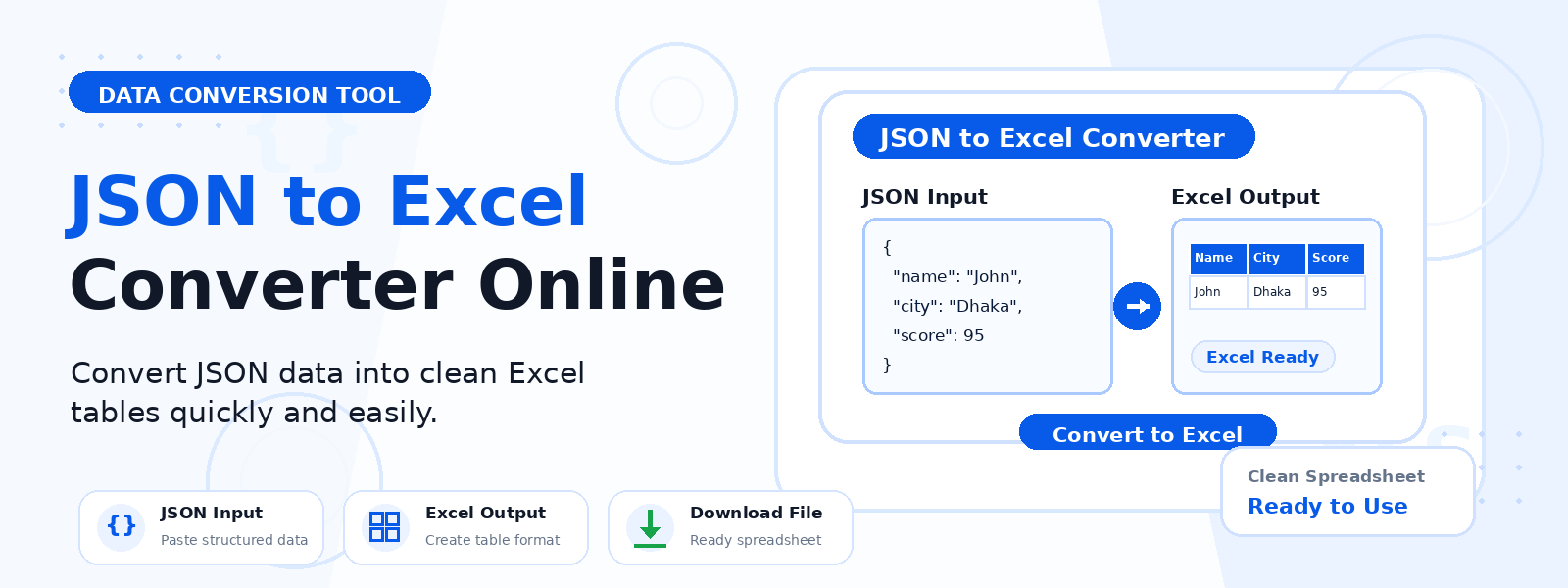
What Is a JSON to Excel Converter?
A JSON to Excel converter is a free online tool that transforms JSON (JavaScript Object Notation) data — specifically arrays of objects — into a Microsoft Excel workbook (XLSX). Codersly’s JSON to Excel tool parses your JSON input and maps each object in the array to a row in the Excel spreadsheet, with object keys becoming the column headers.
Why Convert JSON to Excel?
- Visualize API response data — convert JSON API responses into readable, formatted spreadsheets for review or reporting.
- Non-technical data access — share JSON data with team members who prefer Excel over raw JSON files.
- Data analysis — use Excel’s analysis features (sorting, filtering, pivot tables) on JSON data.
- Data archiving — save structured JSON data as Excel workbooks for long-term storage and reference.
How to Convert JSON to Excel with Codersly
- Open the tool: Go to the Codersly JSON to Excel converter.
- Paste or upload your JSON: Input a valid JSON array of objects.
- Convert: The tool maps each object to a spreadsheet row with keys as column headers.
- Download: Save the resulting XLSX workbook.
What JSON Structure Is Supported?
The tool works with JSON arrays of objects — the most common JSON format returned by REST APIs and data exports. Each object in the array must have the same keys (properties) for best results. Example: [{"name": "Alice", "age": 30}, {"name": "Bob", "age": 25}] becomes a two-row Excel table with “name” and “age” as column headers.
Frequently Asked Questions (FAQ)
Is the JSON to Excel converter free?
Yes. Completely free with no registration required.
Does it work for nested JSON?
The tool works best with flat JSON arrays of objects. Deeply nested JSON structures may be flattened or simplified in the output.
Can I convert Excel back to JSON?
Yes. Use Codersly’s free Excel to JSON converter.
Related Tools
Also explore: Excel to JSON, JSON Formatter, JSON Validator, and CSV to Excel.
Convert JSON to Excel Now
Turn your JSON data into a structured Excel workbook with the free JSON to Excel Converter on Codersly. No account needed.
