
What Is an Online Barcode Scanner?
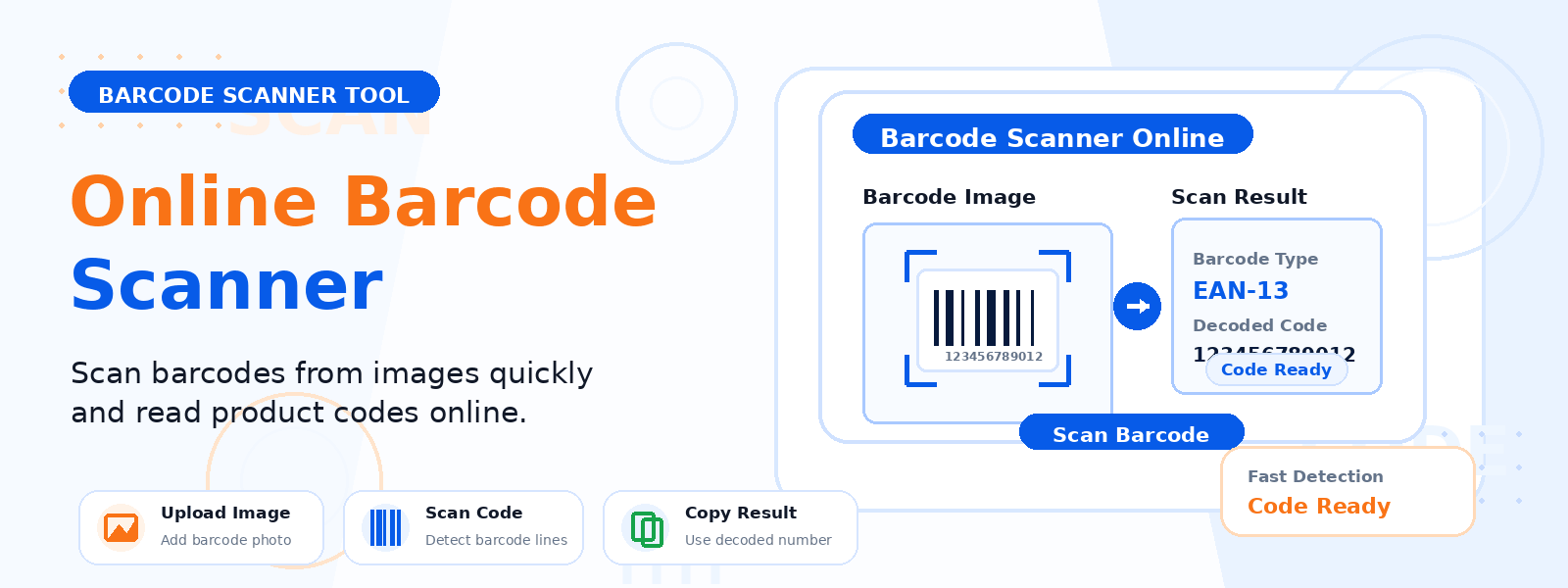
An online barcode scanner is a web-based tool that reads and decodes barcodes from uploaded image files directly in your browser. Unlike physical barcode scanners that require dedicated hardware, Codersly’s free barcode scanner works entirely online — no device, plugin, or software installation required. Simply upload any image containing a barcode, and the tool instantly decodes and displays the encoded data.
Why Use an Online Barcode Scanner?
There are many practical reasons to scan a barcode from an image without a physical scanner:
- Decode product barcodes from photos — scan barcodes on product images received via email or downloaded from websites.
- Verify barcode data — confirm the information encoded in a barcode before printing or distributing labels.
- Desktop convenience — quickly decode barcodes on a computer without needing a dedicated hardware scanner.
- Quality control — check that generated barcodes contain the correct data.
How to Use the Codersly Barcode Scanner
Using the Barcode Scanner on Codersly is simple and takes seconds:
- Open the tool: Visit the Codersly Barcode Scanner.
- Upload your image: Select an image file (PNG, JPG, WebP) that contains a visible barcode.
- Auto-scan: The tool processes the image and detects the barcode automatically.
- View result: The decoded barcode value is displayed on screen, ready to copy or use.
What Barcode Formats Are Supported?
The Codersly barcode scanner is designed to detect and decode common linear barcode formats, including Code 128 — one of the most widely used barcode standards in retail, logistics, and supply chain management. This makes it especially useful for verifying product labels and shipping codes generated with standard barcode tools.
Barcode Scanner vs. QR Code Scanner
While both tools decode machine-readable codes from images, they serve different purposes. A barcode scanner is designed for traditional 1D linear barcodes used in retail and inventory systems. A QR code scanner decodes 2D QR codes commonly used in marketing and digital content sharing. Codersly offers both — use the QR Code Scanner for QR codes and the Barcode Scanner for linear barcodes.
Frequently Asked Questions (FAQ)
Is the Codersly Barcode Scanner free?
Yes. The barcode scanner is completely free to use. You can upload and decode as many barcode images as you need without any registration or payment.
Does the scanner work on mobile devices?
Yes. The barcode scanner is fully responsive and works on smartphones and tablets. You can upload images from your device’s photo gallery to scan barcodes on the go.
What if the barcode in my image is blurry?
For best results, use a clear, well-focused image where the barcode is fully visible. Severely blurry or partially cut-off barcodes may not be detected successfully.
Can I use this to scan barcodes on product packaging?
Yes. Take or upload a clear photo of the product barcode and the tool will decode it instantly, revealing the product code or GTIN number encoded in the barcode.
When Should You Use the Barcode Scanner?
Common use cases include verifying barcode labels before printing in bulk, decoding barcodes from product catalog images, checking inventory or shipping labels, quality-testing barcode output from generation tools, and extracting product IDs from barcode images for data entry or research.
Scan Barcodes Instantly — No Hardware Needed
Whether you’re verifying a product barcode, checking a shipping label, or extracting data from a barcode image, the free Barcode Scanner on Codersly gives you instant results. Upload your image and decode any barcode in seconds — directly in your browser, for free.
