
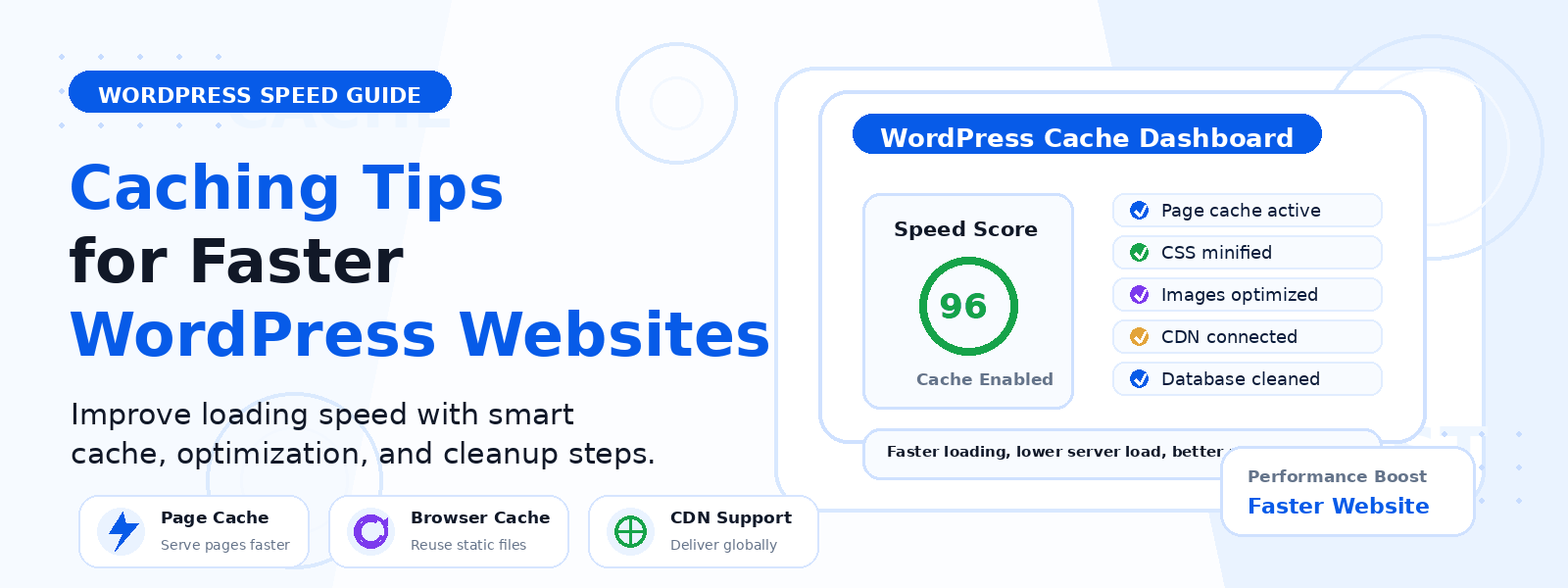
A slow WordPress website is a direct threat to your visitors’ experience, your search engine rankings, and your conversion rates. Research by Google shows that 53% of mobile users abandon a page that takes longer than three seconds to load, and every additional second of delay can reduce conversions by up to 7%. Caching is one of the most powerful and accessible performance optimization techniques available to WordPress site owners — and implementing it correctly can transform your site’s loading speed with minimal technical effort.
In this guide, we will walk through the most effective caching strategies for WordPress, explaining what caching is, the different types available, and how to implement them to achieve the fastest possible site performance.
What Is WordPress Caching?
Every time a visitor loads a WordPress page, the server must execute PHP code, query the database multiple times, assemble the page, and send it to the browser. Caching short-circuits this process by storing a pre-built version of each page so that subsequent visitors receive the stored page instantly, without requiring the server to rebuild it from scratch. The result is dramatically faster page delivery, often reducing server response time by 50 to 90 percent for cached pages.
Type 1: Page Caching
Page caching is the most impactful form of WordPress caching. It stores complete HTML copies of your pages and serves them directly to visitors without executing any PHP or MySQL queries. For most visitors on most pages, cached pages load nearly instantaneously. Popular page caching plugins include WP Rocket, W3 Total Cache, WP Super Cache, and LiteSpeed Cache. Enable page caching as your first and highest-priority performance optimization.
Type 2: Browser Caching
Browser caching instructs visitors’ browsers to store static assets locally for a specified period. On a return visit, the browser loads these assets from its local cache rather than downloading them again from your server. Configure browser caching by setting appropriate Cache-Control headers in your .htaccess file, or through your caching plugin’s settings. Static assets like images and fonts can safely be cached for 30 days or longer.
Type 3: Object Caching
WordPress uses object caching to store database query results in memory temporarily. Persistent object caching using Redis or Memcached extends this to store frequently accessed data between requests, reducing the number of database queries for each page load. Object caching is particularly beneficial for WooCommerce stores, membership sites, and any site with complex query logic. Many managed WordPress hosts include Redis caching in their infrastructure.
Type 4: Database Query Caching
WordPress makes numerous database queries to build each page. Optimizing and caching these queries reduces one of the most common performance bottlenecks. Tools like Query Monitor can help you identify slow or excessive database queries. Many caching plugins include database optimization features that clean up post revisions, spam comments, transients, and other database overhead that accumulates over time.
Type 5: CDN Caching
A Content Delivery Network distributes cached copies of your site’s static assets across servers located around the world. When a visitor loads your site, these assets are served from the CDN server nearest to their location, dramatically reducing latency. Cloudflare offers a generous free tier that includes CDN functionality. For image-heavy sites with global audiences, CDN caching can reduce image load times by 50 to 70 percent for visitors outside your server’s geographic region.
Type 6: Opcode Caching
PHP opcode caching stores compiled PHP code in memory so it does not need to be recompiled on every request. This happens at the server level and does not require any WordPress-specific configuration. Most modern hosting environments enable PHP OPcache by default. Ensure you are running PHP 8.0 or later, which includes significant performance improvements to the engine and built-in OPcache implementation.
Choosing and Configuring a Caching Plugin
For most WordPress sites, a comprehensive caching plugin handles multiple caching types in a single solution. WP Rocket is the premium option most frequently recommended by performance experts. For a free alternative, LiteSpeed Cache or WP Super Cache are solid choices. After installing any caching plugin, test your site speed before and after configuration to verify the improvement and identify any conflicts.
Conclusion
Caching is the single most impactful performance optimization you can apply to a WordPress website. By implementing page caching, browser caching, and CDN distribution, you can dramatically reduce your page load times, improve your Core Web Vitals scores, and deliver a faster experience to every visitor. Start with a comprehensive caching plugin, configure it properly, and measure the results.