
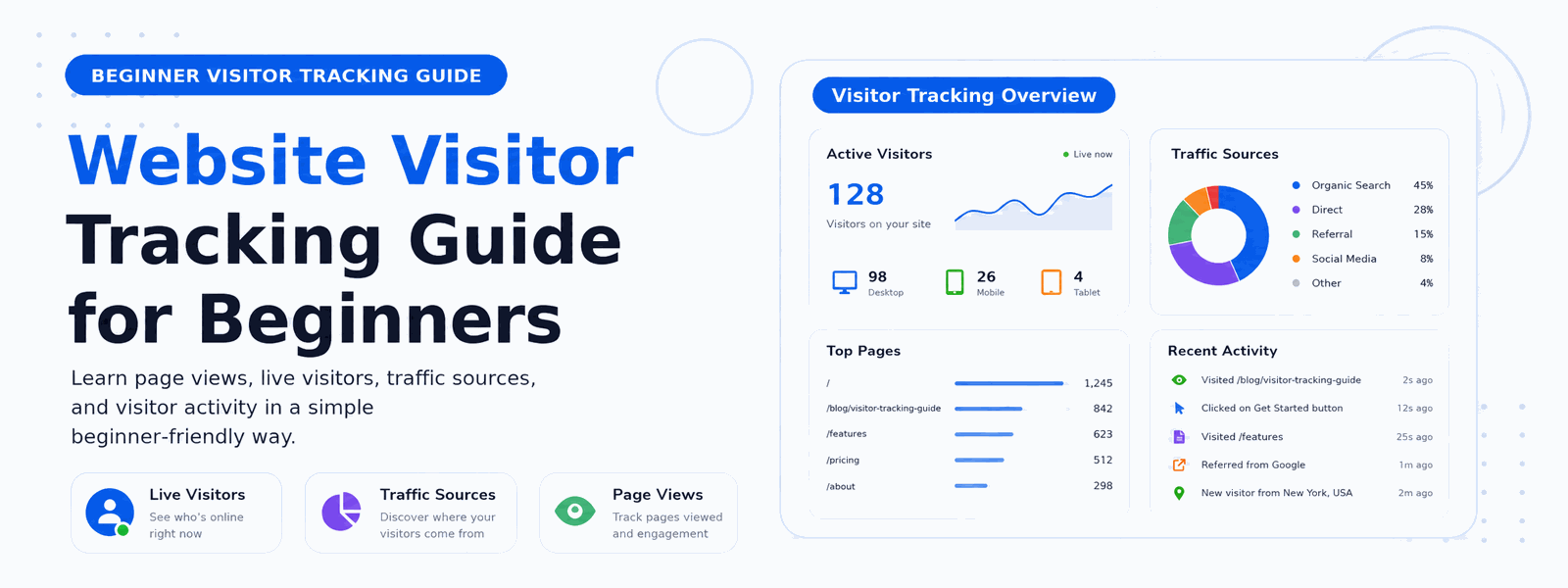
Website visitor tracking is the practice of collecting and analyzing data about the people who visit your website. For beginners, understanding visitor tracking is one of the most impactful steps you can take to improve your website’s performance. Without tracking data, you’re essentially flying blind — making decisions based on guesses instead of facts about what your audience actually does on your site.
What Is Website Visitor Tracking?
Visitor tracking involves recording information about every visit to your website — how users found you, which pages they viewed, how long they stayed, what devices they used, and what actions they took before leaving. This data is collected automatically in the background and stored for analysis. Over time, visitor data reveals patterns and trends that help you make better decisions about your content, design, and marketing strategy.
Why Visitor Tracking Is Essential for Website Growth
Without tracking data, you have no way of knowing whether your website is actually working. Are visitors finding your most important pages? Are people reading your blog posts or bouncing immediately? Is your contact page driving inquiries? Visitor tracking answers these questions and many more. It transforms your website from a static brochure into a measurable asset that you can continuously optimize for better results.
Key Metrics Every Beginner Should Track
When you’re starting out with visitor tracking, focus on these core metrics that give you the clearest picture of your website’s performance:
- Sessions: The total number of website visits — each time someone visits your site counts as a session
- Unique Visitors: The number of individual people who visited your site, regardless of how many times they came back
- Page Views: Total number of pages viewed across all visits, showing your content’s overall reach
- Bounce Rate: The percentage of visitors who leave after viewing only one page — a high bounce rate often signals irrelevant traffic or poor user experience
- Average Session Duration: How long visitors spend on your site during each visit — longer sessions suggest more engaged visitors
- Traffic Sources: Where visitors come from — search engines, social media, direct links, or referring websites
- Most Visited Pages: Which content attracts the most attention and engagement
Understanding Traffic Sources
One of the most valuable insights from visitor tracking is understanding how people find your website. Traffic typically comes from several sources. Organic search visitors come from Google and other search engines and represent users actively looking for what you offer. Direct traffic includes people who type your URL directly or use bookmarks — often your most loyal visitors. Referral traffic comes from links on other websites. Social traffic originates from social media platforms. Understanding which sources bring the most valuable visitors helps you allocate your marketing efforts effectively.
What Bounce Rate Tells You About Your Website
Bounce rate is one of the most misunderstood metrics in website analytics. A high bounce rate on a blog post may simply mean that readers consumed the article and left satisfied — which is perfectly fine. But a high bounce rate on a product page or landing page likely indicates a problem: perhaps your content doesn’t match what visitors expected to find, your page loads too slowly, or your call-to-action isn’t compelling enough. Learning to interpret bounce rate in context is an important skill for any website owner.
How to Set Up Visitor Tracking on WordPress
For WordPress beginners, setting up visitor tracking is straightforward. Install the Codersly Visitor Tracker Plugin, activate it, and your website immediately starts collecting visitor data — no complex configuration required. The plugin automatically records every visit and presents the data in a clear, easy-to-understand dashboard inside your WordPress admin panel. You don’t need technical knowledge or an external account to get started.
How to Use Visitor Data to Grow Your Website
Collecting visitor data is only valuable when you act on it. Use your traffic data to identify your best-performing content and create more of the same type. Find out which traffic sources bring the most engaged visitors and invest more in those channels. Identify pages with high bounce rates and improve them with better content, clearer calls-to-action, or faster loading times. Regularly reviewing your visitor data — even just once a week — creates a feedback loop that continuously improves your website’s performance over time.
Privacy and Visitor Tracking
As a website owner, you have responsibilities when tracking visitor data. Be transparent about your use of analytics by including it in your privacy policy. Consider whether you need to obtain consent from visitors depending on your region and applicable privacy laws. Self-hosted visitor tracking plugins like the one described here keep all data on your own server, which is generally more privacy-friendly than sending data to third-party analytics platforms.
Conclusion
Website visitor tracking doesn’t have to be complicated. Start with Codersly Visitor Tracker — a beginner-friendly plugin that gives you all the essential data you need to understand your audience and grow your WordPress website. Turn your website into a data-informed asset that improves with every insight.
