
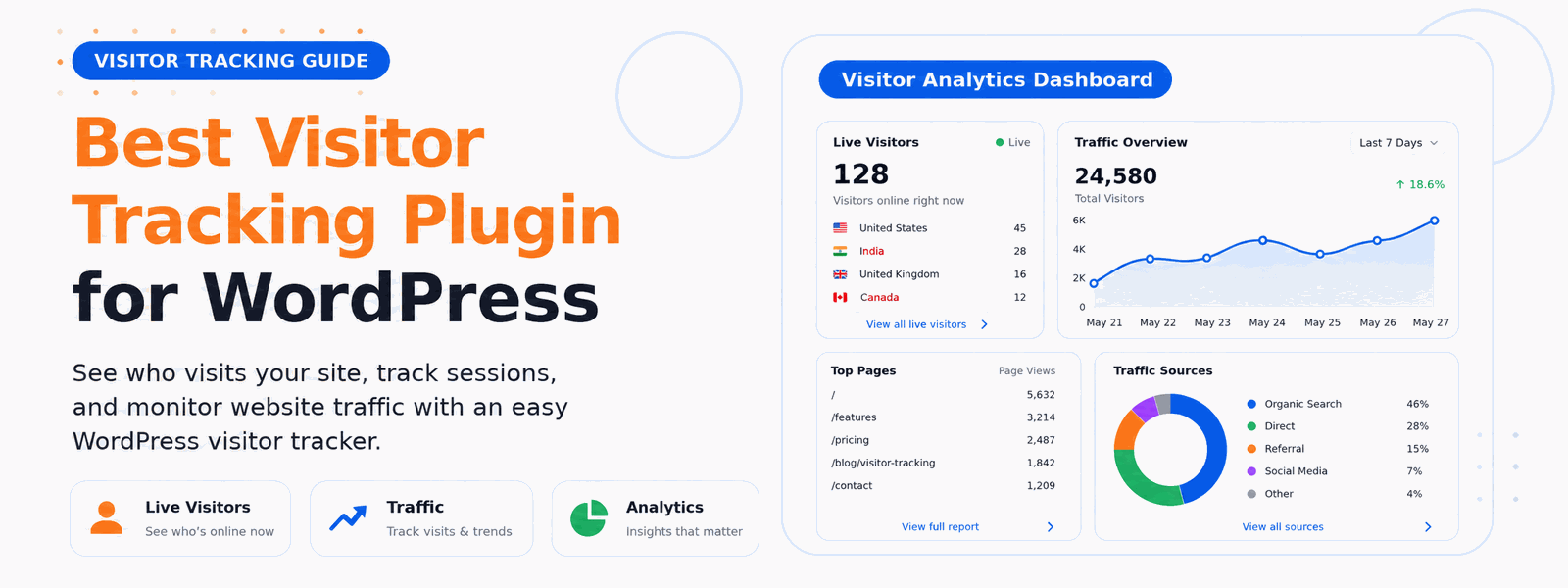
Knowing who visits your website, where they come from, and what they do on your site is essential intelligence for growing your business online. The best visitor tracking plugin for WordPress gives you this data without the complexity or privacy concerns of third-party analytics platforms. By keeping all tracking data on your own server, you gain powerful insights while staying in full control of your visitors’ information.
Why Track Website Visitors?
Visitor tracking data is the foundation of evidence-based website management. Without it, you’re making content, design, and marketing decisions based on guesses. With it, you understand exactly which content resonates with your audience, which channels are driving your most valuable visitors, and where users encounter friction in their journey through your site. This intelligence allows you to focus your efforts where they’ll have the greatest impact — saving time and accelerating growth.
The Problem with Third-Party Analytics Tools
Many WordPress website owners default to Google Analytics for visitor tracking. While Google Analytics is powerful, it comes with significant drawbacks. All your visitor data is sent to and stored on Google’s servers, raising GDPR and privacy compliance concerns. The interface is complex and overwhelming for most website owners. It requires adding third-party scripts that can slow down your website. And increasingly, visitors using ad blockers or privacy browsers block Google Analytics, leaving gaps in your data. A self-hosted WordPress visitor tracking plugin solves all of these problems.
What a Good Visitor Tracking Plugin Shows You
The best visitor tracking plugins for WordPress capture a comprehensive picture of your audience without unnecessary complexity:
- Total visits and unique visitor counts with daily, weekly, and monthly trend data
- Traffic sources breaking down organic search, social media, direct visits, and referral links
- Most visited pages showing which content attracts the most audience attention
- Geographic location of visitors by country and region
- Device type breakdown across desktop, mobile, and tablet users
- Browser and operating system data to identify technical compatibility issues
- Visitor behavior flow showing the paths users take through your website
- Real-time visitor activity to see who is on your site right now
Self-Hosted vs. Cloud Analytics: The Privacy Advantage
The growing importance of data privacy makes self-hosted analytics increasingly attractive. GDPR in Europe, CCPA in California, and similar laws worldwide require websites to be transparent about what data they collect and where it goes. With a self-hosted WordPress visitor tracking plugin, all data stays on your own server — you control it completely. There’s no third-party company profiting from your visitors’ behavioral data, and you can easily comply with data access and deletion requests from your users.
Performance Impact: Lightweight Tracking vs. Heavy Scripts
Many analytics solutions add significant JavaScript overhead to your website. Heavy tracking scripts can add several seconds to your page load times, which directly hurts your search rankings and user experience. The best visitor tracking plugins for WordPress are built to be lightweight — tracking visitor data efficiently without impacting your site’s performance. Look for plugins that minimize script size and load tracking scripts asynchronously so they never block your page from rendering.
Codersly Visitor Tracker: The Best WordPress Analytics Plugin
The Codersly Visitor Tracker Plugin is a privacy-friendly, lightweight visitor tracking plugin that shows you all the essential analytics data directly in your WordPress dashboard. No complex setup process, no third-party account required, and no visitor data leaving your server. Unlike Google Analytics, Codersly Visitor Tracker stores all data in your own WordPress database, ensuring complete data privacy and GDPR compliance from day one. The intuitive dashboard makes it easy for any website owner to understand their traffic patterns and make data-driven decisions.
Key Benefits of Codersly Visitor Tracker
Beyond the privacy advantages, Codersly Visitor Tracker offers a streamlined experience specifically designed for WordPress users. The setup takes minutes and requires no API keys or external accounts. The dashboard is clean and focused on the metrics that matter most. Reports update in real-time so you always have current data. And because everything runs on your own server, you’re not dependent on any external service’s uptime or pricing changes.
Conclusion
Start understanding your website audience today. Install Codersly Visitor Tracker and get actionable insights about your WordPress website visitors without the complexity, privacy concerns, or performance overhead of traditional analytics platforms.
