
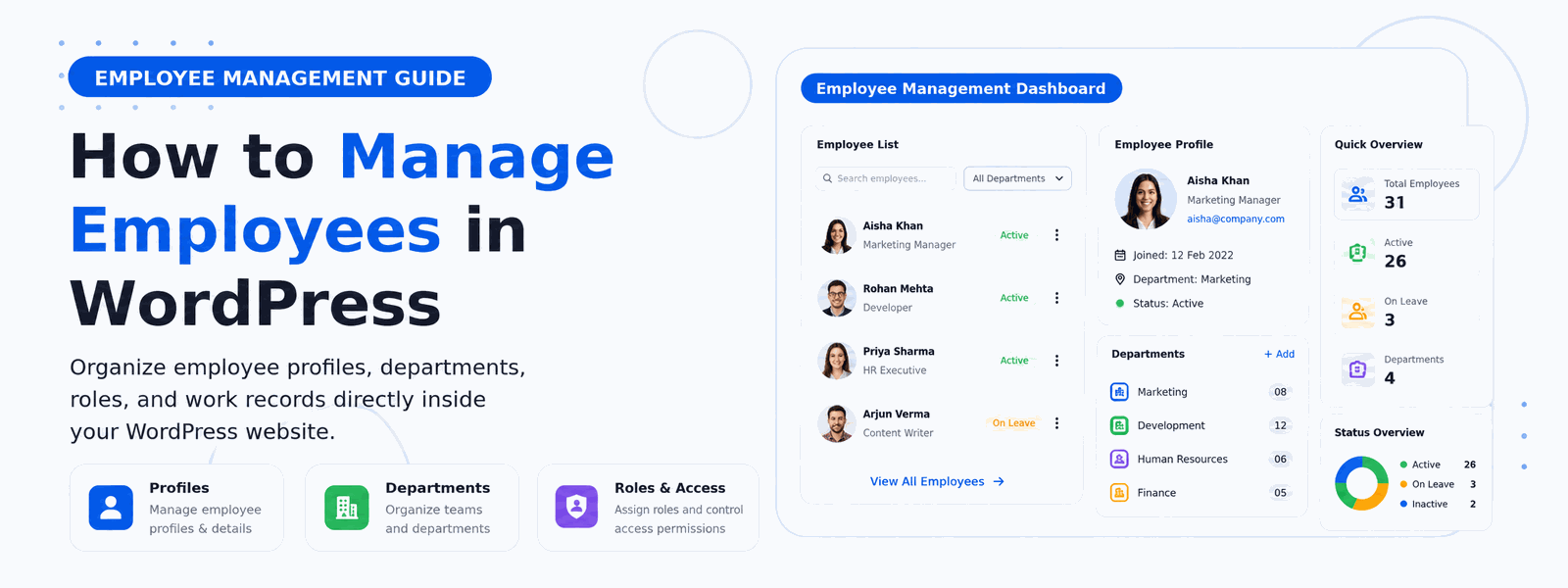
Managing employees efficiently is crucial for any growing business. If your website runs on WordPress, you can manage employees directly in WordPress using a dedicated ERP plugin — no separate HR software needed. Whether you’re managing a team of five or fifty, keeping all employee management functions in one centralized system saves time, reduces errors, and gives you better visibility into your workforce.
Why Manage Employees in WordPress?
WordPress is far more than a blogging platform — it’s a powerful, extensible business management foundation. By adding an ERP plugin, you can manage your entire workforce from the same dashboard you use to manage your website content. This saves significant time by eliminating the need to switch between separate applications. It reduces software costs by replacing standalone HR tools with a single WordPress plugin. And it improves data quality by maintaining all employee information in one place rather than scattered across multiple systems.
The Challenges of Managing Employees Without a Proper System
Growing businesses that rely on spreadsheets, email, and informal processes for employee management quickly hit limitations. Employee records stored in files are difficult to search, update, and maintain consistently. Attendance tracked manually in spreadsheets leads to errors in payroll calculations. Leave requests managed via email create confusion about balances and approval status. Performance information scattered across notes and emails makes it hard to conduct meaningful reviews. A structured employee management system in WordPress solves these challenges by providing organized, searchable records with automated workflows.
What You Can Do with an Employee Management Plugin in WordPress
A comprehensive employee management plugin gives your WordPress site the functionality of dedicated HR software:
- Create and manage detailed employee profiles including personal information, emergency contacts, employment terms, and role history
- Track daily attendance and working hours with automatic calculation of regular and overtime hours
- Manage leave requests and approvals through structured workflows that maintain accurate leave balances
- Organize employees by department, team, and role with a clear organizational hierarchy
- Generate comprehensive employee reports covering attendance, performance, and employment history
- Manage payroll information and salary structures integrated with attendance data
- Document employee performance reviews and maintain a record of feedback and goals
Employee Self-Service Capabilities
Modern employee management isn’t just about giving managers visibility — it’s also about empowering employees. A good WordPress employee management plugin includes employee self-service features that allow staff to view their own attendance records, check leave balances, submit leave requests, access their payslips, and update personal information. Self-service capabilities reduce the administrative burden on HR managers and improve employee satisfaction by giving staff direct access to their own information.
Streamlining the Onboarding Process
One of the most immediate benefits of implementing an employee management system in WordPress is the improvement to the onboarding process. When a new employee joins your company, their profile can be created in minutes with all necessary information fields populated. Access permissions, department assignments, and role configurations can be set up quickly and consistently. All new hire documentation can reference the central employee profile, creating a clean record from day one. A structured onboarding process sets new employees up for success and makes a strong first impression.
How to Set Up Employee Management in WordPress
The Codersly ERP Plugin makes setting up employee management in WordPress straightforward and fast:
- Install and activate the Codersly ERP Plugin from your WordPress dashboard
- Navigate to Codersly ERP → Employees to access the employee management module
- Add employee profiles with personal, contact, and role information
- Set up departments and teams, then assign employees to their respective units
- Enable attendance tracking and configure check-in/check-out settings
- Configure leave management settings including leave types, balances, and approval workflows
- Set up payroll parameters for salary processing integrated with attendance data
Reporting and Analytics for Workforce Management
Access to comprehensive workforce reports helps managers make better staffing decisions. With employee management data centralized in WordPress, you can generate reports on attendance patterns to identify potential issues, track leave usage across departments, review overtime trends that might indicate workload imbalances, and monitor headcount changes over time. These reports transform raw HR data into strategic intelligence that supports better business decisions.
Conclusion
Managing employees in WordPress has never been easier or more efficient. Install the Codersly ERP Plugin today and build a complete HR management system directly in your WordPress site — no separate software subscriptions, no complicated setups, just effective employee management integrated with the platform you already use.