
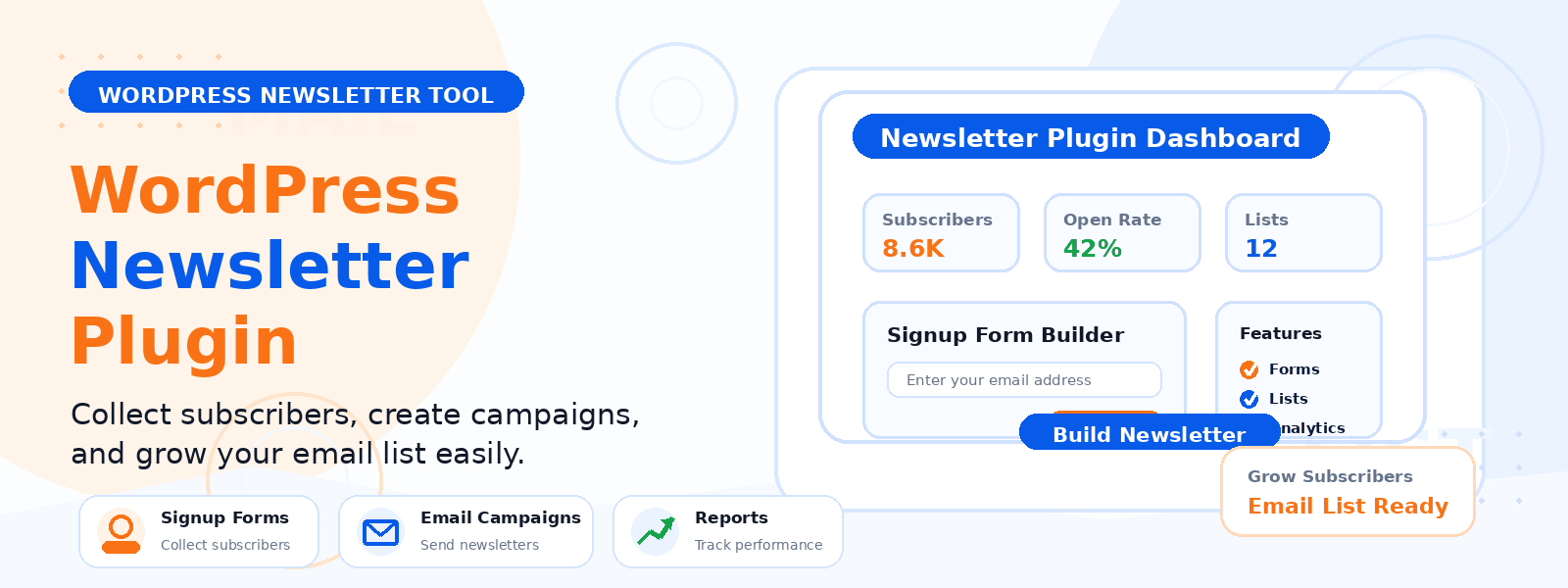
Email marketing remains one of the highest-ROI digital marketing channels available to WordPress website owners. Building a quality subscriber list gives you a direct communication channel with your audience that no algorithm change, social media policy update, or search engine ranking shift can take away from you. But to run an effective email marketing strategy, you need the right tools — and for WordPress websites, that means choosing a newsletter plugin that fits your goals, your budget, and your technical comfort level.
In this guide, we’ll explore what to look for in a WordPress newsletter plugin, the key features that separate good options from great ones, and how to evaluate which plugin is best for growing your subscriber base.
Why Use a WordPress Newsletter Plugin?
A dedicated WordPress newsletter plugin allows you to collect email subscribers directly on your website, manage your subscriber list within the familiar WordPress dashboard, design and send broadcast emails or automated sequences, and track open rates, click rates, and subscriber growth — all without relying on expensive third-party email marketing platforms that charge per subscriber.
For small websites and blogs just starting to build an email list, a self-hosted WordPress newsletter plugin can be significantly more cost-effective than cloud-based alternatives. As your list grows, you can evaluate whether to migrate to a more advanced platform or upgrade to a pro version of your plugin.
Key Features to Look For
- Easy subscriber management: Import, export, and organize subscribers with custom lists or segments.
- Customizable opt-in forms: Embed forms in posts, pages, the sidebar, or as popups with control over design and fields.
- Email campaign builder: A drag-and-drop or template-based email composer that produces mobile-responsive emails without coding.
- Automated sequences: Set up welcome emails, drip campaigns, and triggered automations based on subscriber actions.
- GDPR compliance tools: Double opt-in support, consent checkboxes, and easy unsubscribe mechanisms.
- Analytics and reporting: Track open rates, click-through rates, bounce rates, and unsubscribes for every campaign.
- SMTP integration: Send emails through a dedicated SMTP provider (like SendGrid, Mailchimp transactional, or Amazon SES) for better deliverability.
What Separates a Good Newsletter Plugin from a Great One?
Beyond the basic feature set, the best WordPress newsletter plugins distinguish themselves through deliverability optimization, subscriber segmentation capabilities, and the quality of their email templates. Deliverability is arguably the most important factor — a plugin that reliably gets your emails into inboxes rather than spam folders is far more valuable than one with a beautiful interface that consistently fails deliverability. Look for plugins that support SMTP configuration, double opt-in, and SPF/DKIM authentication guidance.
Growing Your Subscriber List with Your Newsletter Plugin
Having the plugin installed is just the beginning. The real work of growing a newsletter list comes from strategic placement of opt-in forms, compelling lead magnets, and consistent value delivery. Place opt-in forms at the end of blog posts (where engaged readers are most likely to subscribe), in the website header or navigation, as exit-intent popups that appear when visitors are about to leave, and on a dedicated newsletter subscription landing page.
Offer a compelling reason to subscribe — a free resource, a discount coupon, exclusive content, or early access to new products. Clearly communicate what subscribers can expect: how often you’ll email them and what type of content they’ll receive. Setting clear expectations upfront reduces unsubscribes and builds a list of genuinely engaged subscribers.
Sending Your First Newsletter
Your first newsletter sets the tone for your entire email relationship with subscribers. Send a welcome email immediately after someone subscribes — confirm what they’ll receive, deliver any promised lead magnet, and introduce yourself and your brand in a warm, personal tone. After the welcome email, aim to send at least one newsletter per month to keep your list engaged. Consistent communication prevents subscriber lists from going cold and reduces the likelihood of mass unsubscribes when you eventually send a promotional email.
Measuring Newsletter Performance
Track your newsletter’s performance with these key metrics: open rate (industry average is 20–30% for most niches), click-through rate (2–5% is typical), unsubscribe rate (under 0.5% per campaign is healthy), and list growth rate. Use these metrics to refine your subject lines, email frequency, content topics, and send times. A/B test your subject lines regularly — even small improvements in open rate have a significant compound effect on your overall email marketing results over time.
Conclusion
The right WordPress newsletter plugin is a foundational investment in your website’s long-term audience development. By choosing a plugin with strong deliverability, flexible subscriber management, and easy-to-use campaign tools, you set yourself up to build a valuable, direct relationship with your audience that supports all your other marketing and business goals. Start building your list today — every subscriber you add is an asset that grows in value over time. For a WordPress-native newsletter solution, explore Codersly Newsletter Plugin.