
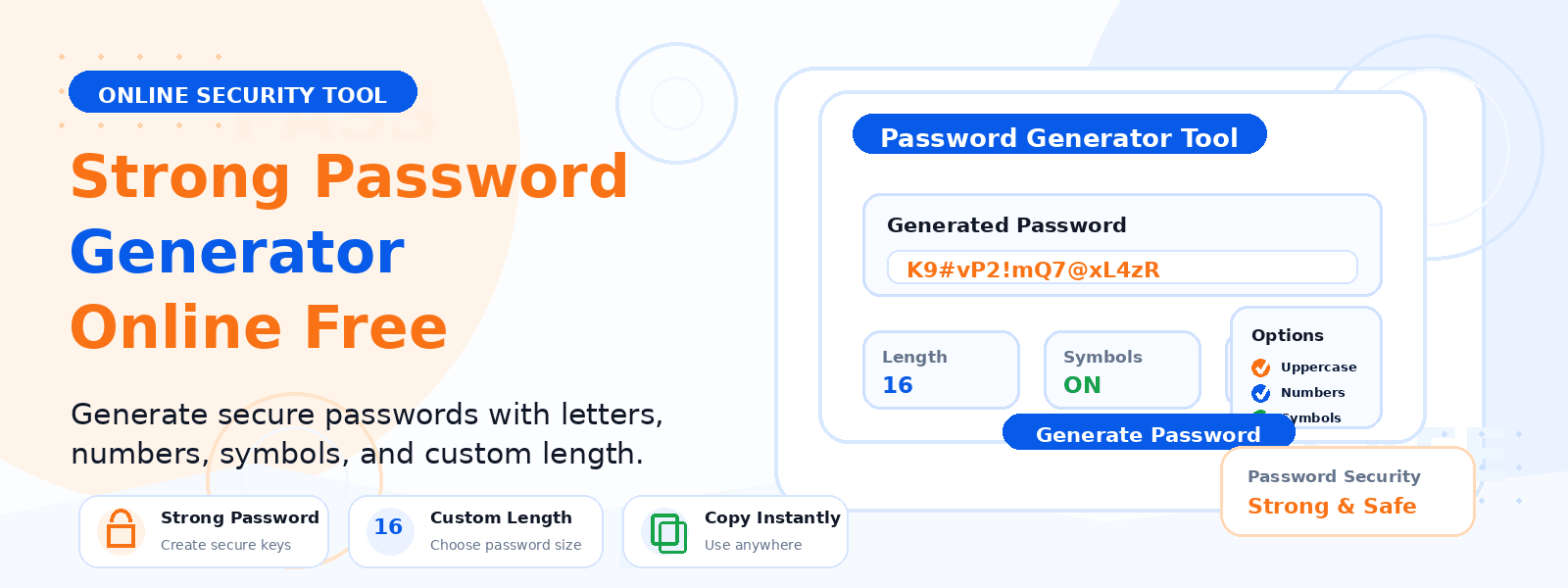
What Is a Password Generator?
A password generator is a free online security tool that creates strong, random passwords to help protect your online accounts from unauthorized access. Codersly’s Password Generator produces cryptographically random passwords that are difficult to guess or crack, providing a crucial layer of security for your digital accounts.
Why Should You Use a Password Generator?
Weak or reused passwords are one of the leading causes of account breaches. Using a strong, unique password for every account significantly reduces the risk of unauthorized access. Here is why generating passwords is essential:
- Prevent brute-force attacks — random passwords with uppercase, lowercase, numbers, and symbols are exponentially harder to crack than dictionary words.
- Avoid password reuse — use unique generated passwords for every account so a breach on one site does not compromise others.
- Meet security requirements — many platforms require passwords that include uppercase letters, numbers, and special characters.
- Reduce phishing vulnerability — complex passwords that do not contain personal information are harder to guess through social engineering.
How to Use the Codersly Password Generator
- Open the tool: Visit the Codersly Password Generator.
- Configure your password: Set the desired length and choose which character types to include (uppercase, lowercase, numbers, symbols).
- Generate: Click generate and a strong random password is created instantly.
- Copy and use: Copy the password and save it in a password manager for secure storage.
What Makes a Password Strong?
A strong password should be at least 12 characters long and include a mix of uppercase and lowercase letters, numbers, and special symbols. It should not include dictionary words, names, dates, or any personal information. The longer and more varied the character set, the stronger the password.
Frequently Asked Questions (FAQ)
Is the password generator free?
Yes. Completely free with no registration required.
Is it safe to use an online password generator?
Yes. Codersly’s password generator creates passwords entirely in your browser using client-side JavaScript. The generated passwords are never sent to any server or stored anywhere.
What length should my password be?
Security experts recommend a minimum of 12 characters, with 16 or more characters providing even stronger protection.
Should I store generated passwords?
Yes. Since strong generated passwords are difficult to remember, it is highly recommended to store them in a reputable password manager like Bitwarden, 1Password, or LastPass.
Related Security Tools
Also try: UUID Generator and Base64 Encode Decode.
Generate a Strong Password Now
Create a secure, random password instantly with the free Password Generator on Codersly. No account needed.