
What Is a Character Counter?
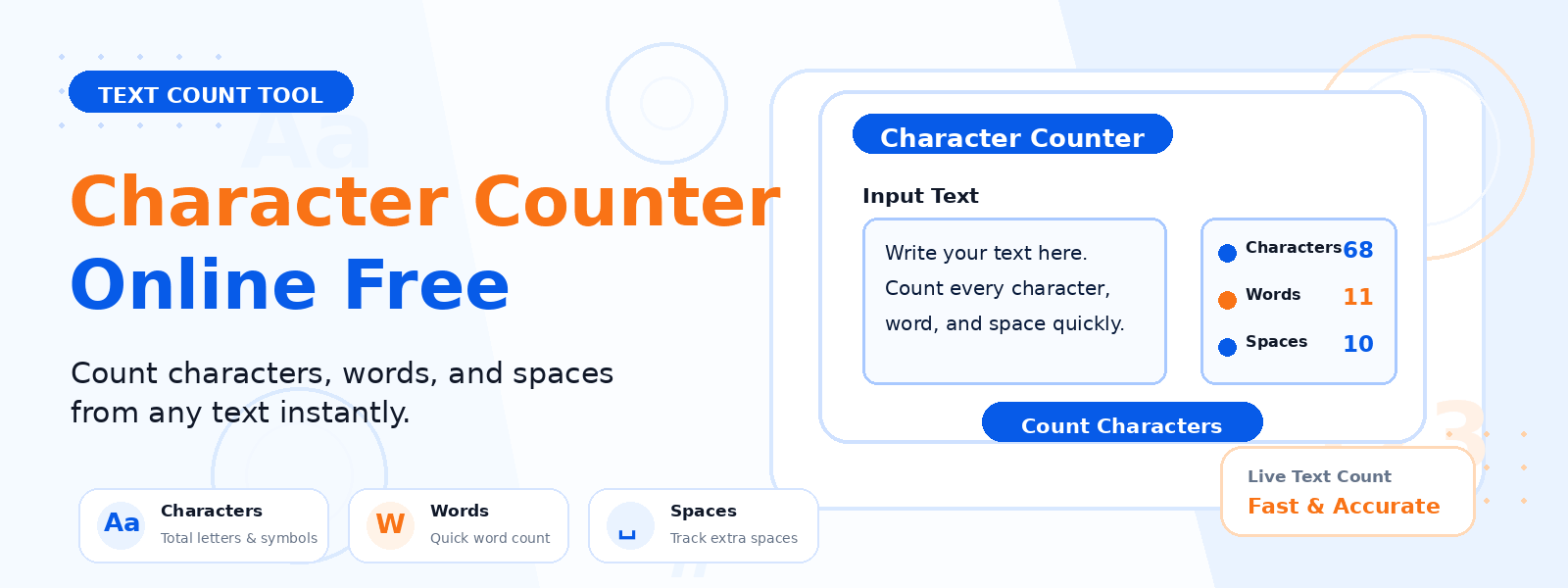
A character counter is a free online tool that counts the total number of characters in any text input. Codersly’s Character Counter provides an instant, real-time count of every character in your text — including letters, numbers, punctuation marks, symbols, and spaces. It is an essential tool for anyone working with text length requirements or limitations.
Why Count Characters?
- Social media platforms — Twitter/X limits posts to 280 characters; knowing your character count helps craft perfect posts.
- SEO meta tags — meta titles should be 50-60 characters; meta descriptions 120-160 characters for optimal search display.
- SMS and text messaging — standard SMS messages are limited to 160 characters per message.
- Ad copy and headlines — Google Ads, Facebook Ads, and other platforms have strict character limits for headlines and descriptions.
- Database fields — verify that text fits within database VARCHAR column limits before inserting data.
- Programming — count string lengths for validation, parsing, or API request body size checks.
How to Use the Character Counter
- Open the tool: Visit the Codersly Character Counter.
- Type or paste your text: Enter any text in the input field.
- View the count: The total character count is displayed instantly as you type.
Does It Count Spaces?
Yes. The character counter includes spaces in the total count, as spaces are characters just like letters and numbers. This reflects the actual length of the string as it would be measured in programming languages and database fields.
Frequently Asked Questions (FAQ)
Is the character counter free?
Yes. Completely free with no sign-up required.
What is the difference between word count and character count?
Word count counts the number of words (groups of characters separated by spaces), while character count counts every individual character including spaces. Use the Word Counter if you need word counts along with character counts.
What is the maximum text length the tool can handle?
The tool handles large amounts of text efficiently. You can paste entire articles or documents without performance issues.
Related Text Tools
Also try: Word Counter, Line Counter, and Text to Slug.
Count Characters Now
Get an instant character count for any text with the free Character Counter on Codersly. No account needed.