
What Is a Word Counter?
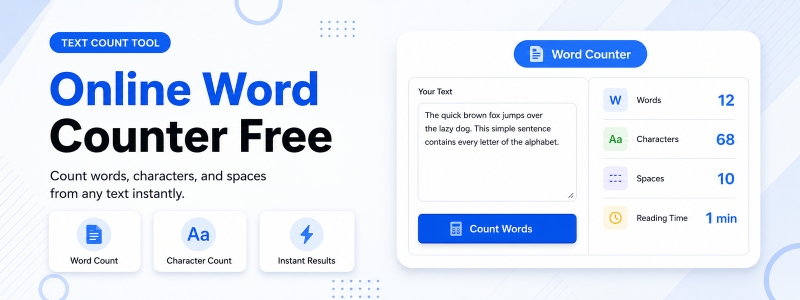
A word counter is a free online tool that analyzes text and provides instant counts of words, characters, lines, and sentences. Codersly’s Word Counter helps writers, students, bloggers, copywriters, and content creators quickly measure the length and scope of any text — without needing to open Microsoft Word or count manually.
Why Use an Online Word Counter?
- Meet word count requirements — verify that your essay, article, or report meets a minimum or maximum word count set by your teacher, editor, or platform.
- SEO content optimization — track the word count of blog posts to align with SEO best practices (typically 1,000-2,500 words for comprehensive articles).
- Social media character limits — ensure tweets, LinkedIn posts, or meta descriptions stay within character limits.
- Academic writing — check your thesis, assignment, or research paper for required word or character counts.
- Copywriting — stay within ad copy limits, headline character counts, or email subject line guidelines.
What Does the Codersly Word Counter Measure?
The Codersly Word Counter provides a comprehensive text analysis including:
- Word count — total number of words in the text.
- Character count — total characters including spaces.
- Line count — total number of lines in the text.
- Sentence count — total number of sentences detected.
How to Use the Word Counter
- Open the tool: Go to the Codersly Word Counter.
- Paste or type your text: Enter any text in the input field.
- Get instant results: Word, character, line, and sentence counts update in real time as you type.
Frequently Asked Questions (FAQ)
Is the word counter free?
Yes. Completely free with no sign-up or registration required.
Does it count characters with or without spaces?
The tool provides total character count including spaces.
Is there a text length limit?
The tool can handle large amounts of text — paste entire articles, essays, or documents for accurate counts.
Can I use it for counting characters for SEO meta descriptions?
Yes. Meta descriptions should ideally be 120-160 characters. Use the character count feature to keep them within the recommended range.
Related Text Tools on Codersly
Also try: Character Counter, Line Counter, Text Case Converter, and Remove Duplicate Lines.
Count Your Words Now
Instantly count words, characters, lines, and sentences in any text with the free Word Counter on Codersly. No account needed.