
What Is Base64 Encoding?
Base64 is an encoding scheme that converts binary data into a text string using a set of 64 ASCII characters (A-Z, a-z, 0-9, +, /). It is widely used in computer science and web development to safely transmit binary data over text-based channels like email, JSON payloads, HTML data URIs, and URLs that may not support raw binary data.
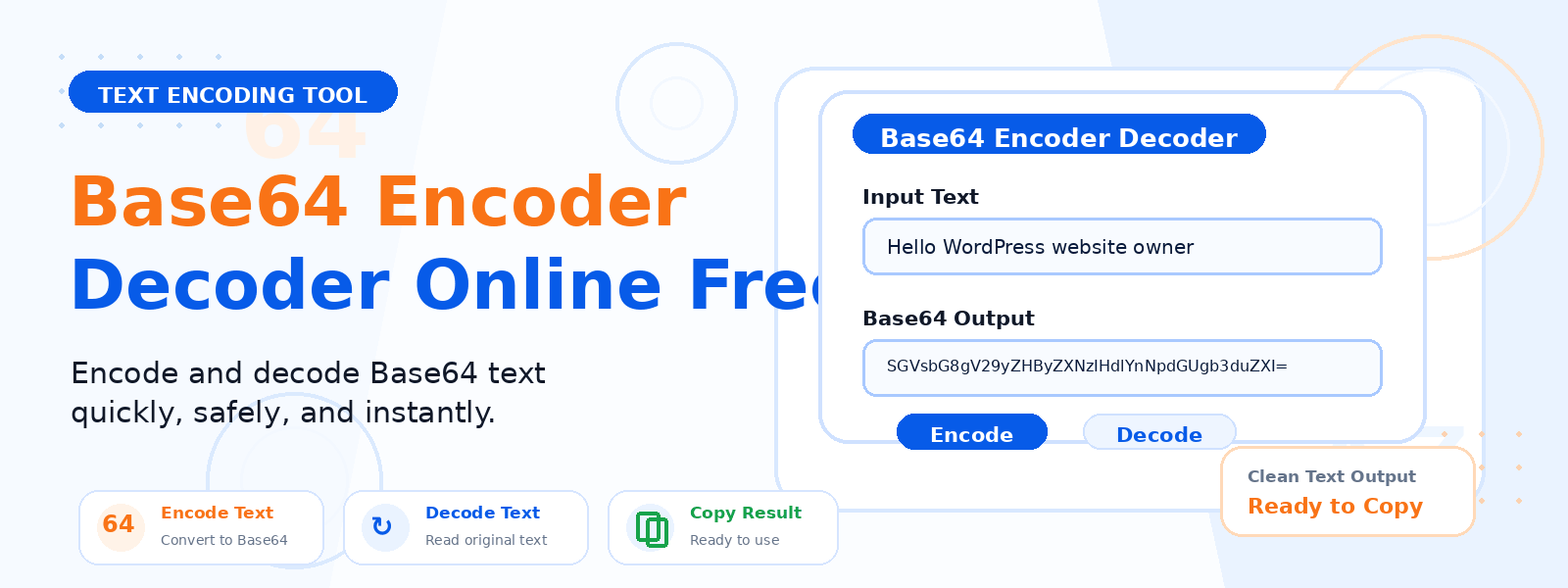
Codersly’s free Base64 Encoder and Decoder allows you to encode plain text or data into Base64 format, or decode a Base64-encoded string back into readable text — all instantly, right in your browser.
When Is Base64 Used?
- Email attachments (MIME) — binary file attachments are Base64-encoded for safe transmission via email protocols.
- Data URIs in HTML/CSS — images and fonts are embedded directly in web pages using Base64-encoded strings.
- API tokens and credentials — HTTP Basic Authentication encodes credentials as Base64.
- JSON and XML data exchange — binary data within JSON or XML payloads is often Base64-encoded.
- JWT tokens — the header and payload sections of JSON Web Tokens use Base64url encoding.
How to Use the Codersly Base64 Encoder/Decoder
- Open the tool: Go to the Codersly Base64 Encoder Decoder.
- Choose mode: Select whether you want to encode or decode.
- Enter your text: Paste or type the text you want to encode or decode.
- Get result: The encoded or decoded output is displayed instantly.
Base64 Encoding vs. Encryption
It is important to understand that Base64 encoding is not encryption. It does not protect data from being read — it simply represents binary data in a text-safe format. Anyone with a Base64 decoder can reverse the encoding. For secure data transmission, use encryption methods such as AES or RSA, not Base64.
Frequently Asked Questions (FAQ)
Is the Base64 encoder/decoder free?
Yes. Completely free with no registration required.
Can I encode and decode any text?
Yes. You can encode any plain text string into Base64 and decode any valid Base64 string back to text.
Why does Base64 end with “=” signs?
The “=” characters are padding added to make the Base64 string a multiple of 4 characters, as required by the Base64 specification.
Related Encoding Tools
Also try: URL Encode Decode and HTML Encode Decode on Codersly.
Encode or Decode Base64 Now
Quickly encode text to Base64 or decode Base64 strings with the free Base64 Encoder Decoder on Codersly. No sign-up needed.
