
What Is a CSV to Excel Converter?
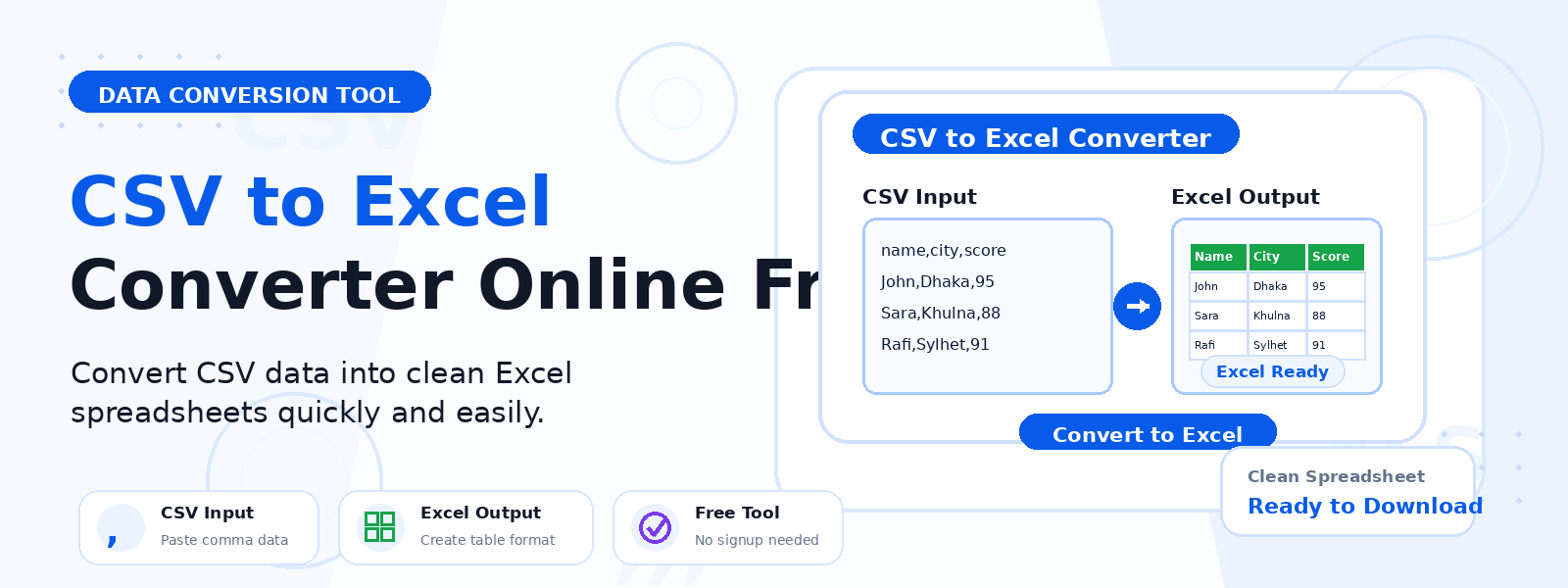
A CSV to Excel converter is a free online tool that transforms plain-text CSV (Comma-Separated Values) files into Microsoft Excel workbooks (XLSX format). Codersly’s CSV to Excel tool parses your uploaded CSV file and creates a properly formatted Excel spreadsheet — with columns, rows, and data organized exactly as in the source CSV — ready to open and edit in Microsoft Excel, Google Sheets, or any compatible application.
Why Convert CSV to Excel?
- Easier data management — Excel provides sorting, filtering, formulas, and formatting that plain CSV files lack.
- Visual data presentation — apply Excel formatting, conditional colors, and charts to CSV data.
- Data analysis — use Excel pivot tables, formulas, and functions on your CSV data.
- Team collaboration — share formatted Excel workbooks with colleagues who prefer Excel over raw CSV.
How to Convert CSV to Excel with Codersly
- Open the tool: Visit the Codersly CSV to Excel converter.
- Upload your CSV: Select your CSV file.
- Convert: The tool processes the CSV and creates an Excel workbook.
- Download: Save the XLSX file to your device.
Does It Preserve Column Structure?
Yes. The CSV to Excel converter accurately parses the comma-delimited structure of your CSV file and maps each column into the corresponding Excel column. Header rows, numeric values, and text strings are all preserved correctly in the output workbook.
Frequently Asked Questions (FAQ)
Is the CSV to Excel converter free?
Yes. Completely free with no sign-up required.
Does it support tab-delimited files?
The tool is optimized for standard comma-delimited CSV files. For best results, use standard CSV format.
Can I convert Excel back to CSV?
Yes. Use Codersly’s free Excel to CSV converter.
Related Tools
Also explore: Excel to JSON, JSON to Excel, Excel to PDF, and PDF to Excel.
Convert CSV to Excel Now
Transform your CSV data into a fully formatted Excel workbook with the free CSV to Excel Converter on Codersly. No registration needed.
