
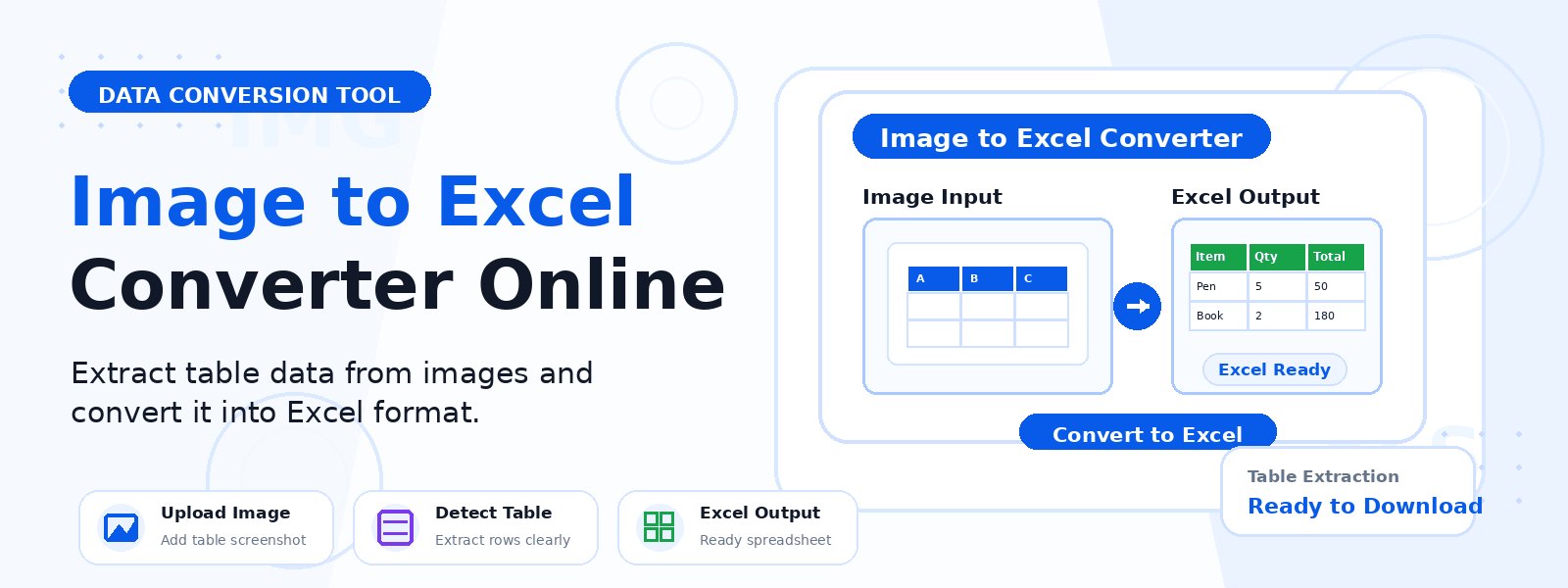
What Is an Image to Excel Converter?
An image to Excel converter is a free online tool that uses OCR (Optical Character Recognition) technology to detect and extract table-like text data from uploaded images and export it into a Microsoft Excel workbook (XLSX). Codersly’s Image to Excel tool is ideal for converting photographs or screenshots of tables, spreadsheets, charts, or printed data grids into fully editable Excel files.
Why Convert Images to Excel?
- Digitize printed tables — convert scanned data tables from books, reports, or printed documents into editable spreadsheets.
- Extract data from screenshots — pull table data from app screenshots or web page captures without manual re-entry.
- Process photos of receipts or invoices — extract line items and totals from photographed financial documents.
- Convert handwritten or printed grids — recognize tabular data from whiteboard photos or hand-drawn grids.
How to Use the Image to Excel Converter
- Open the tool: Go to the Codersly Image to Excel converter.
- Upload your image: Select a JPG, PNG, or other image file containing a data table.
- Extract: The OCR engine recognizes the table structure and text data.
- Download: Save the resulting Excel workbook to your device.
What Types of Images Work Best?
The tool performs best with images that contain clearly structured, grid-like data — such as printed tables, data grids, or screenshots of spreadsheets. Ensure the image is high-resolution, well-lit, and that text is clear and readable for best OCR accuracy.
Frequently Asked Questions (FAQ)
Is the Image to Excel converter free?
Yes. Completely free with no sign-up required.
Does it preserve table rows and columns?
Yes. The tool recognizes table-like patterns in the image and attempts to organize the extracted text into corresponding rows and columns in the Excel output.
What image formats are supported?
JPEG, PNG, WebP, BMP, and TIFF are all supported formats.
What if I need to convert a PDF table to Excel instead of an image?
Use the free PDF to Excel converter on Codersly for that purpose.
Related Tools
Also try: OCR Scanner, Image to Word, Excel to CSV, and Excel to JSON.
Convert Image Tables to Excel Now
Turn photographs and screenshots of data tables into editable Excel spreadsheets with the free Image to Excel Converter on Codersly. No account needed.
