
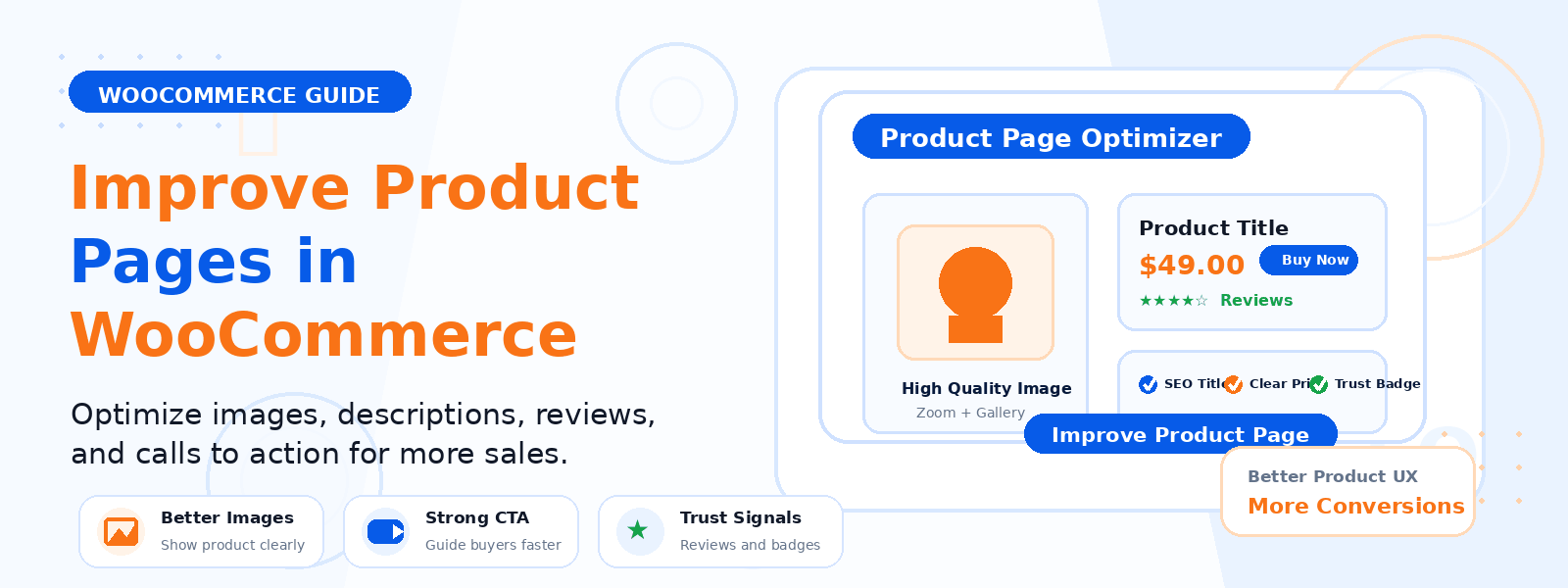
Your WooCommerce product pages are the most important pages on your entire online store. They’re where purchase decisions are made, where customer confidence is either won or lost, and where the gap between a browser and a buyer is either bridged or broken. Optimizing these pages is one of the highest-ROI activities a WooCommerce store owner can undertake.
In this guide, we’ll walk through the most effective strategies for improving your WooCommerce product pages to boost conversions, reduce cart abandonment, and create a better overall shopping experience.
1. Use High-Quality Product Images
Product images are the closest thing online shoppers have to physically handling a product before buying it. Invest in professional photography that shows your products from multiple angles, includes close-up shots of important details, and provides scale reference where appropriate. Enable WooCommerce’s built-in zoom feature so customers can examine product details up close. For clothing and accessories, show the product being worn or used by real people to help customers visualize it in their own lives.
2. Write Compelling Product Descriptions
Weak, manufacturer-supplied product descriptions that simply list specifications are a missed opportunity. Your product description should speak directly to your target customer’s needs, desires, and pain points. Lead with benefits, not features. Instead of “Made of 100% cotton,” write “Breathable, skin-soft cotton that keeps you comfortable all day, every season.” Use clear formatting with short paragraphs and bullet points to make descriptions easy to scan on mobile devices.
3. Display Customer Reviews Prominently
Social proof is one of the most powerful conversion tools available. Research consistently shows that products with verified customer reviews convert significantly better than those without. Enable WooCommerce’s built-in review system and actively encourage customers to leave reviews after purchase. Display star ratings prominently near the product title and Add to Cart button where they’re immediately visible. If you have limited reviews, consider using a third-party review platform that imports reviews from your existing customers.
4. Optimize Your Add to Cart Button
Your Add to Cart button is the most important interactive element on the product page. Make it prominent, visually distinct from other page elements, and immediately visible without scrolling on both desktop and mobile. Use action-oriented button text like “Add to Cart,” “Buy Now,” or “Get Yours Today.” Ensure there’s enough surrounding whitespace to make the button easy to tap on touchscreens. Test different button colors — contrasting colors that stand out from your theme typically perform best.
5. Show Price, Savings, and Stock Status Clearly
Display pricing prominently and honestly. If a product is on sale, show both the original and sale price with the savings amount or percentage clearly visible — this reinforces the value proposition. Display stock levels when inventory is limited (“Only 3 left in stock”) to create mild urgency without being manipulative. Show shipping costs or “Free Shipping” status as early as possible, preferably on the product page itself, since unexpected shipping costs at checkout are the leading cause of cart abandonment.
6. Add Product Videos
Video demonstrations dramatically increase buyer confidence for complex products, high-ticket items, or anything where functionality and usage context matter. A 60-90 second product walkthrough video showing the product in use can answer questions before customers even ask them, reducing both pre-purchase hesitation and post-purchase returns. WooCommerce supports product videos natively, or you can embed YouTube videos in your product description.
7. Include a Detailed FAQ Section
A product-specific FAQ section addresses the most common objections and questions that prevent potential customers from completing a purchase. Think about what your customer support team hears most often and answer those questions directly on the product page. Common FAQ topics include sizing and fit, compatibility, warranty terms, care instructions, and international shipping availability.
8. Optimize for Mobile Shopping
With the majority of eCommerce browsing now happening on mobile devices, your product pages must be fully optimized for small screens. Test every element — image galleries, Add to Cart buttons, review sections, and quantity selectors — on actual mobile devices. Images should load quickly (under 2 seconds), buttons should be large enough to tap accurately, and the checkout process should be accessible and streamlined on a 5–6 inch screen.
9. Add Related Products and Upsells
WooCommerce includes built-in features for displaying related products, cross-sells (shown in the cart), and upsells (shown on the product page). Configure these strategically to encourage customers to discover complementary products or upgrade to a higher-value option. Cross-selling and upselling are among the most effective ways to increase your store’s average order value without increasing your marketing costs.
Conclusion
Improving your WooCommerce product pages is an ongoing process of testing, measuring, and refining. Start with the highest-impact changes — better images, more compelling descriptions, prominent social proof, and a clear Add to Cart button — then progressively optimize other elements based on what your analytics data tells you about customer behavior. Even small improvements to conversion rate on your most-visited product pages can have a significant cumulative impact on your store’s revenue.