
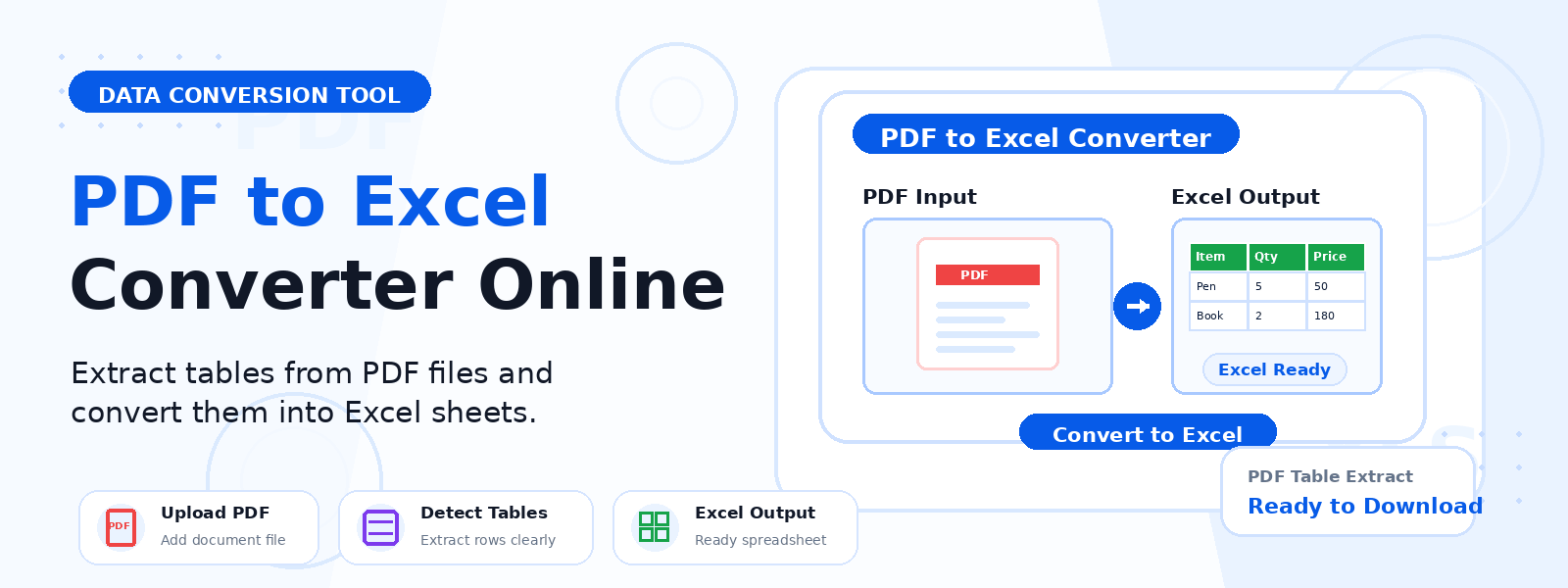
What Is a PDF to Excel Converter?
A PDF to Excel converter is a free online tool that extracts tabular data, rows, columns, and text from PDF files and exports them into a Microsoft Excel workbook (XLSX format). Codersly’s PDF to Excel tool intelligently detects table structures in your PDF and preserves row and column alignment in the output spreadsheet, making it far more efficient than manual data re-entry.
Why Convert PDF to Excel?
- Repurpose financial data — extract bank statements, invoices, or financial reports into editable spreadsheets.
- Analyze data tables — convert PDF data tables into Excel for sorting, filtering, and analysis.
- Edit read-only tables — gain full editing capability over data that was locked in a PDF format.
- Automate data workflows — extract data from PDF reports into Excel for further processing or import into databases.
How to Convert PDF to Excel with Codersly
- Open the tool: Navigate to the Codersly PDF to Excel converter.
- Upload your PDF: Select the PDF file containing the tables or data you need.
- Extract: The tool processes your PDF and extracts the table data while preserving rows and columns.
- Download: Save the resulting Excel workbook (XLSX) to your device.
Does It Preserve Table Structure?
Yes. The Codersly PDF to Excel converter is designed to detect and preserve the row and column structure of tables found in the PDF. This makes it especially useful for financial statements, data exports, product catalogs, and reports that contain structured tabular data.
Frequently Asked Questions (FAQ)
Is the PDF to Excel converter free?
Yes. Completely free with no watermarks or sign-up.
Does it work for scanned PDFs?
The tool works best with text-based PDFs. For scanned PDFs, use the OCR Scanner first to extract the text.
What if my PDF has multiple pages with tables?
The tool extracts content from the PDF and organizes it into the Excel workbook, attempting to capture all detectable table data across pages.
Can I convert Excel back to PDF?
Yes. Use the free Excel to PDF converter on Codersly.
Related Conversion Tools
Also explore: Excel to CSV, Excel to JSON, Image to Excel, and PDF to Word.
Convert PDF to Excel Now
Extract tables and data from PDF files into editable Excel spreadsheets with the free PDF to Excel Converter on Codersly. No sign-up, no hassle.