
What Is a PDF Merge Tool?
A PDF merge tool is a free online utility that combines two or more PDF files into a single unified PDF document. Codersly’s Merge PDF tool lets you upload multiple PDF files and merge them into one downloadable PDF — preserving the content, formatting, and page order of each original file.
Why Merge PDF Files?
- Combine multiple reports into one file — instead of sending separate PDFs, create one organized document.
- Assemble multi-chapter documents — merge individual chapter PDFs into a complete book or manual.
- Bundle invoices and receipts — combine multiple invoice PDFs for accounting or expense reporting.
- Consolidate presentation slides — merge multiple slide decks into a single presentation PDF.
- Simplify email attachments — attach one merged PDF instead of multiple files.
How to Merge PDF Files with Codersly
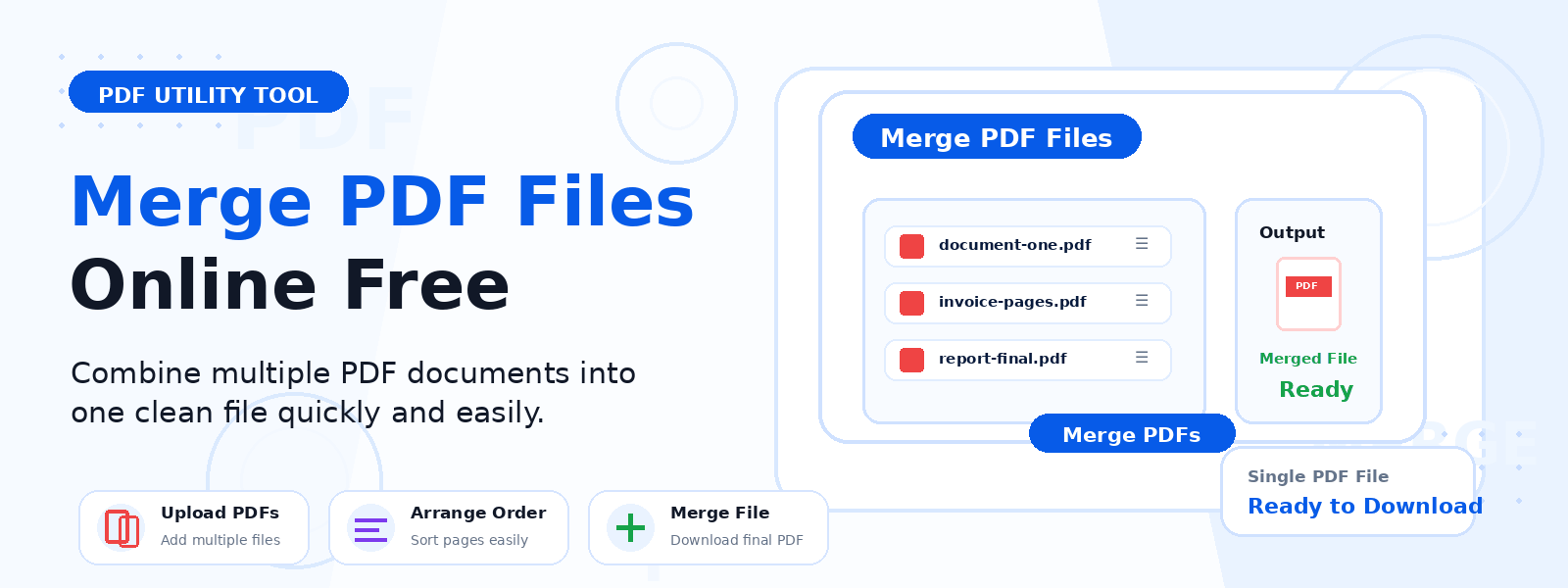
- Open the tool: Navigate to the Codersly Merge PDF tool.
- Upload your PDFs: Select two or more PDF files from your device.
- Set the order: Arrange the files in the desired merge order.
- Merge: The tool combines all pages into one PDF document.
- Download: Save the merged PDF to your device.
Does the Tool Preserve PDF Quality?
Yes. The Merge PDF tool preserves the original quality, formatting, and content of all merged PDF files. Text, images, tables, and page layout are maintained exactly as in the original documents.
Frequently Asked Questions (FAQ)
Is the Merge PDF tool free?
Yes. Completely free with no watermarks or sign-up required.
How many PDF files can I merge at once?
The tool allows you to merge multiple PDF files in a single operation. Upload all the files you need and combine them into one document.
Will the page order be correct?
Yes. The pages are merged in the order you upload or arrange the files, giving you full control over the final document structure.
Can I split a PDF instead of merging?
For splitting needs, use the PDF to Images tool to extract individual pages.
Related PDF Tools on Codersly
Also try: Image to PDF, PDF to Word, Excel to PDF, and Word to PDF.
Merge Your PDFs Now
Combine multiple PDF files into one document instantly with the free Merge PDF tool on Codersly. Upload your files and download the merged PDF in seconds.
