
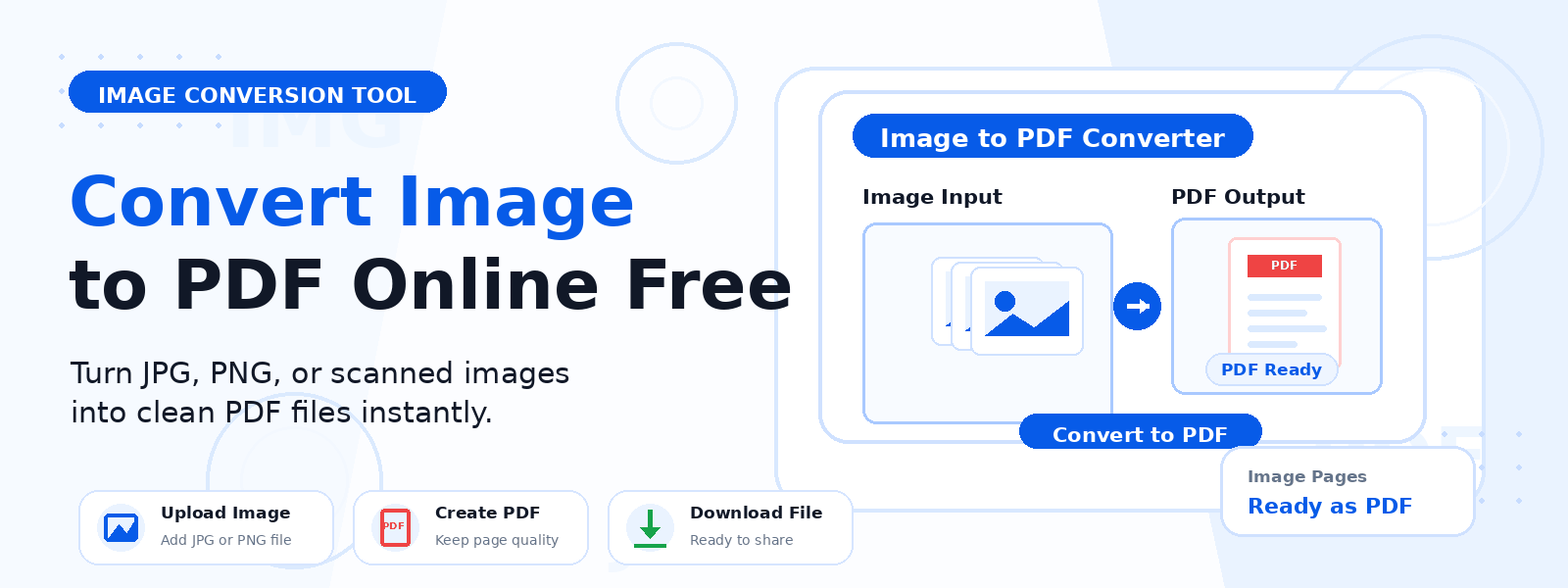
What Is an Image to PDF Converter?
An image to PDF converter is a free online tool that combines one or more image files into a single, downloadable PDF document. Whether you have scanned documents, photos, screenshots, or graphics, Codersly’s Image to PDF tool lets you merge them into a professional-quality PDF file in seconds — no software installation required.
PDF is the universal standard for document sharing and archiving. Converting your images to PDF ensures they retain their quality, layout, and formatting when shared via email, uploaded to cloud storage, or printed.
Why Convert Images to PDF?
There are many everyday and professional scenarios where converting images to PDF is the best solution:
- Combine multiple images into one file — instead of sending 10 separate image files, create one organized PDF document.
- Share scanned documents — convert scanned pages or photos of documents into a standard PDF format accepted by offices and institutions.
- Create a PDF portfolio — compile images of your work into a single, shareable PDF file.
- Submit forms and documents — many platforms require PDF uploads; converting images to PDF solves compatibility issues.
- Preserve image quality — PDFs maintain the resolution and layout of your images without compression artifacts.
How to Convert Images to PDF with Codersly
Using the Image to PDF Converter on Codersly is fast and intuitive:
- Open the tool: Go to the Codersly Image to PDF tool.
- Upload your images: Select one or more image files (JPG, PNG, WebP, BMP, GIF) from your device.
- Convert: The tool automatically processes your images and compiles them into a PDF document.
- Download: Click the download button to save your PDF file instantly.
What Image Formats Are Supported?
Codersly’s Image to PDF converter supports all common image formats, including JPEG/JPG, PNG, WebP, BMP, and GIF. You can mix different image formats in a single conversion batch, and the tool will handle them all seamlessly.
Can I Merge Multiple Images into One PDF?
Yes. The Codersly Image to PDF tool allows you to upload multiple images at once and combine them into a single multi-page PDF document. Each image becomes a separate page in the resulting PDF, making it ideal for digitizing multi-page documents, creating image booklets, or compiling photo collections.
Frequently Asked Questions (FAQ)
Is the Image to PDF converter free?
Yes. The Image to PDF tool on Codersly is completely free. You can convert as many images as you need without any cost or account registration.
Is my uploaded image data secure?
Your images are processed in the browser where possible, and files are not stored or shared on Codersly’s servers. Your data remains private and secure.
What is the maximum file size I can upload?
The tool supports standard image sizes suitable for documents and photos. For very large high-resolution images, the processing may take a few extra seconds.
Will the image quality be preserved in the PDF?
Yes. The tool preserves the original resolution of your images in the resulting PDF, ensuring sharp, clear output suitable for both digital use and printing.
Can I convert a single image to PDF?
Absolutely. You can convert a single image to a one-page PDF or combine multiple images into a multi-page PDF — the choice is yours.
Related Document Conversion Tools
Codersly offers a complete suite of document conversion tools. If you need to go in the other direction, try the free PDF to Images converter to extract images from a PDF file. You can also use the Merge PDF tool to combine multiple existing PDF files into one.
Convert Your Images to PDF Now
Stop sending multiple image files as attachments. Use the free, fast, and easy Image to PDF Converter on Codersly to create professional PDF documents from your images in seconds — no sign-up, no watermark, no hassle.
