
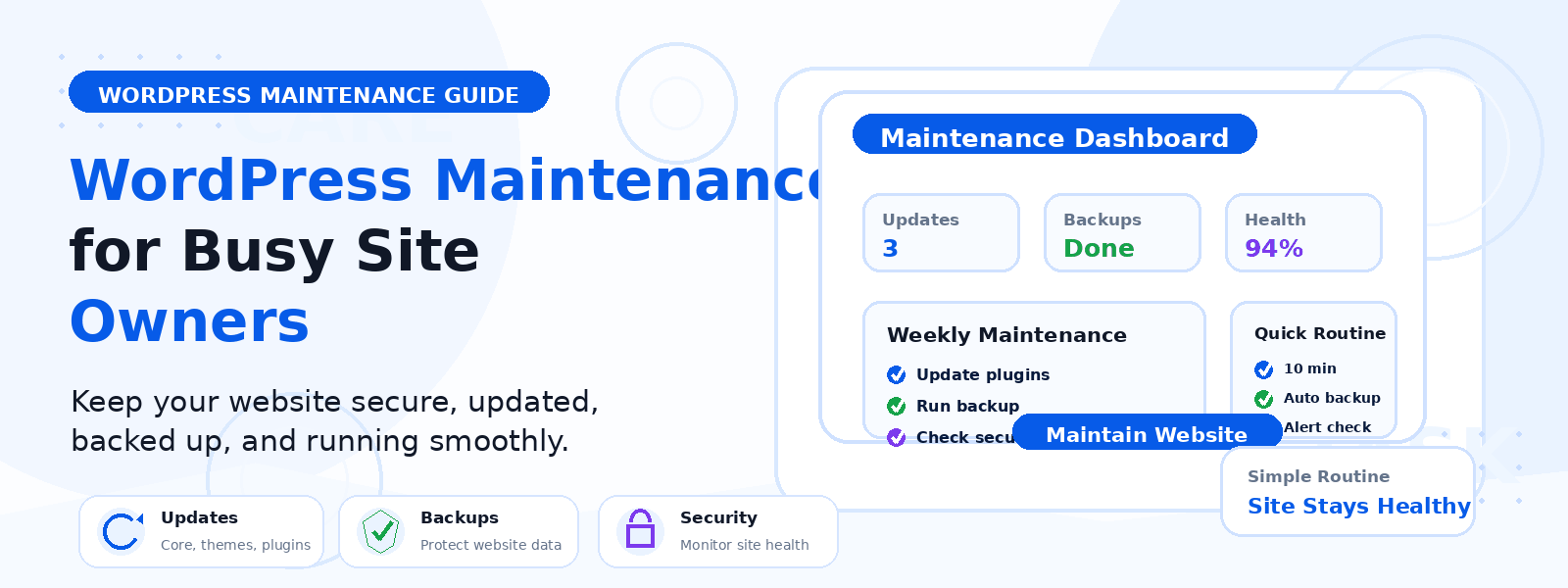
Running a WordPress website requires ongoing maintenance — but for busy website owners, it is easy to let maintenance tasks slip when competing priorities demand attention. The consequence of neglected maintenance is almost always worse performance, increased security vulnerability, and more difficult and expensive problems to fix. The solution is a systematic maintenance approach that is efficient enough to be sustainable even when time is tight.
Why WordPress Maintenance Cannot Be Skipped
WordPress is not a set-and-forget platform. The WordPress ecosystem, including core software, themes, and plugins, is constantly evolving with regular updates that address security vulnerabilities, performance improvements, and compatibility with new server technologies. A WordPress site that goes without maintenance for months is likely running outdated software with known security vulnerabilities, accumulating database bloat that degrades performance, and missing bug fixes causing subtle issues for your visitors.
Daily Automated Tasks (Set Once, Run Automatically)
The foundation of an efficient maintenance strategy is automating everything that can be automated. Configure these daily automated processes once and let them run in the background: automated backups that create daily complete backups and upload them to a remote destination like Google Drive or Amazon S3, uptime monitoring using a free service like UptimeRobot to ping your site every five minutes and send immediate alerts if your site goes down, and automated security scanning that checks for malware daily and alerts you to any detected threats.
Weekly Tasks (15 to 30 Minutes)
Set aside 15 to 30 minutes once a week for hands-on maintenance activities. Apply plugin and theme updates one at a time through Dashboard then Updates, checking your site briefly after each update to confirm nothing is broken. Review and moderate comments by clearing spam and approving genuine discussions. Check for broken links periodically using a broken link checker plugin or web tool to find and fix any 404 errors. Verify that contact form submissions are being received and that spam protection is working correctly.
Monthly Tasks (1 to 2 Hours)
A more thorough monthly maintenance session keeps your site optimized and healthy over the medium term. Apply any major WordPress core version updates in a controlled manner after checking compatibility notes and ensuring a recent backup exists. Optimize the database using a plugin like WP-Optimize to remove accumulated post revisions, spam comments, orphaned data, and transients that bloat your database over time. Spend time in Google Analytics reviewing traffic trends, top-performing content, and conversion metrics. Review your WordPress user accounts and remove any that are no longer active.
Quarterly Tasks (Half Day)
A more comprehensive quarterly review keeps your site strategically aligned with its goals. Audit your plugin library by reviewing every installed plugin for continued necessity, update status, and known conflicts or vulnerabilities. Run your key pages through Google PageSpeed Insights and GTmetrix to compare against previous baseline scores and address any performance regressions. Ensure your homepage, About page, service pages, and key landing pages still accurately reflect your current offerings. Restore a backup to a staging environment to verify your backups are actually restorable and not just created.
Using Maintenance Mode When Needed
When performing significant updates or modifications, enable a WordPress maintenance mode plugin to display a professional maintenance page to visitors rather than exposing them to a potentially broken site. Always disable maintenance mode immediately after completing your work — it is a common mistake to enable it and forget to turn it off, blocking legitimate visitors from accessing your site.
Building a Maintenance Calendar
The most effective maintenance strategy is one that becomes a scheduled habit rather than a reactive response to problems. Add your weekly, monthly, and quarterly maintenance sessions to your calendar as recurring appointments. Treat them with the same priority as client meetings or financial reviews — because neglecting website maintenance has real business consequences that accumulate over time. A well-maintained WordPress site runs faster, stays more secure, and requires less emergency intervention than one that is periodically neglected.
Conclusion
A systematic WordPress maintenance approach does not require hours of work every day. It requires a structured, scheduled combination of automated processes and focused manual tasks. By implementing daily automations, weekly check-ins, and monthly reviews, busy website owners can keep their WordPress sites secure, fast, and performing at their best without maintenance consuming disproportionate time and energy.