
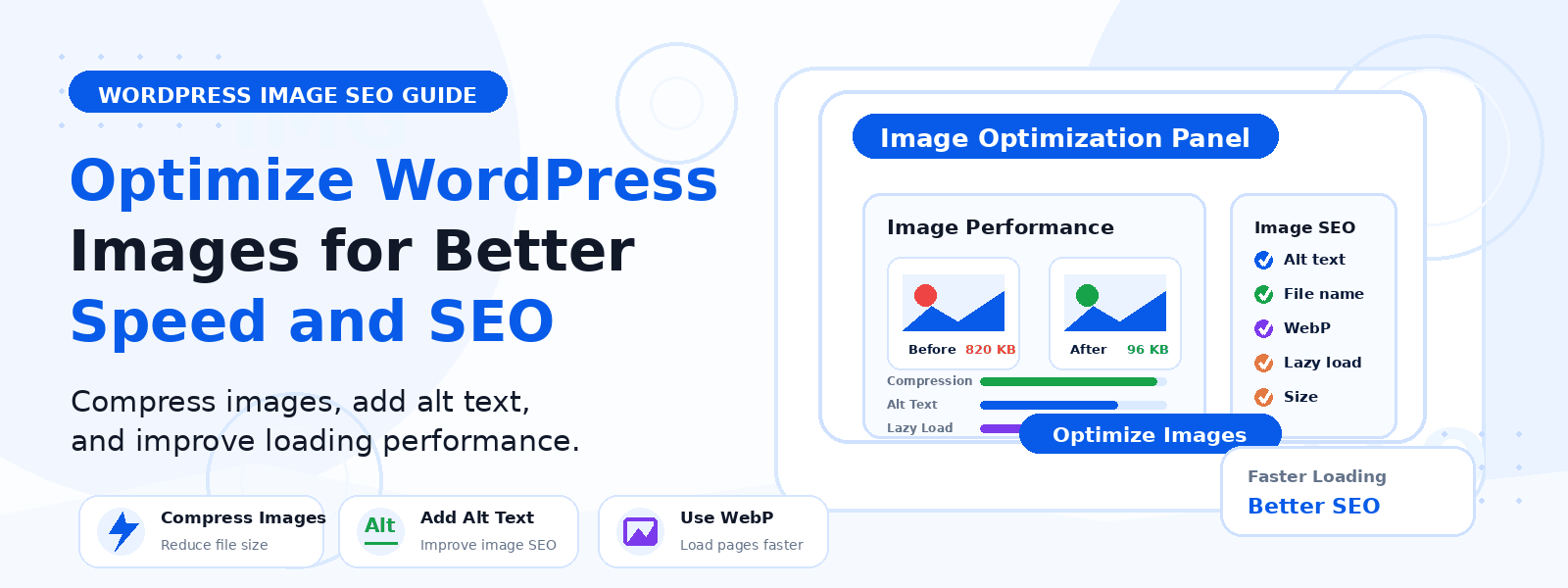
Images are one of the most powerful elements on any WordPress website — they make content more engaging, help illustrate complex ideas, and improve the overall visual appeal of your pages. However, unoptimized images are also one of the leading causes of slow page load times, which directly hurts both your SEO rankings and user experience.
In this guide, we’ll walk you through everything you need to know about optimizing WordPress images for better speed and SEO — from choosing the right file format to using WordPress tools and plugins that automate the process.
Why Image Optimization Matters for WordPress SEO
Google uses page speed as a ranking factor, and images are typically the largest contributor to a page’s total file size. A single uncompressed photo can be 3–5MB in size, which would take several seconds to load on a typical mobile connection. With Google’s Core Web Vitals now directly influencing search rankings, Largest Contentful Paint (LCP) — which is often triggered by a large hero image — is a metric you simply cannot ignore.
Beyond speed, properly optimized images also help with SEO through descriptive file names and alt text, which help search engines understand what your images depict, making them eligible to appear in Google Images search results.
Step 1: Choose the Right Image Format
The first step in image optimization is selecting the most appropriate file format for each image type:
- JPEG (.jpg) — Best for photographs and images with many colors. Offers good quality at relatively small file sizes. Use for hero images, blog post thumbnails, and product photos.
- PNG (.png) — Best for images that require transparency or contain sharp lines, text, or logos. File sizes are larger than JPEG, so use only when necessary.
- WebP (.webp) — Google’s modern image format that offers 25–35% smaller file sizes than JPEG and PNG at equivalent visual quality. All modern browsers support it, making it the preferred choice for new uploads.
- SVG (.svg) — Best for logos, icons, and illustrations. Infinitely scalable without quality loss and typically very small in file size.
Step 2: Resize Images Before Uploading
Never upload images larger than they will actually be displayed on your website. If your blog post content area is 800 pixels wide, there is no benefit to uploading a 4000-pixel-wide image — it will be displayed at 800 pixels regardless, but the browser still has to download all 4000 pixels worth of data. Use a tool like Adobe Photoshop, GIMP, Canva, or even the free web app Squoosh to resize images to the correct dimensions before uploading to WordPress.
Step 3: Compress Your Images
Image compression reduces file size by removing redundant data without significantly affecting visual quality. There are two types of compression:
- Lossy compression — Removes some image data permanently, resulting in smaller files. Best for photographs where minor quality reduction is acceptable.
- Lossless compression — Compresses files without any quality loss. Best for logos and graphics where precision matters.
For WordPress, plugins like Smush, ShortPixel, or Imagify can automatically compress images when you upload them and bulk-optimize your existing media library. Many of these tools also convert images to WebP format automatically.
Step 4: Add Descriptive Alt Text
Alt text (alternative text) serves two important purposes: it describes the image to search engines so they can index it properly, and it displays as a text substitute when an image fails to load or when a visitor uses a screen reader. Every image on your WordPress site should have descriptive, keyword-relevant alt text.
Good alt text is specific and descriptive: instead of “image.jpg” or “photo,” write “WordPress dashboard showing the Plugins menu open” or “laptop with WordPress editor on screen.” Include your target keyword naturally when it’s genuinely relevant to the image.
Step 5: Use Descriptive File Names
Before uploading an image, rename the file to something descriptive. Instead of “DSC_00234.jpg,” use “wordpress-image-optimization-guide.jpg.” This helps search engines understand the context of the image and can improve your visibility in Google Images search results.
Step 6: Enable Lazy Loading
Lazy loading delays the loading of images until they’re actually needed — that is, until the user scrolls down to where the image is positioned on the page. This significantly reduces initial page load time, especially on long pages with many images. WordPress 5.5 and later enables lazy loading automatically for all images via the native loading=”lazy” HTML attribute, so you don’t need a separate plugin for this.
Step 7: Use a Content Delivery Network (CDN)
A CDN stores copies of your images on servers distributed around the world, so when a visitor loads your page, images are served from the nearest server to their location rather than from your hosting server alone. This dramatically reduces image load times for international visitors. Popular CDN options for WordPress include Cloudflare, BunnyCDN, and Jetpack’s built-in CDN.
Conclusion
Image optimization is one of the most impactful performance improvements you can make on a WordPress website. By choosing the right format, resizing before uploading, compressing with a plugin, adding proper alt text, and enabling lazy loading, you can dramatically reduce your page load times and improve your SEO rankings. Start optimizing your images today — your visitors (and Google) will thank you for it.