
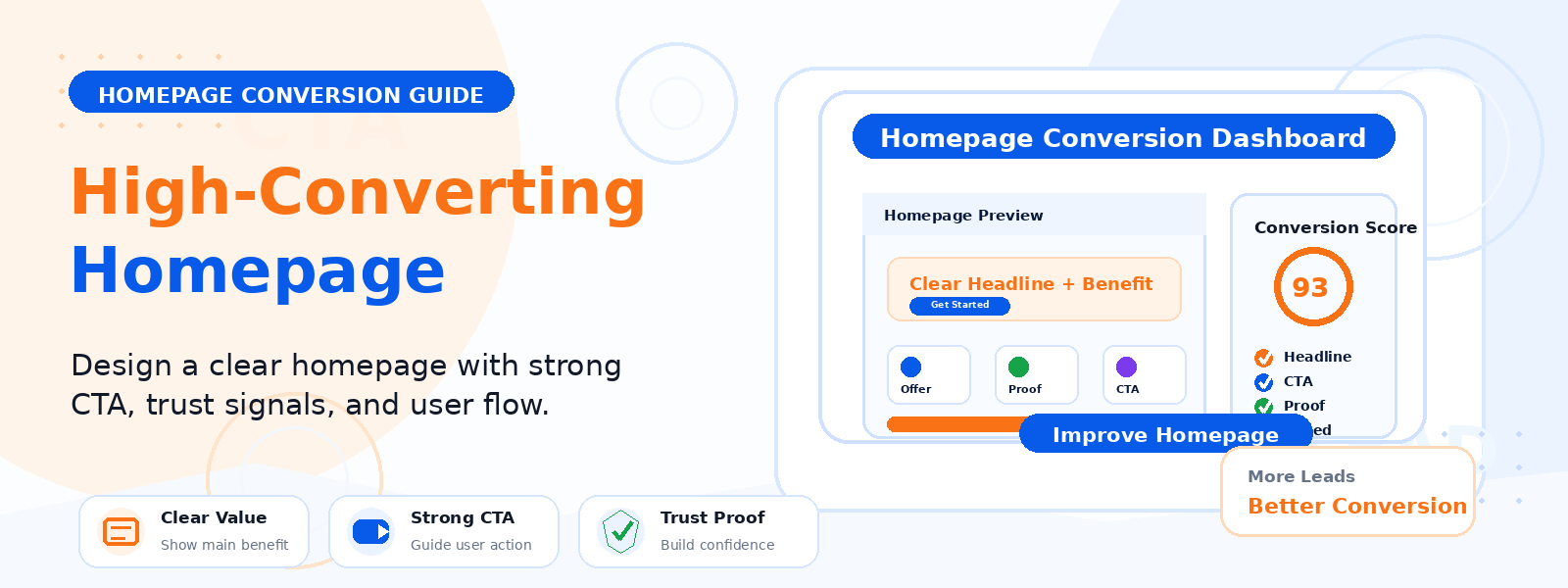
Your homepage is the digital equivalent of a storefront window — it’s the first thing most visitors see, and it has seconds to capture attention, communicate value, and motivate the next action. A high-converting homepage isn’t just visually appealing; it’s strategically designed to guide specific visitors toward specific goals with minimal friction.
In this comprehensive guide, we’ll walk through the key elements of a high-converting WordPress homepage and the practical steps you can take to design one that works hard for your business.
Define Your Homepage’s Primary Goal
Before designing or rewriting anything, you need to be crystal clear about what your homepage should make visitors do. Different business types have different primary homepage goals: an eCommerce store wants visitors to browse products and add items to their cart; a service business wants visitors to request a quote or schedule a consultation; a content site wants visitors to subscribe to a newsletter or read a featured article. Every design and copy decision on your homepage should be made in service of this single primary goal.
Craft a Clear Above-the-Fold Value Proposition
The area visible on screen without scrolling is your most valuable real estate. It must answer three questions immediately: What do you offer? Who is it for? Why should I care? Your headline should be specific, benefit-focused, and written in plain language your target customer uses. Your subheadline should provide one sentence of elaboration. Your primary call-to-action button should be immediately visible and use action-oriented text. Together, these elements should give a first-time visitor a complete understanding of your site’s purpose within five seconds.
Build a Compelling Hero Section
The hero section — the full-width area at the top of your page — sets the visual tone and emotional register of your homepage. Use high-quality, relevant imagery or video that represents your brand’s core benefit or outcome. For a WooCommerce theme like Codersly Shop, showcasing a beautifully rendered product or store environment conveys professionalism and quality instantly. Ensure your hero image is optimized for fast loading — a slow-loading hero directly harms both user experience and Core Web Vitals scores.
Showcase Your Key Products or Services
After the hero section, guide visitors toward your most important offerings. Feature your top three to six products, services, or content categories with clear icons, images, brief descriptions, and strong “Learn More” or “Shop Now” links. Avoid overwhelming visitors with too many choices — decision fatigue is real, and presenting too many options at once causes visitors to choose none. Curate your most important offerings and let secondary items live deeper in your site architecture.
Include Strategic Social Proof
Social proof — evidence that other people trust and value what you offer — is one of the most powerful conversion tools on any homepage. Include customer testimonials with real names and photos, product or service reviews with star ratings, notable client logos, user count milestones (“Trusted by 50,000+ WordPress users”), or media mentions. Position your strongest social proof element near the top of the page, ideally directly below your hero section where it reinforces credibility before visitors start evaluating your offerings in detail.
Optimize for SEO
A converting homepage also needs to rank well in search results to attract organic traffic. Ensure your homepage has a unique, keyword-optimized meta title and description. Include naturally written content that incorporates your primary target keywords. Use semantic HTML with proper heading hierarchy (one H1, followed by H2 and H3 subheadings). If you use an SEO plugin like Codersly SEO, take advantage of the homepage-specific SEO settings to customize how your site appears in search results and social media previews.
Track Visitor Behavior
Understanding how visitors interact with your homepage is essential for improving it over time. Use a visitor analytics tool like Codersly Visitor Tracker to understand traffic sources, session duration, and which elements draw the most engagement. This data reveals where visitors click, how far they scroll, and where they drop off — insights that guide your conversion optimization decisions with evidence rather than guesswork.
Ensure Mobile Optimization
More than half of all website traffic comes from mobile devices, and a homepage that looks perfect on desktop but breaks or underperforms on mobile is leaving significant conversions on the table. Test your homepage thoroughly on multiple mobile screen sizes. Check that all text is readable without zooming, buttons are large enough to tap accurately, images scale correctly, and the overall flow of the page makes sense on a small screen. Mobile page speed is particularly critical — compress all images aggressively and minimize render-blocking resources for your mobile audience.
Conclusion
A high-converting WordPress homepage is the result of intentional design, clear messaging, strategic social proof, and continuous optimization based on real visitor data. Define your goal, communicate your value proposition immediately, showcase your best offerings, build trust with social proof, and make the next step unmistakably clear. Then measure, test, and refine — your homepage should be treated as a living asset that improves continuously as you learn more about your visitors.