
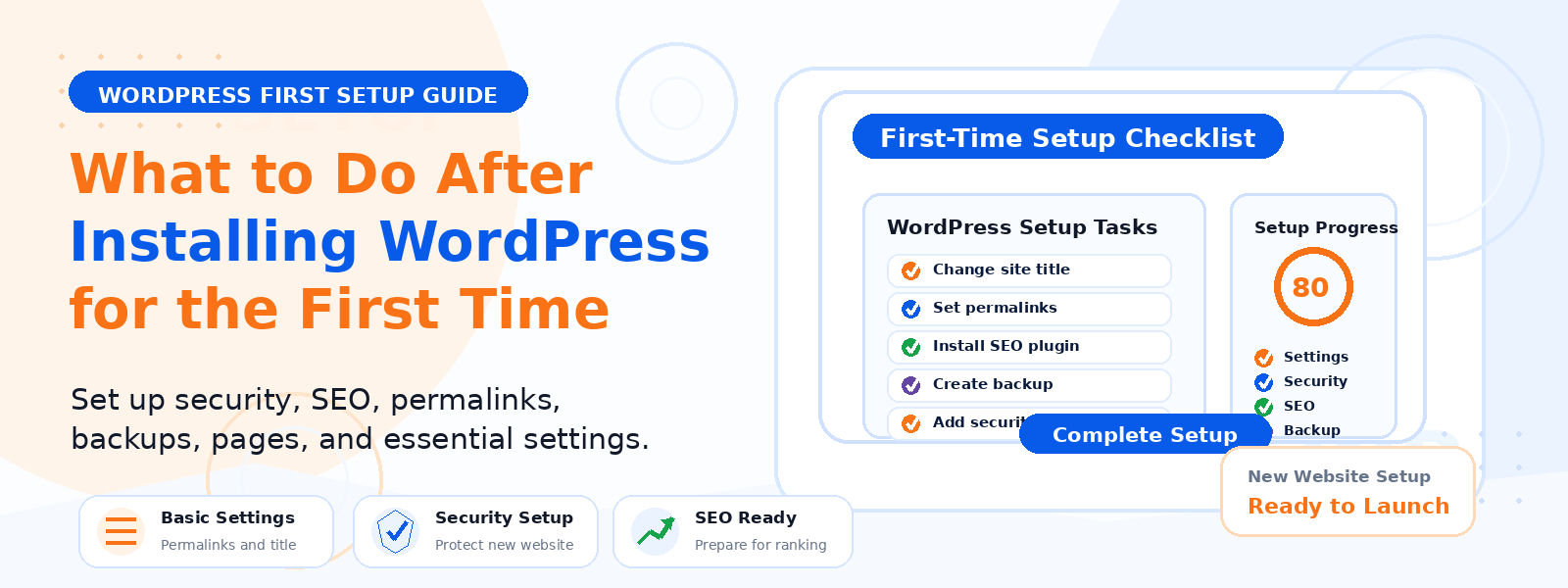
Congratulations on successfully installing WordPress! Getting the platform running is just the first step. What you do in the next few hours and days after installation will shape the performance, security, SEO, and long-term success of your website. Many new site owners skip this crucial setup phase and jump straight to designing and publishing content, only to encounter avoidable problems weeks or months later.
In this guide, we will walk through all the essential steps you should take immediately after your initial WordPress installation to set your site up for success from day one.
Step 1: Set Your Permalink Structure
One of the most important settings to configure before publishing any content is your permalink structure. The default WordPress permalink uses a numeric ID format which is neither readable nor SEO-friendly. Go to Settings, then Permalinks, and select the Post name option to use clean URLs like /your-post-title/. Get this right from the start, as changing it after publishing content requires setting up redirects for all changed URLs.
Step 2: Delete Default Content
A fresh WordPress installation includes placeholder content: the Hello World sample post, the Sample Page, and default comments. Delete all of these before publishing any real content. Also remove any pre-installed plugins you will not be using to keep your plugin library clean from the beginning.
Step 3: Choose and Install Your Theme
Select and activate your WordPress theme. After activating, configure your theme settings through the WordPress Customizer. For WooCommerce stores, a theme specifically designed and optimized for eCommerce will provide the best results. Consider purpose-built options like Codersly Shop for fast, conversion-focused online stores that prioritize performance and product presentation.
Step 4: Install Essential Plugins
A fresh WordPress installation benefits from a focused set of foundational plugins covering four core areas: an SEO plugin for meta tag management and XML sitemaps such as Codersly SEO, a backup plugin configured to run automated daily backups to a remote location, a security plugin for brute force protection and malware scanning, and a caching plugin for improved page loading speed. Install only what you genuinely need at launch.
Step 5: Configure Your General Settings
Review Settings then General carefully. Set your Site Title and Tagline appropriately. Verify that your site URL uses https with SSL. Set your timezone to your local timezone for accurate post scheduling. Set your date and time formats to match your audience’s regional conventions. These basic settings affect how your site presents itself throughout WordPress and to visitors.
Step 6: Set Up Your Homepage
Decide whether your homepage will display a static page or your latest blog posts through Settings then Reading. For business websites and eCommerce stores, a static homepage is almost always the better choice. Create a dedicated Home page and set it as your static homepage. Create a separate Blog page if you intend to publish articles. This gives you full control over your homepage design and messaging.
Step 7: Configure Discussion Settings
Review Settings then Discussion and configure your comment policy. Consider disabling comments on pages, enabling comment moderation for first-time commenters, and disabling trackbacks and pingbacks which are primarily exploited for spam. If you do not plan to have a blog with active discussion, disable comments globally to eliminate a potential spam vector.
Step 8: Set Up Google Analytics and Search Console
Connect your site to Google Analytics 4 and Google Search Console as soon as possible, ideally before publishing any content. These free tools allow you to track performance from day one. Submit your XML sitemap through Search Console. Understanding your traffic, tracking SEO performance, and identifying technical issues requires these tools working before your first visitor arrives.
Step 9: Configure Security Basics
Implement basic security measures before your site goes live. Change the default admin username if it was set to admin. Install and configure a security plugin with brute force login protection. Enable SSL if not already active. Schedule regular automated backups. Consider changing your WordPress login URL to a custom path to reduce automated login attack attempts.
Step 10: Create Essential Pages
Create the foundational pages every website needs before launch: an About page that introduces your brand, a Contact page with a working contact form, a Privacy Policy page which is legally required in most jurisdictions if you collect any user data, and Terms of Service if applicable. Link these pages in your footer navigation.
Conclusion
Taking the time to properly configure your WordPress installation before publishing content creates a strong foundation for performance, security, SEO, and user experience. Work through this checklist systematically and you will launch with confidence, having avoided the most common early-stage WordPress mistakes that create expensive problems later.