
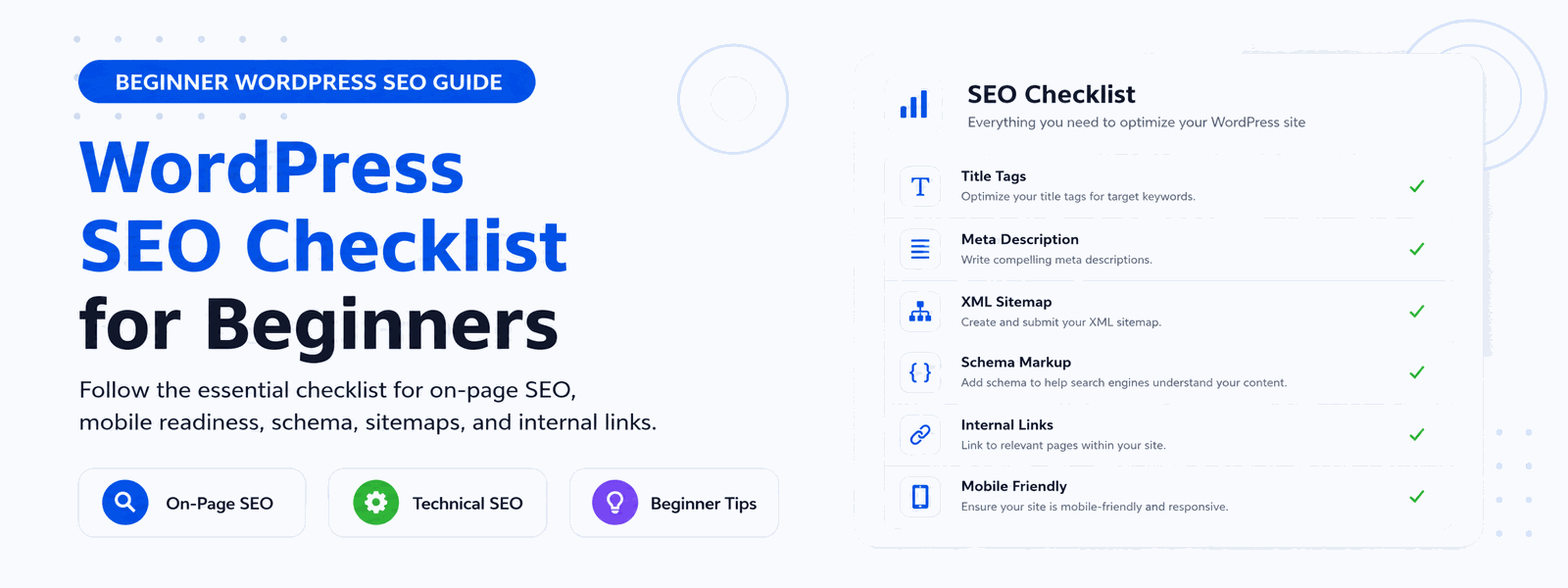
Whether you’ve just launched your WordPress website or want to improve your existing site’s rankings, following a comprehensive WordPress SEO checklist is the best way to ensure you haven’t missed any critical optimization steps. SEO involves dozens of individual tasks that work together — missing even one can limit your potential in search results. This checklist covers everything a beginner needs to get their WordPress site properly optimized from the ground up.
Why Use an SEO Checklist for WordPress?
SEO involves many interdependent tasks, and it’s surprisingly easy to overlook important steps, especially when you’re learning. Missing something like forgetting to submit an XML sitemap, leaving your site set to “discourage search engines” in WordPress settings, or not setting canonical URLs can significantly limit your search visibility. A systematic checklist ensures complete, consistent optimization — no critical steps missed, no important tasks forgotten.
Complete WordPress SEO Checklist for Beginners
1. Install a Reliable SEO Plugin
Your first and most important step is installing a reliable WordPress SEO plugin. Codersly SEO Lightweight Plugin gives you all the essential SEO tools you need — meta tag management, XML sitemaps, schema markup, and more — without slowing down your site with unnecessary bloat.
2. Set Your Site Title and Tagline
Go to Settings → General in your WordPress dashboard and set a clear, descriptive site title that includes your primary keyword or business name. Your tagline should succinctly describe what your website offers. Both appear in browser titles and can influence how your site appears in search results.
3. Configure Search Engine Visibility
Go to Settings → Reading and confirm that “Discourage search engines from indexing this site” is NOT checked. This setting is sometimes accidentally left enabled after development, effectively hiding your entire site from Google. Check it immediately when setting up any new WordPress site.
4. Set Up Your Permalink Structure
Go to Settings → Permalinks and select “Post name” as your permalink structure (yoursite.com/post-name/). This creates clean, descriptive URLs that are both user-friendly and SEO-friendly. Avoid the default numeric URL structure which provides no keyword information to search engines.
5. Write Optimized Meta Titles and Descriptions
For each important page and post, write a unique meta title that includes your primary keyword and stays under 60 characters. Write a compelling meta description between 120–160 characters that accurately describes the page and encourages clicks. Your SEO plugin handles the technical implementation — you provide the content.
6. Create and Submit an XML Sitemap
Enable XML sitemap generation in your SEO plugin settings and submit the sitemap URL to Google Search Console and Bing Webmaster Tools. This ensures search engines can discover all your important pages, even new content that doesn’t have many internal links yet.
7. Add Alt Text to All Images
Every image on your website should have descriptive alt text that accurately describes the image content. Alt text helps visually impaired users and assistive technologies understand your images. It also provides search engines with context for image content, contributing to both regular search and image search visibility.
8. Enable SSL/HTTPS
Google gives preference to secure websites in search rankings. Ensure your site runs on HTTPS rather than HTTP — most modern hosting providers include free SSL certificates via Let’s Encrypt. If you’re still on HTTP, migrating to HTTPS is an immediate SEO win.
9. Set Up Google Search Console
Verify your website with Google Search Console to access performance data, monitor which queries bring visitors to your site, identify crawling and indexing issues, and get notified of any penalties or manual actions. Search Console is free and provides invaluable SEO intelligence available nowhere else.
10. Check Mobile-Friendliness
Google uses mobile-first indexing, meaning it primarily uses the mobile version of your site for ranking purposes. Use Google’s Mobile-Friendly Test to confirm your site works correctly on smartphones and tablets. If issues are found, work with your theme developer or a plugin to resolve them promptly.
11. Optimize Page Speed
Page speed is a direct ranking factor and significantly impacts user experience. Use a lightweight WordPress theme, a quality caching plugin, image optimization, and a minimalist SEO plugin to keep your site fast. Target a Google PageSpeed Insights score of 80+ on mobile as your initial performance goal.
12. Set Up an Internal Linking Strategy
Internal links connect your pages to each other, helping search engines understand your site structure and distributing page authority across your content. When publishing new posts, always look for opportunities to link to relevant existing content — and go back to older posts to link to new ones. A strong internal linking structure is one of the most underutilized SEO techniques for beginners.
Ongoing SEO Tasks to Add to Your Regular Routine
SEO isn’t a one-time task — it requires ongoing attention. Regularly review your Google Search Console data for performance insights and issues. Monitor your rankings for primary keywords and adjust your strategy based on what’s working. Refresh older content periodically to keep it accurate and relevant. Build quality backlinks by creating content worth linking to and reaching out to relevant websites in your niche.
Conclusion
Use this WordPress SEO checklist alongside the Codersly SEO Plugin to systematically optimize your website from top to bottom. Good SEO is built step by step — start with these fundamentals, implement them correctly, and then build toward more advanced strategies as your knowledge and website grow.